Delete your account
«My account» → «Delete my account» → type the confirmation word — your account, videos, recordings and remaining points are deleted at once and can't be recovered.
Account ownerWordPress siteNews siteScreen «Account»
- 1
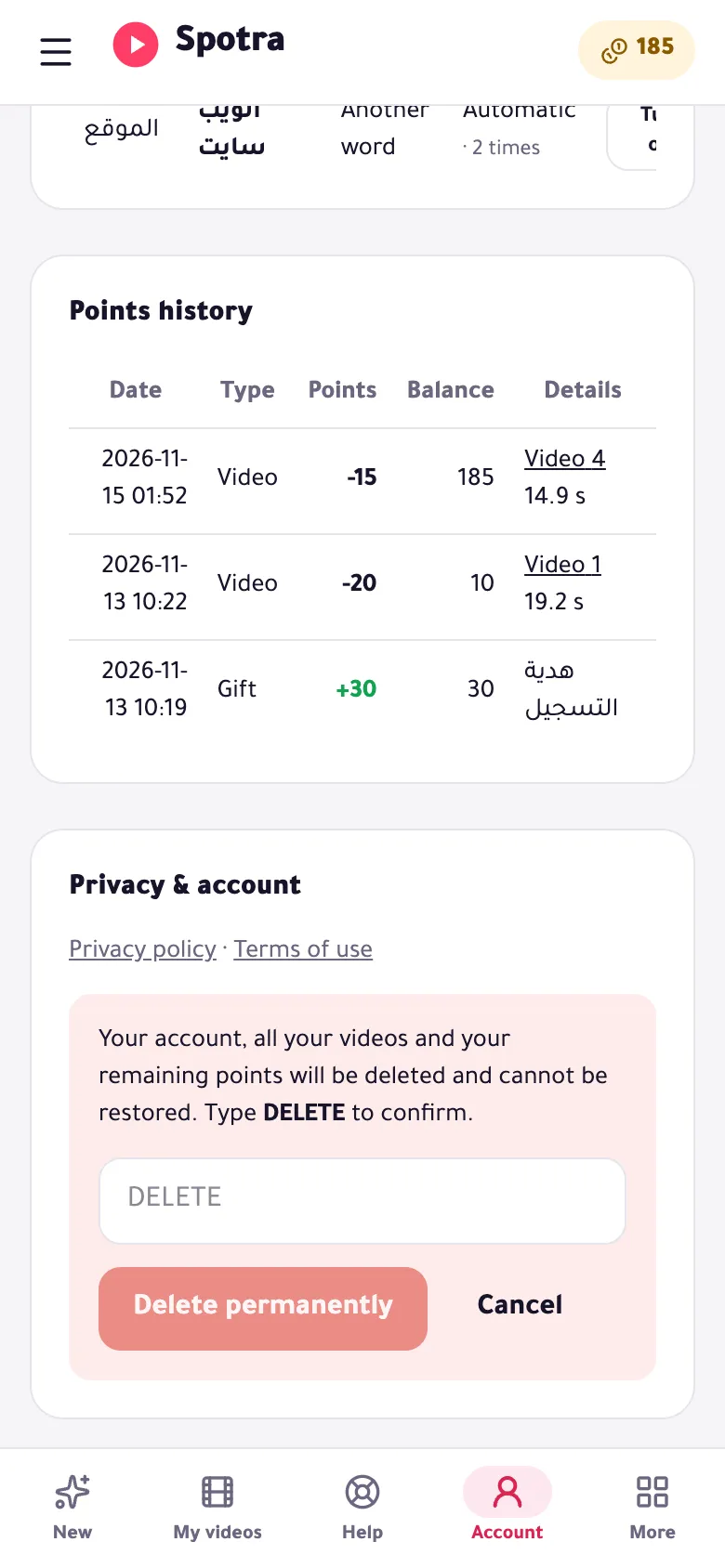
Open «My account» and scroll to «Privacy & account».
- 2
Tap «Delete my account».
- 3
Type the confirmation word shown in the box (delete).
- 4
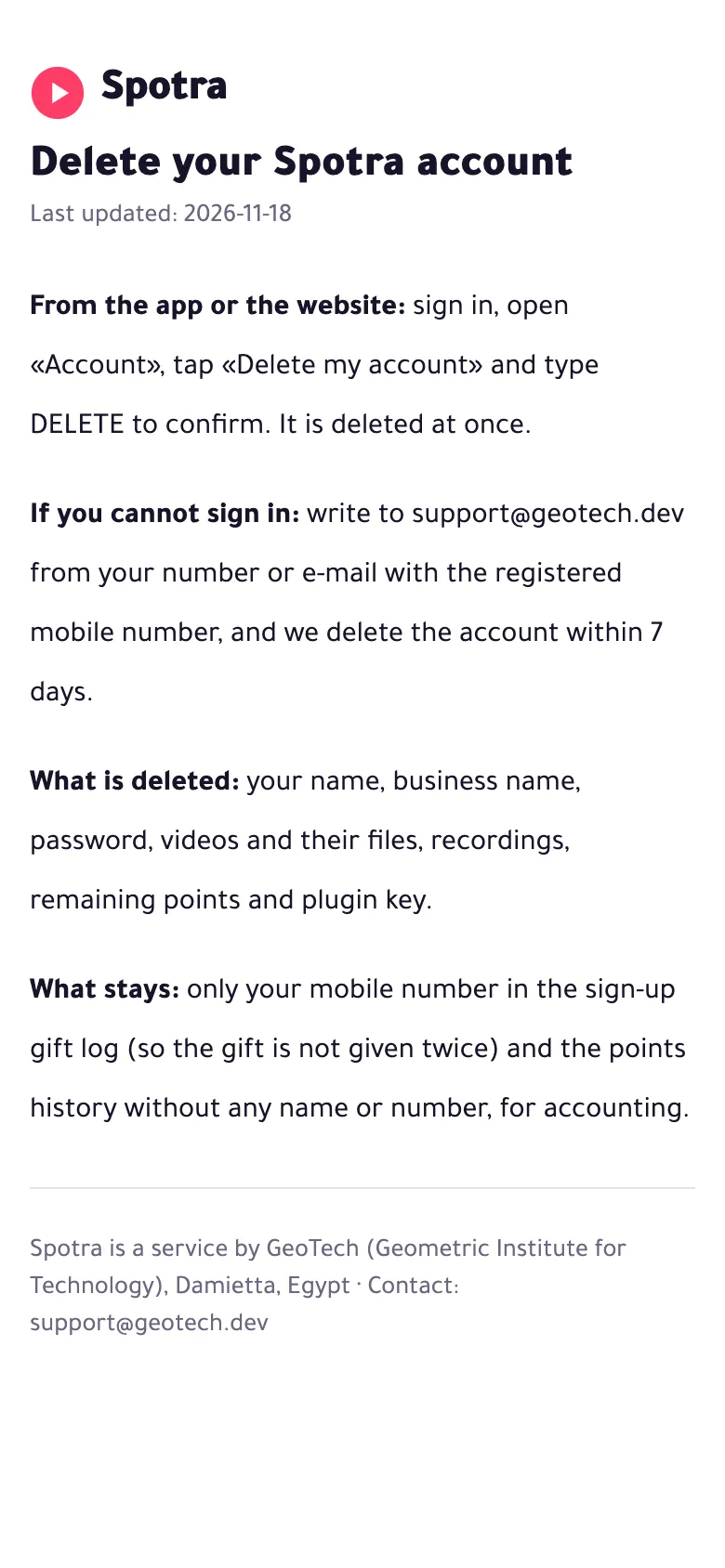
Tap «Delete permanently» — you land on the «Your account was deleted» page.
Real screenshots from Spotra — the number is the step, and the coloured frame shows where to tap. Tap a picture to enlarge it.
Can't sign in? The «Delete a Spotra account» page explains how to ask by email.
The gift isn't given again if you create a new account with the same number.
Was this article helpful?