How can we help?
Everything in Spotra, step by step — with real screenshots on mobile and desktop.
Topics
Getting started
Your account, your first video and gift points
3 articlesMaking a video
Link or your photos, the words, length, look, dialect and voice
9 articlesVoice & review
Listen word by word, fix words, approve, and your voice dictionary
8 articlesThe final video
Preview, final video, download, how long it is kept, captions and end card
9 articlesPoints
One point = one second, your points history, and adding points
4 articlesWordPress & WooCommerce plugin
Install, your key, and videos from a product or post page
5 articlesAccount & app
The mobile app, privacy, and deleting your account
4 articlesCommon problems
Code didn't arrive, link couldn't be read, a wrong word, a stopped video
7 articlesMost read
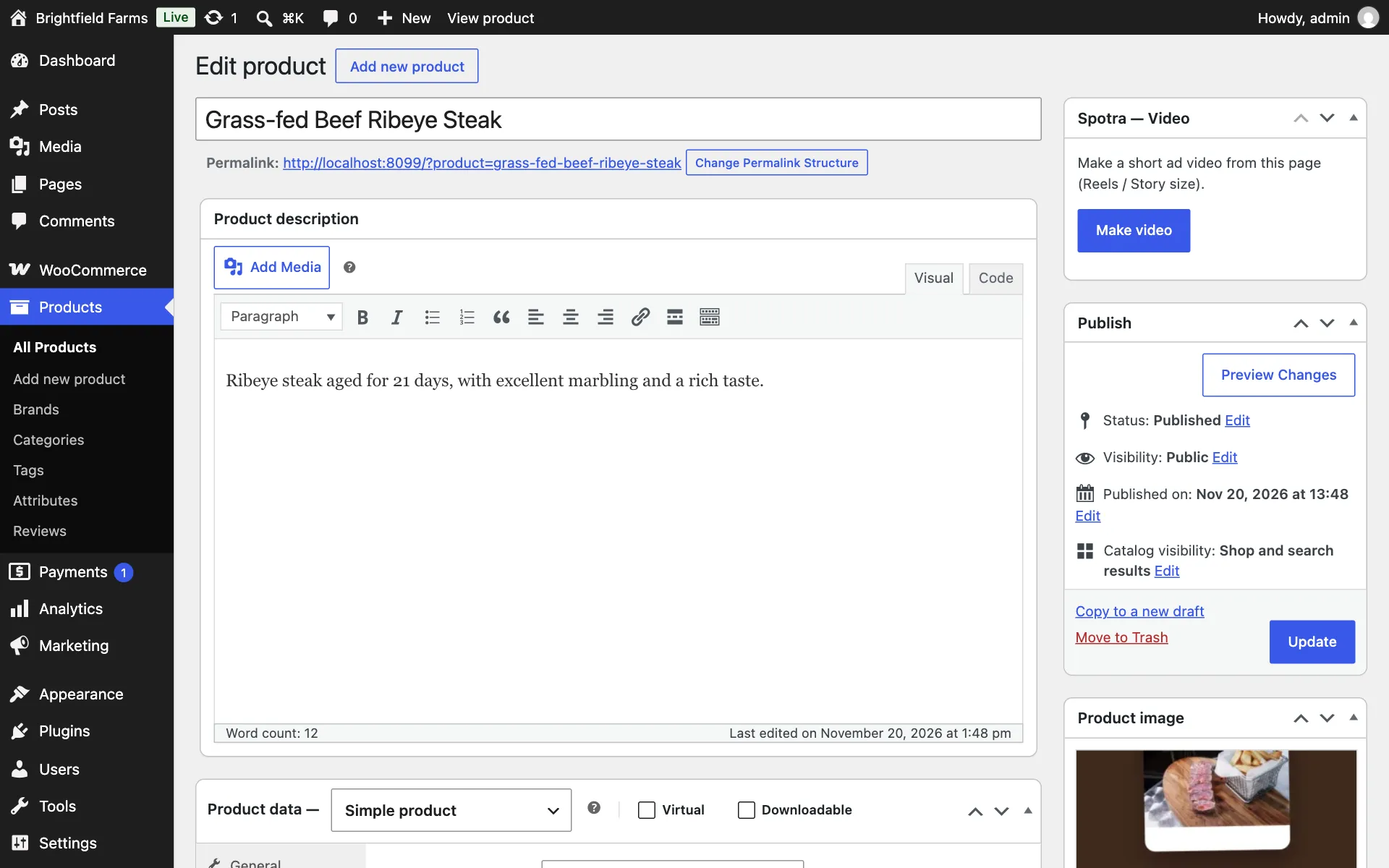
On the product or post edit screen: the «Spotra — Video» box → «Make video» → «Review the voice on Spotra».
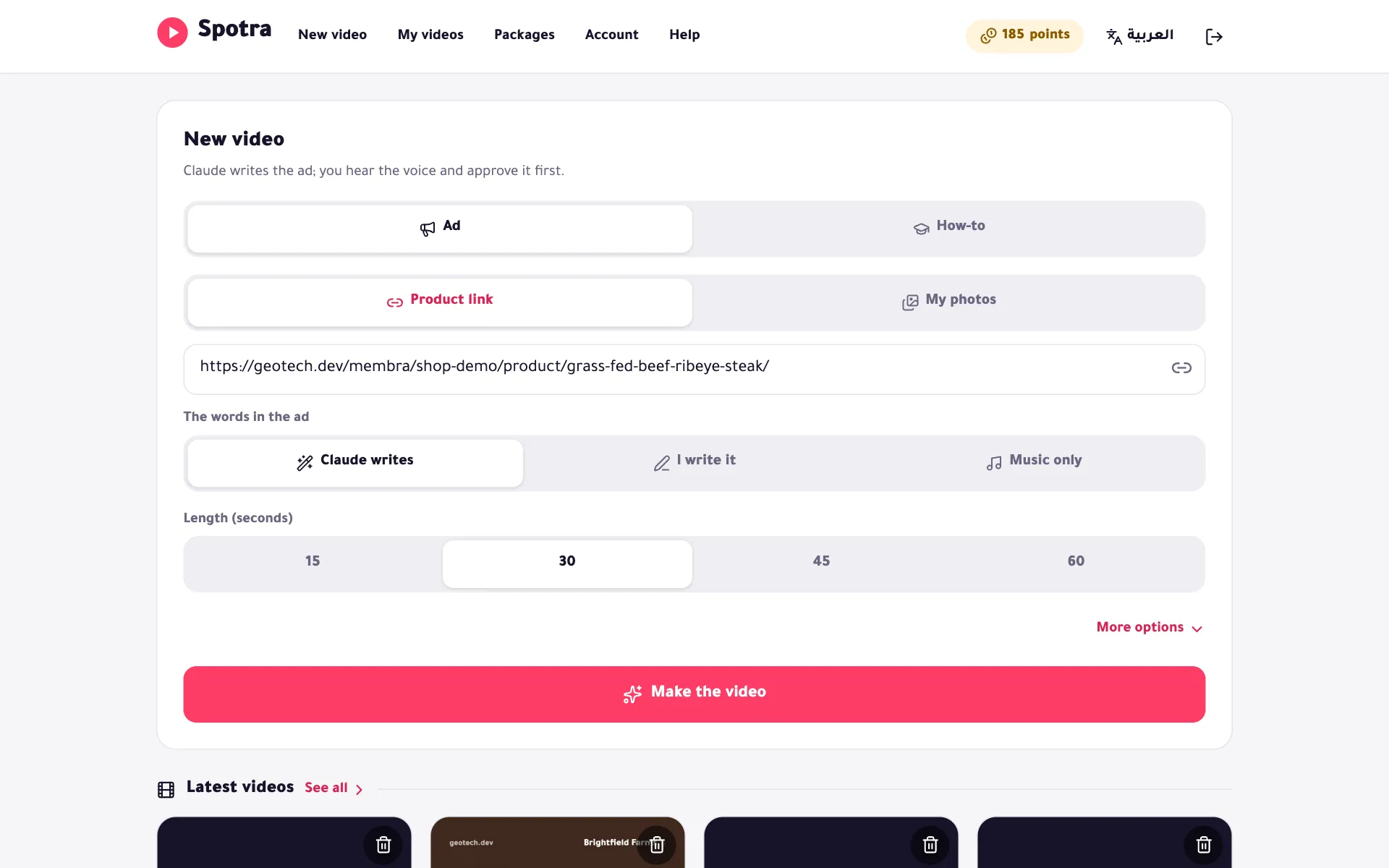
A product link or your photos → script and voice ready → listen and approve → free preview → final video and download.
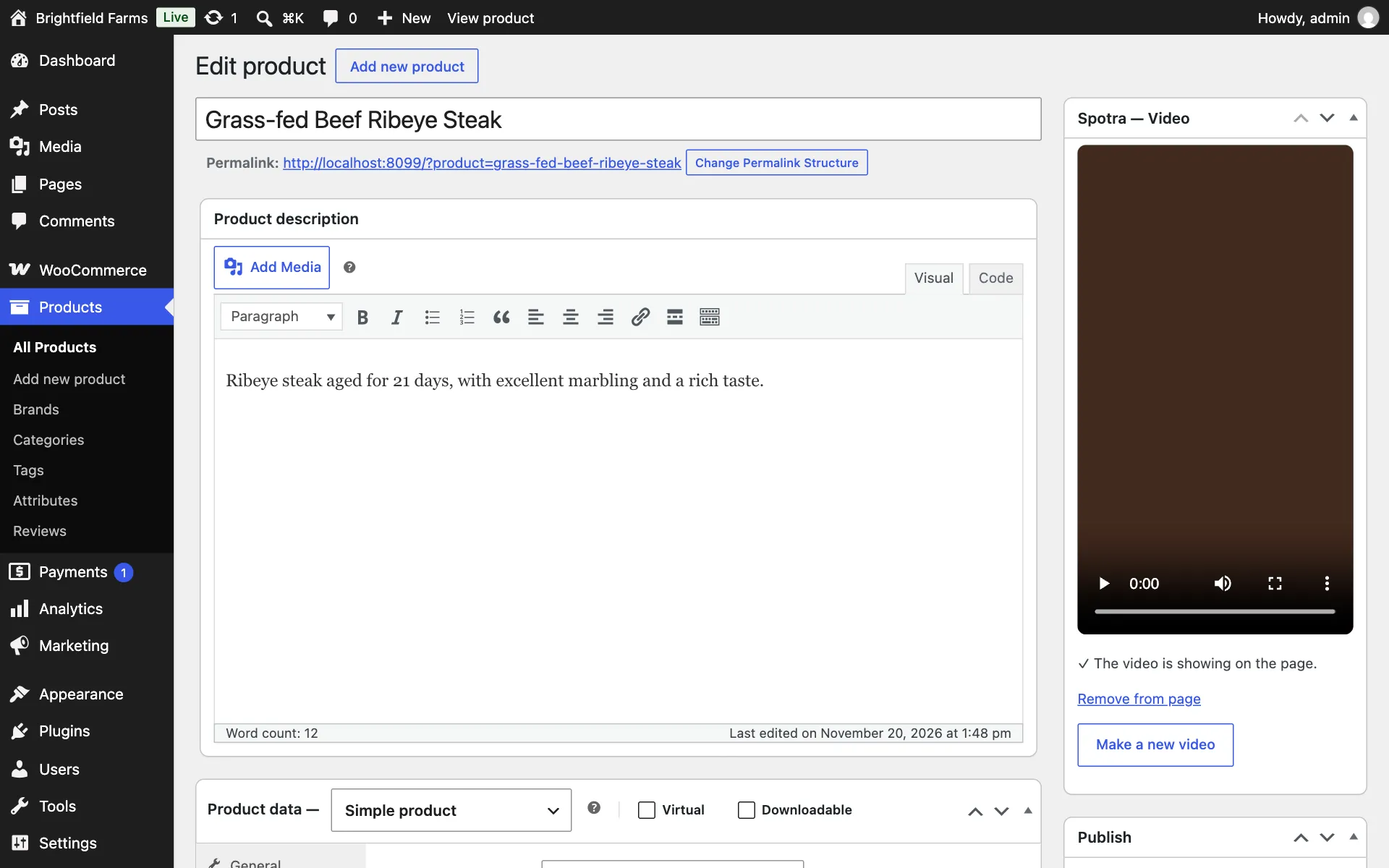
From the «Spotra — Video» box on the edit screen: «Remove from page» or «Make a new video».
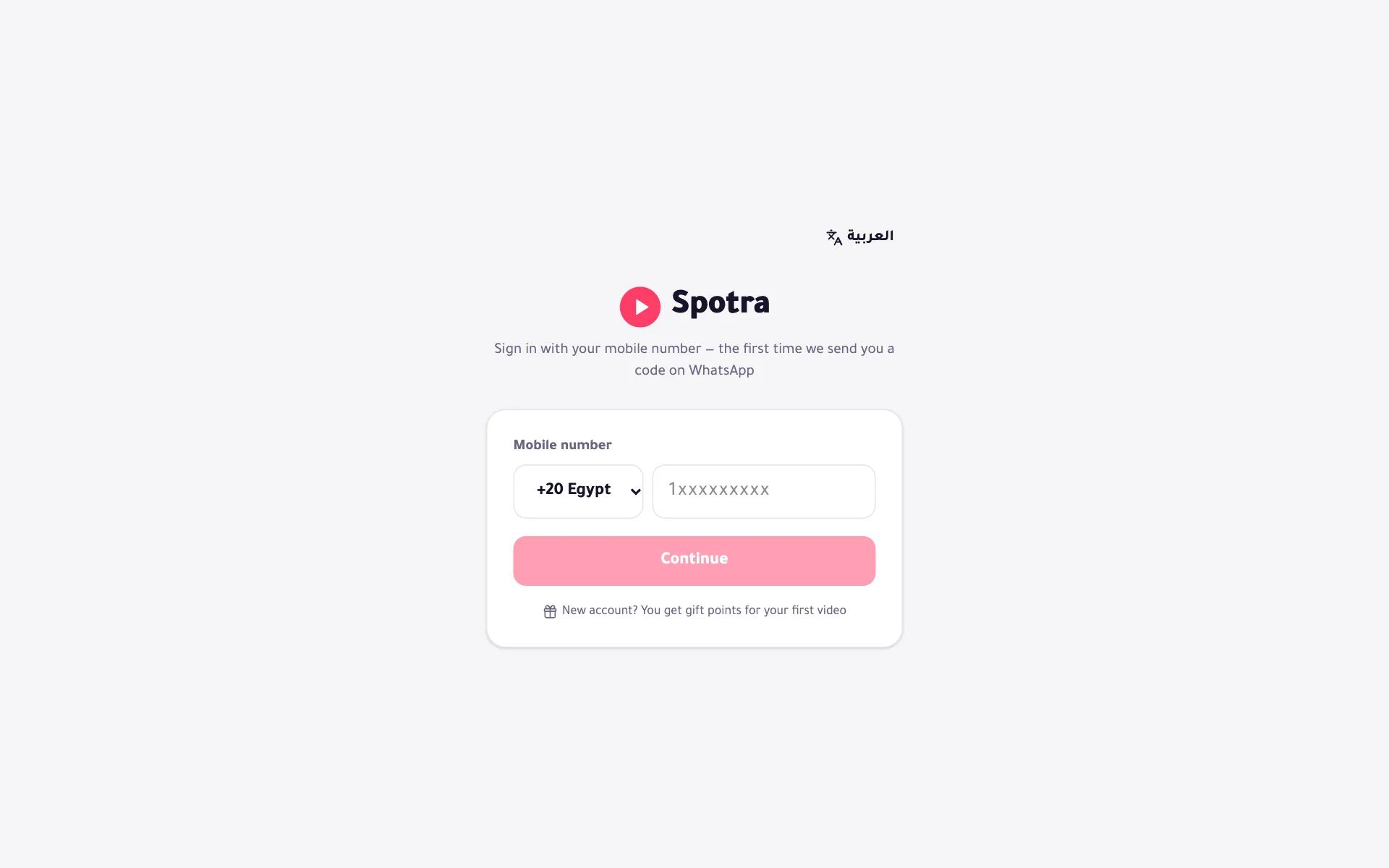
From the sign-in screen: «Forgot your password? Send me a WhatsApp code» → the code → a new password.
An article link becomes a video with a headline, a news ticker and a quote, ending with «Read the full story» and a QR code to the article.
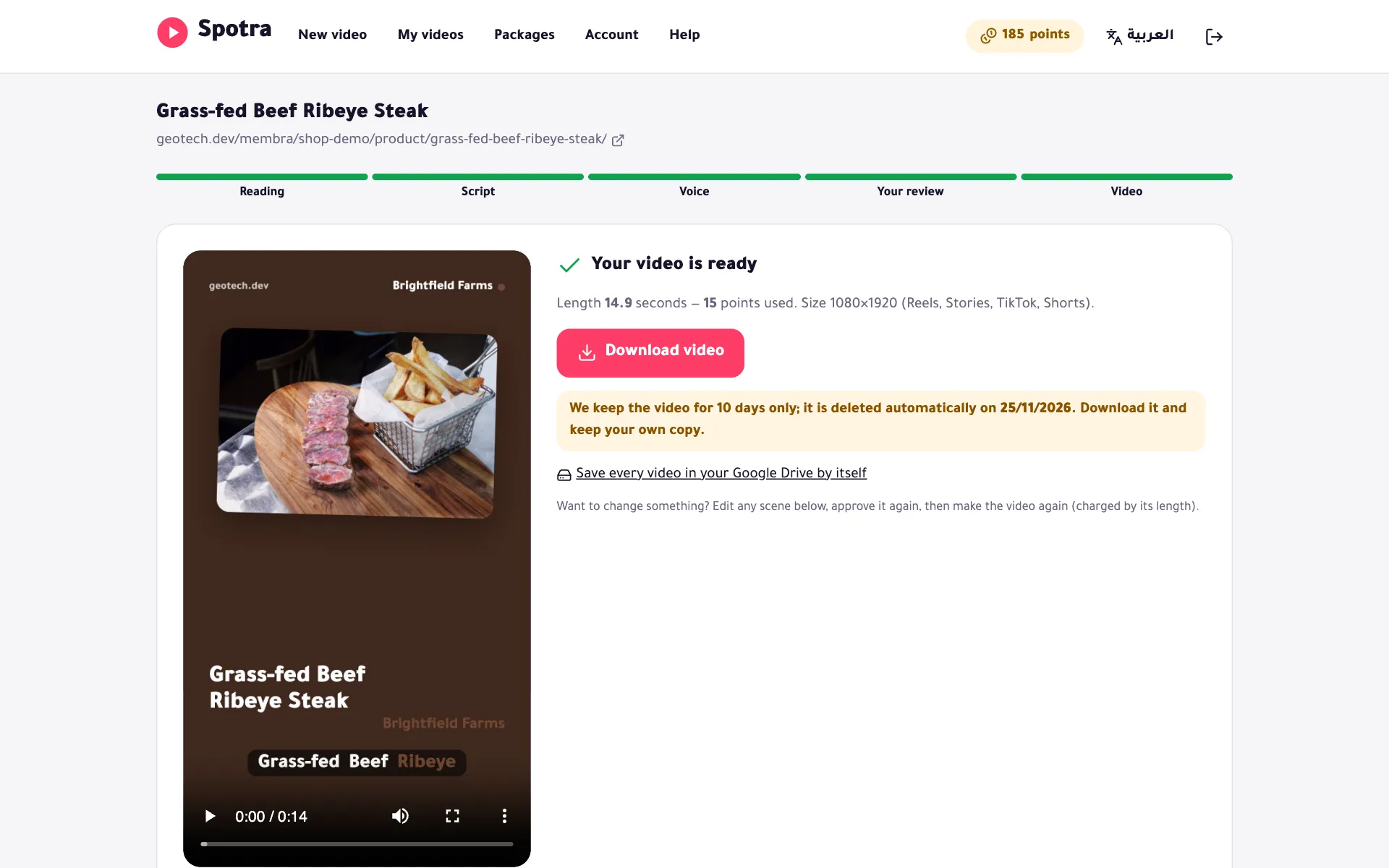
Edit any scene below the finished video and approve it again, then tap «Make the final video» once more — it's charged by its length.
Contact us and we will reply.
See all Spotra features