Your first video in 5 steps
A product link or your photos → script and voice ready → listen and approve → free preview → final video and download.
- 1
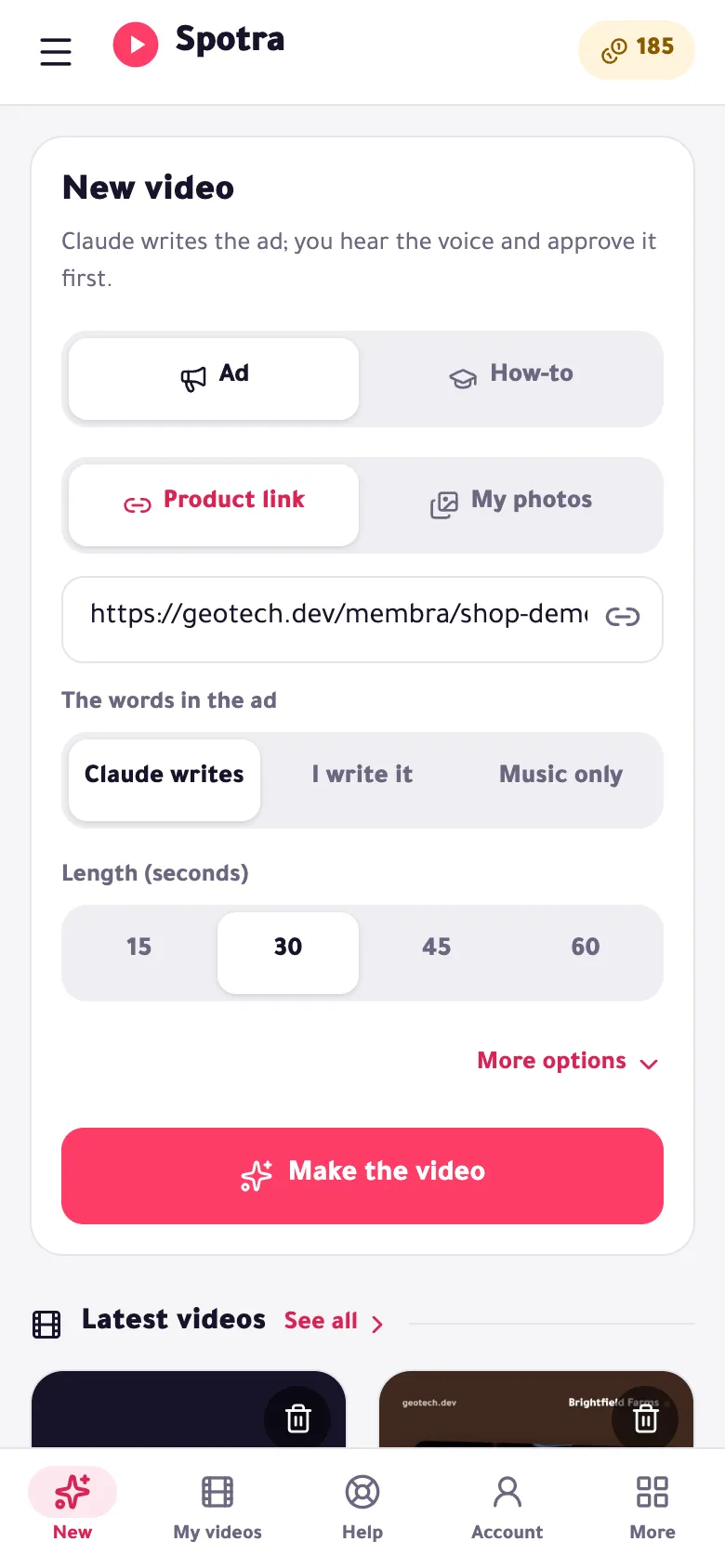
In «New video» paste a product link from your store (or an article from your site), or choose «From my photos» and add your product photos, then tap «Make the video».
- 2
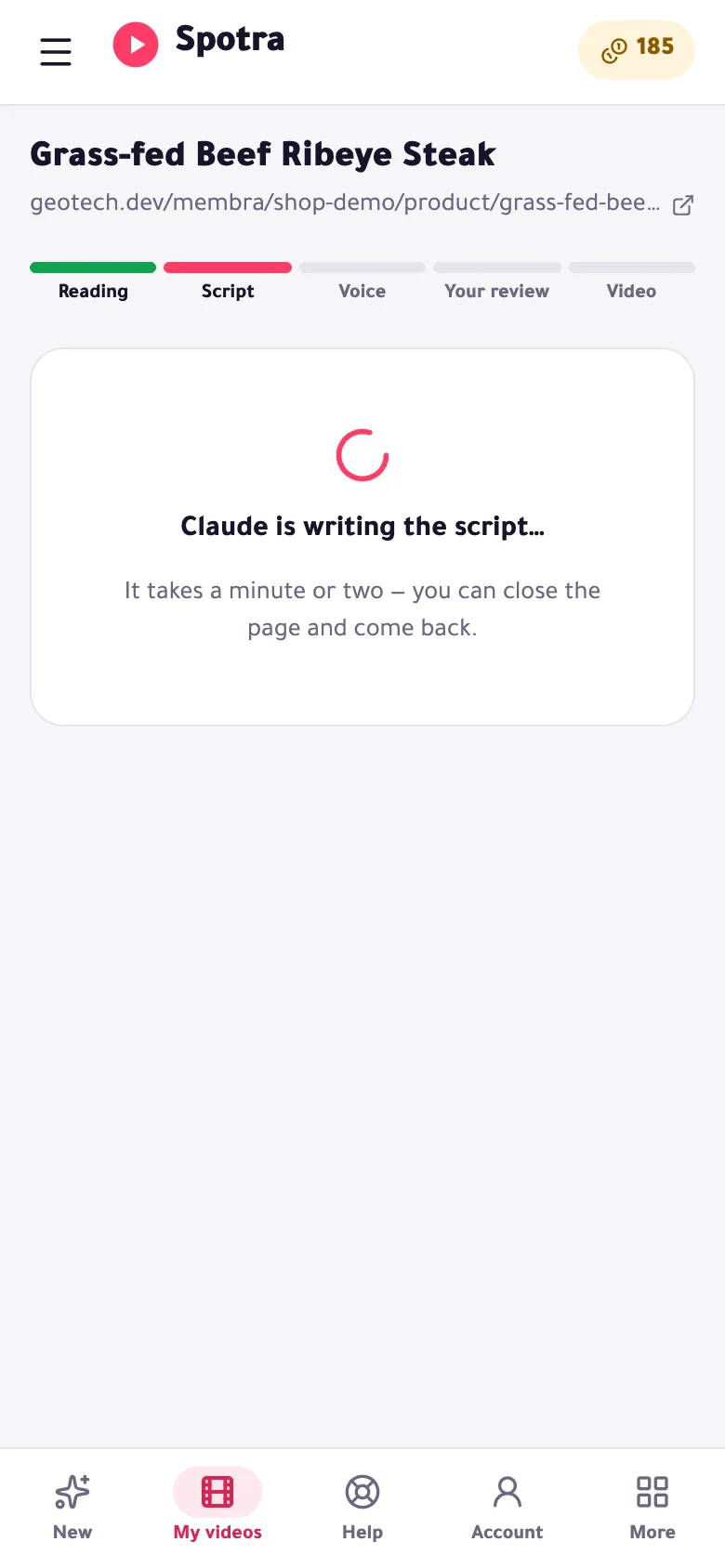
Wait a minute or two: we read the page, Claude writes the script and we record the voice. You can close the page and come back.
- 3
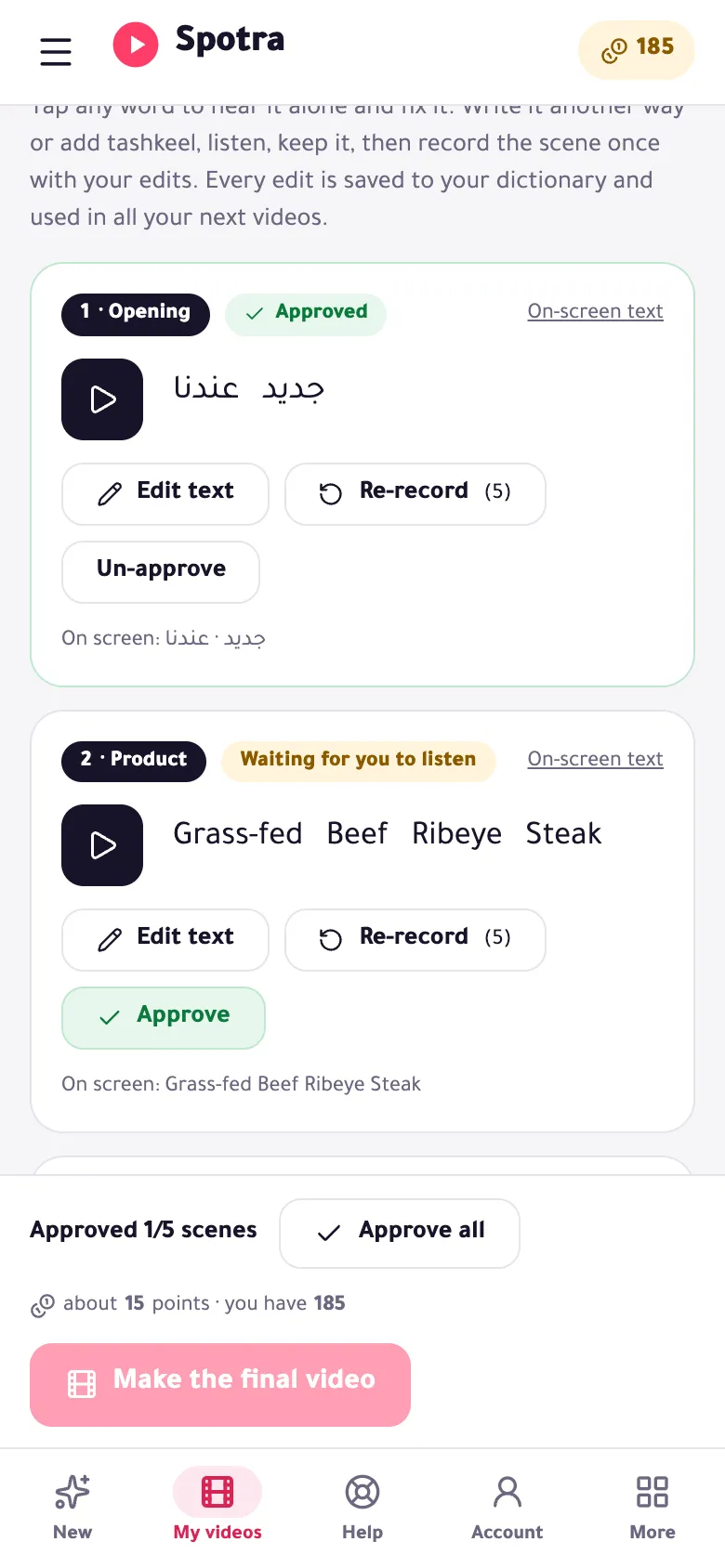
Listen to each scene — tap any word to hear it alone — then tap «Approve» (or «Approve all»).
- 4
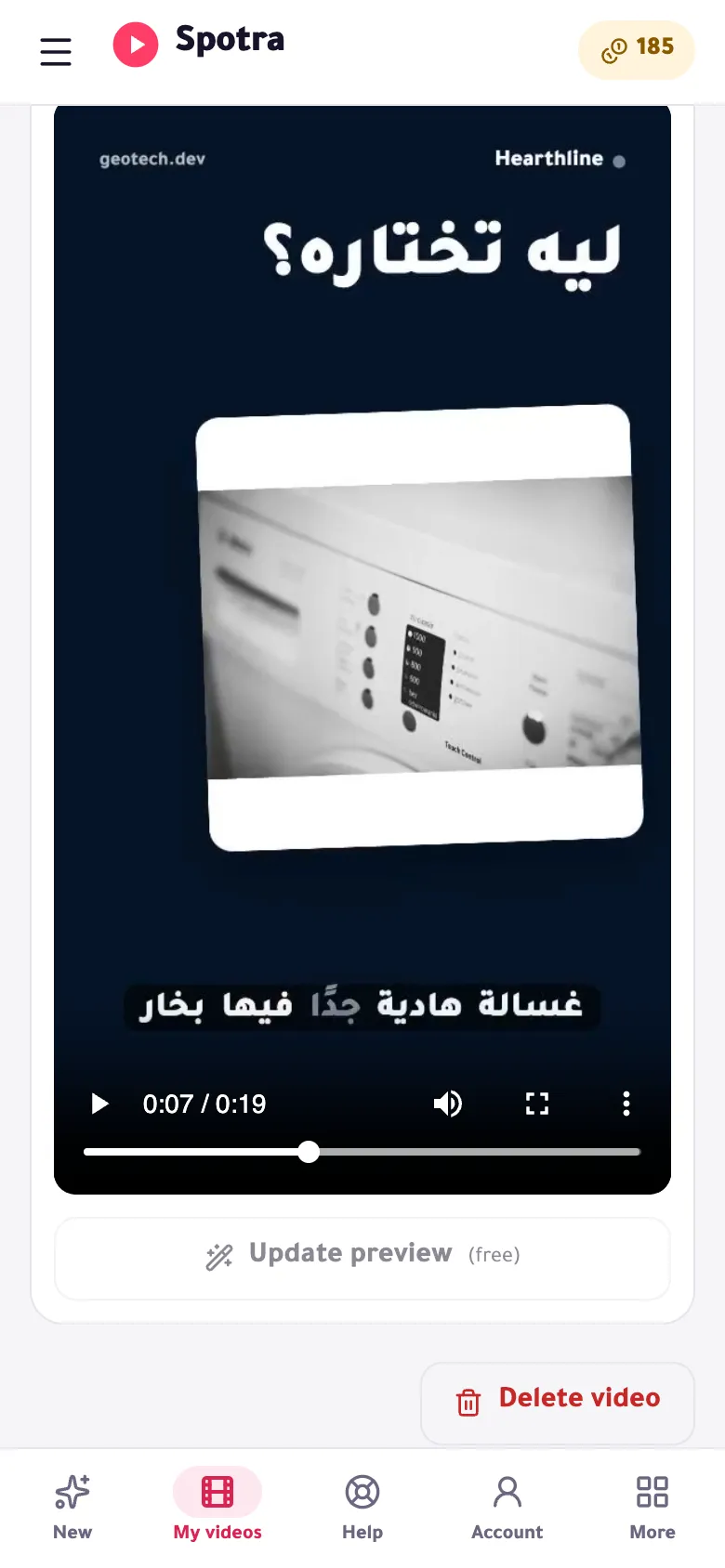
Tap «Make a preview» on the side to see how it looks — it's free.
- 5
Tap «Make the final video» → after about two minutes, tap «Download video» and keep it.
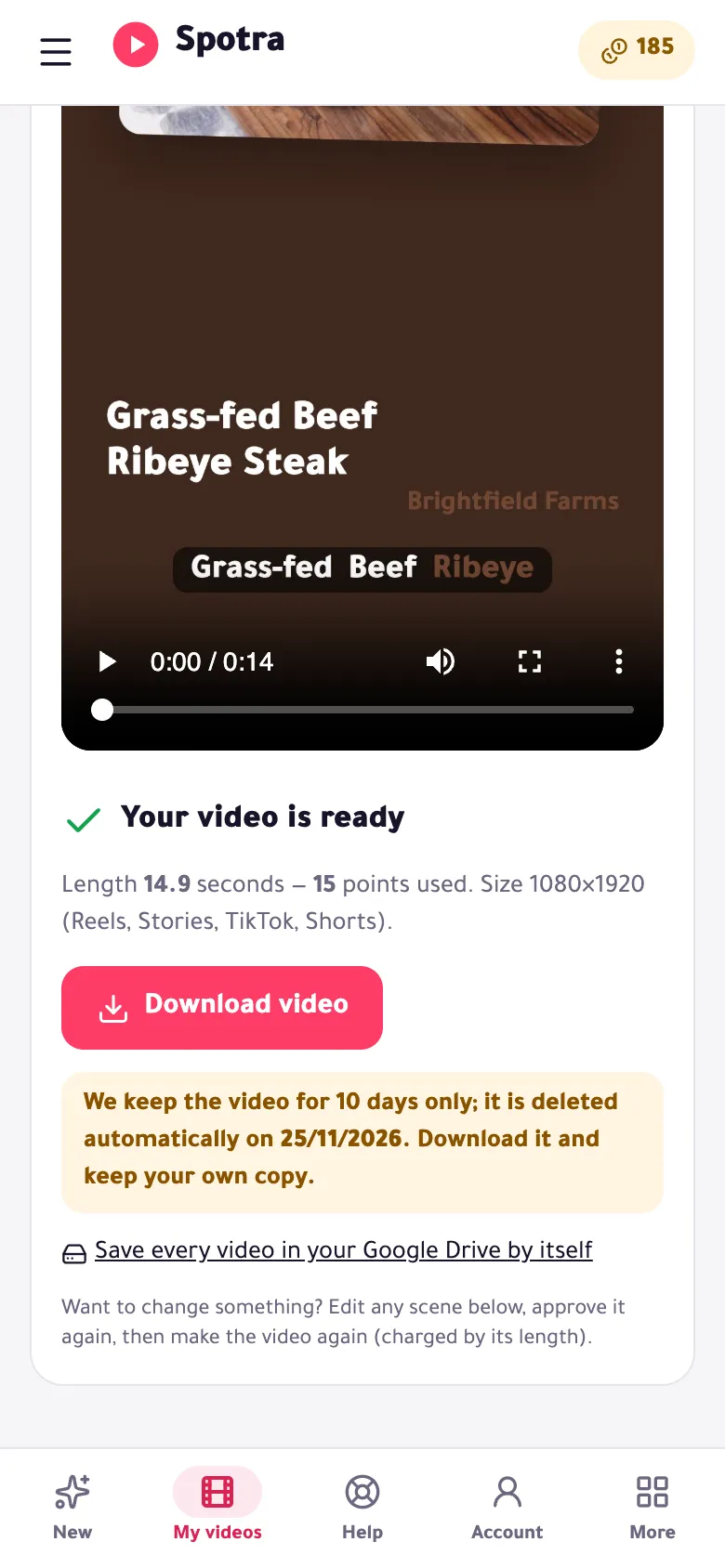
Real screenshots from Spotra — the number is the step, and the coloured frame shows where to tap. Tap a picture to enlarge it.
Points are spent on the length of the final video only — everything before it is free.
Videos are kept on our servers for 10 days after the last change, so download and keep yours.