The «My videos» page
The first screen after you sign in: «New video» at the top, and all your videos below with the status of each.
Account ownerWordPress siteNews siteScreen «My videos»
- 1
At the top: where the ad comes from (a product link or your photos), who writes the words, the length, and «Make the video».
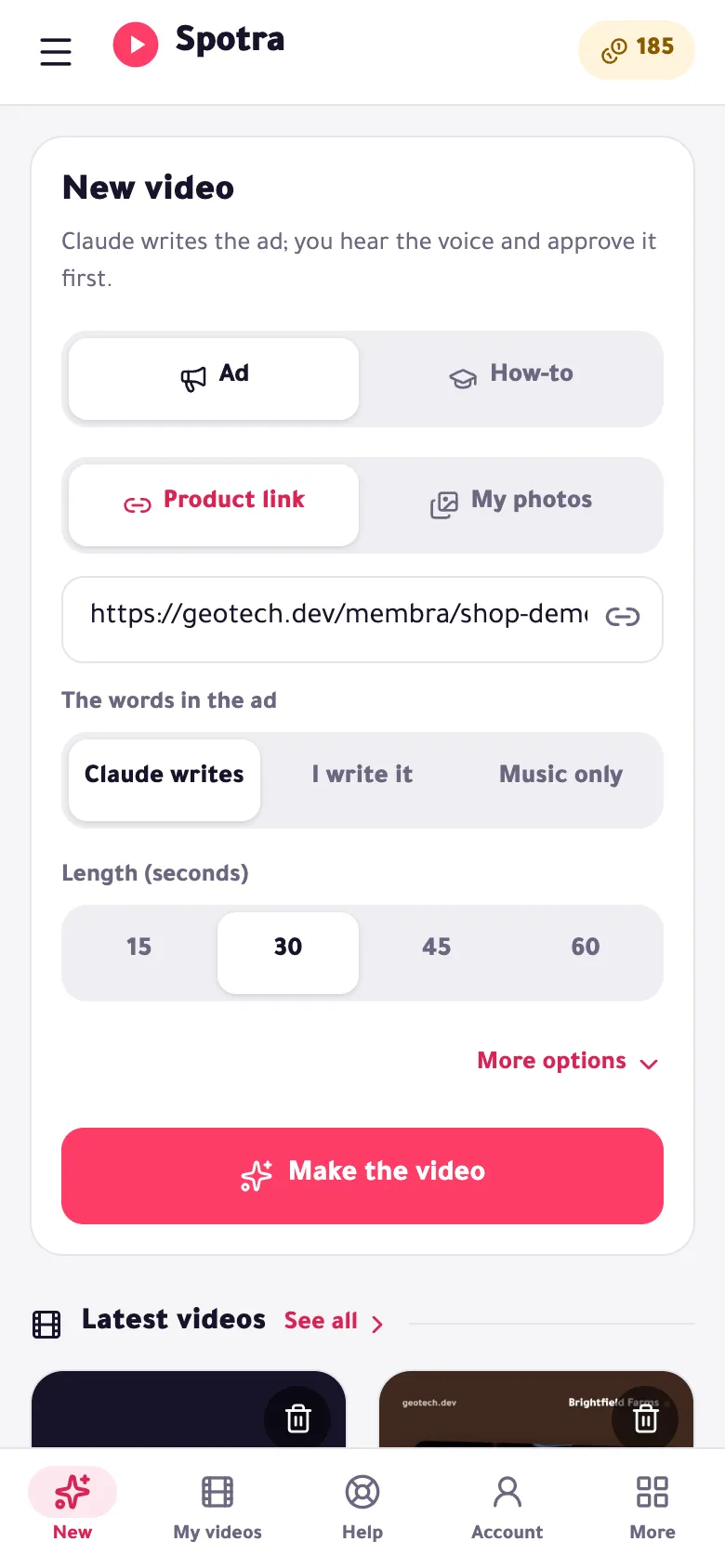
- 2
Below, under «My videos»: each video with its picture and status — «Preparing», «Waiting for your voice review», «Rendering», «Ready» or «Something went wrong».
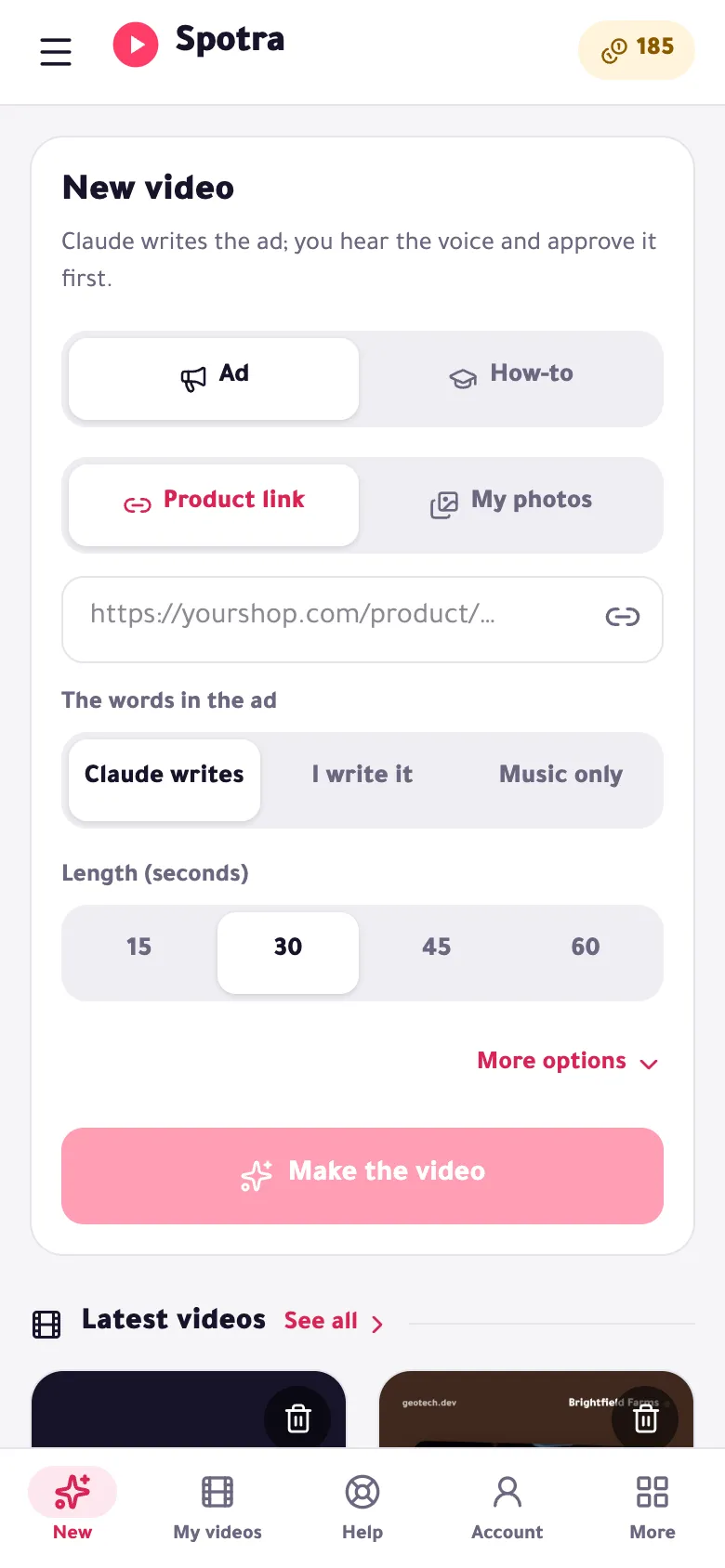
- 3
Tap any video to open its page — finish the review or download it.
- 4
Your points balance is shown at the top of every page.
Real screenshots from Spotra — the number is the step, and the coloured frame shows where to tap. Tap a picture to enlarge it.
Was this article helpful?