Create your account and sign in
You sign in with your mobile number: the first time with a code sent on WhatsApp, after that with a password. New accounts get gift points for their first video.
- 1
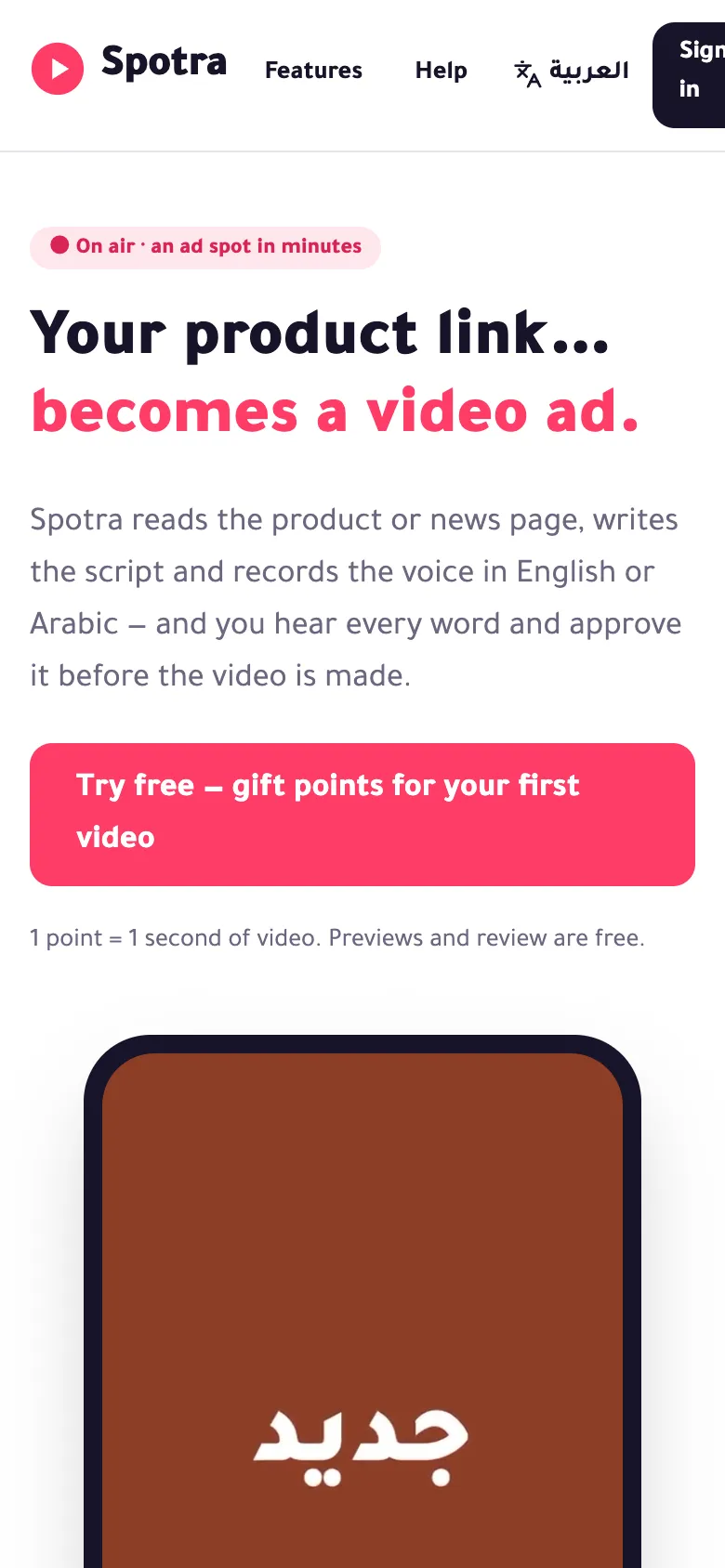
Open Spotra and tap «Sign in» or «Try free».
- 2
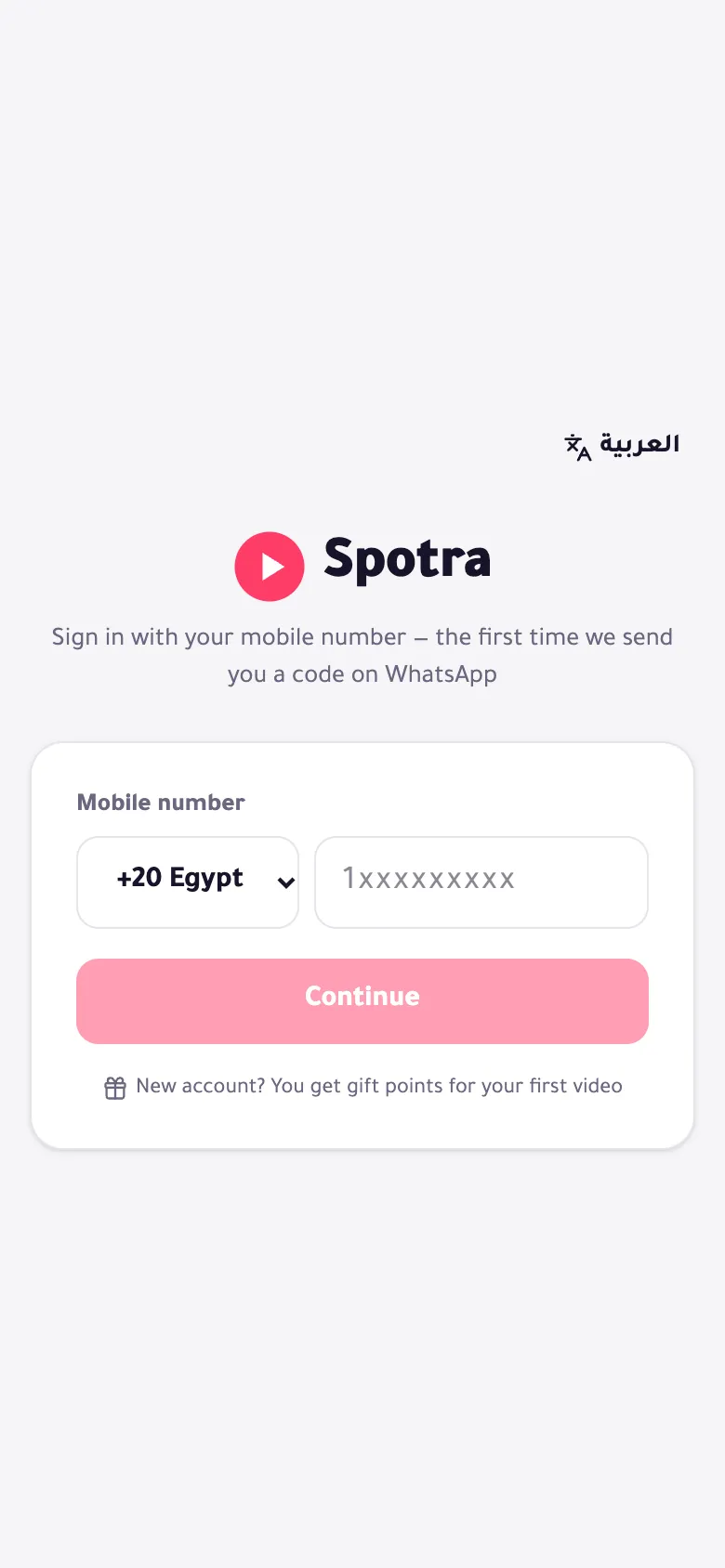
Enter your mobile number and tap «Continue». The number must have WhatsApp.
- 3
A 6-digit code arrives on WhatsApp. Tap «Copy code» and come back — the code fills in by itself (on iPhone it appears above the keyboard).
- 4
Enter your name and your shop or company name, and choose a password — next time you sign in with it straight away.
- 5
You land on «My videos» with your gift points — enough for a first video.
Real screenshots from Spotra — the number is the step, and the coloured frame shows where to tap. Tap a picture to enlarge it.
The gift is given once per number, even if the account is deleted and created again.
Everyone signs in with their own number — don't share your password.