Everything Spotra does for your ad
16 features — from the product link or your photos, to the script, to the voice you hear word by word, to the Reels video you download.
From link or photos to script
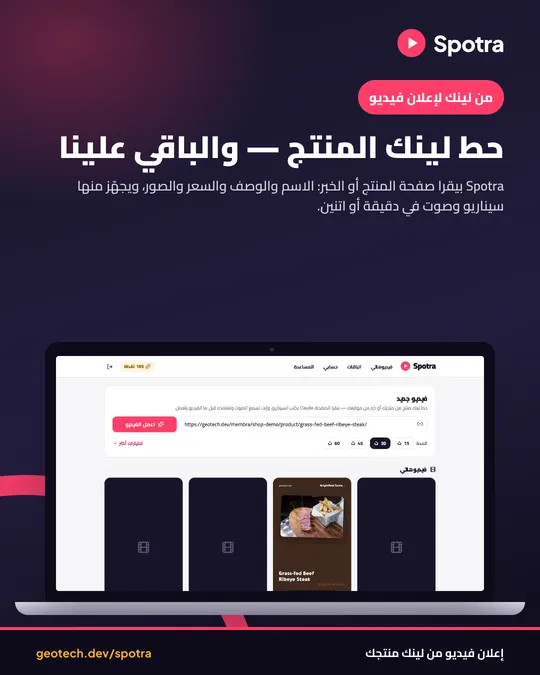
Link or photos to video ad
Spotra reads the product or article page — name, description, price and photos. No link? Add your photos and the product name. A script and voice-over are ready in a minute or two.
Learn more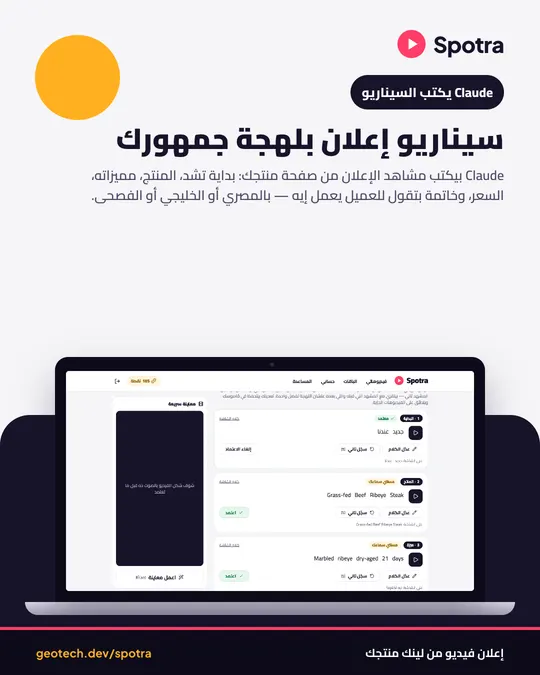
Script by Claude — or by you
Claude writes the ad scenes from your product page: a hook, the product, its strengths, the price and a call to action — in Egyptian, Gulf or Modern Standard Arabic. Or write the words yourself and Claude only splits them into scenes, or go music only.
Learn more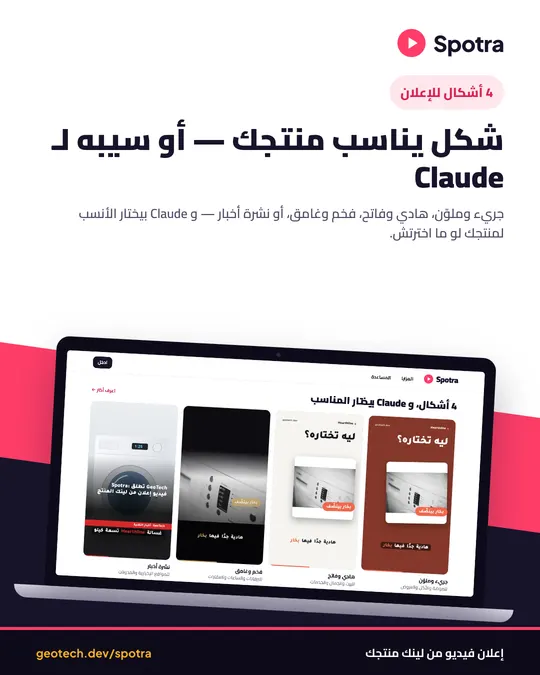
Four ad looks
Bold, clean, luxe or newscast — Claude picks the one that suits your product when you don't.
Learn more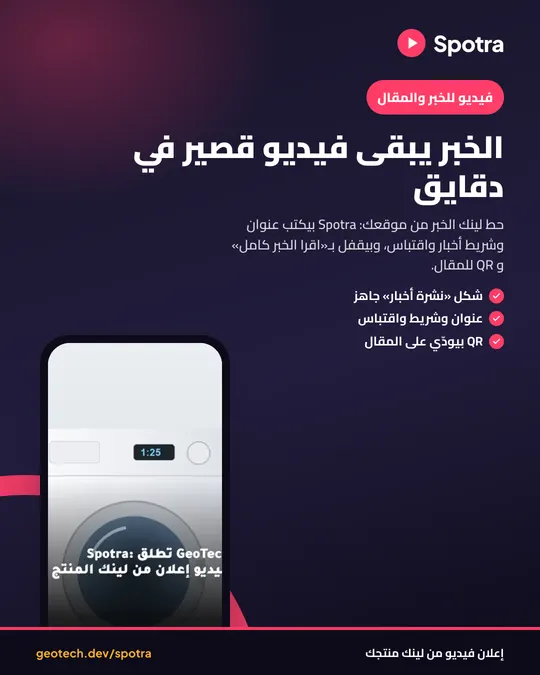
Videos for news & articles
Paste the article link: Spotra writes a headline, a news ticker and a quote, and closes with "Read the full story" and a QR code to the article.
Learn moreVoice & review
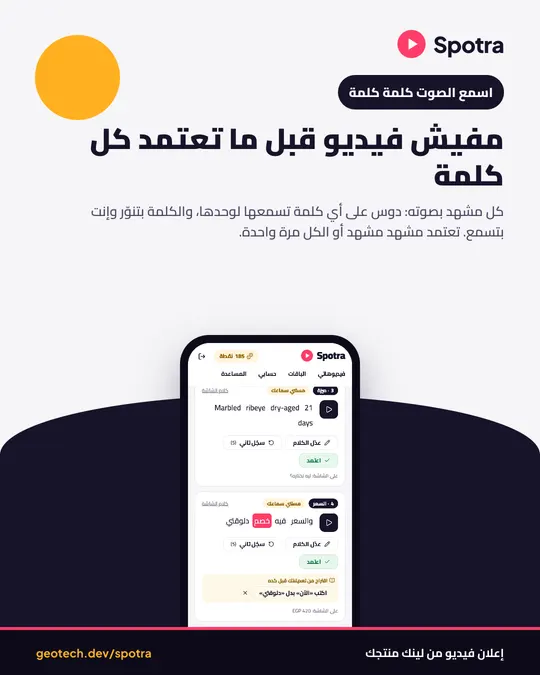
Word-by-word voice review
Every scene with its voice: tap any word to hear it alone, and words light up as they play. Approve scene by scene, or all at once.
Learn more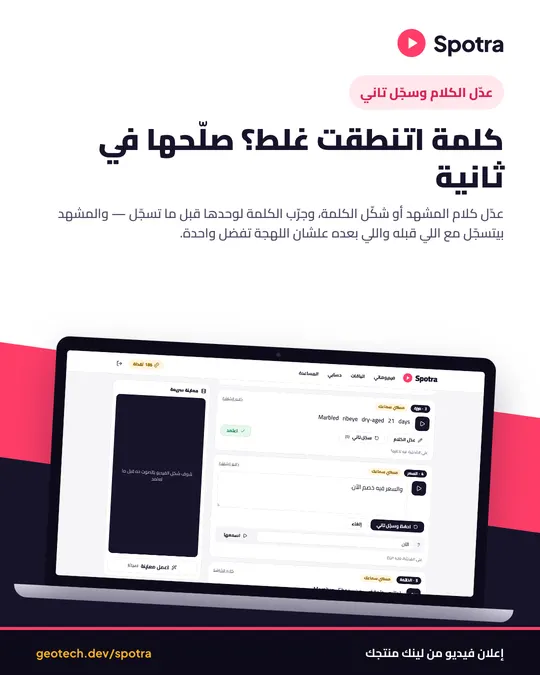
Fix words and re-record
Tap the word, write it another way or add diacritics, hear it alone, then keep it. Fix as many words as you need and record the scene once — it's read with its neighbours so the accent stays the same.
Learn more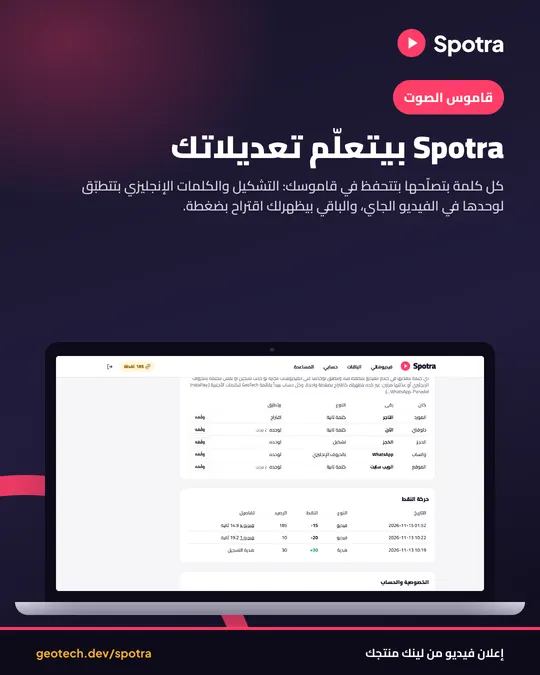
Voice dictionary
Every word you fix is saved to your dictionary and applied automatically to all your future videos from the very first time — no suggestions to approve.
Learn more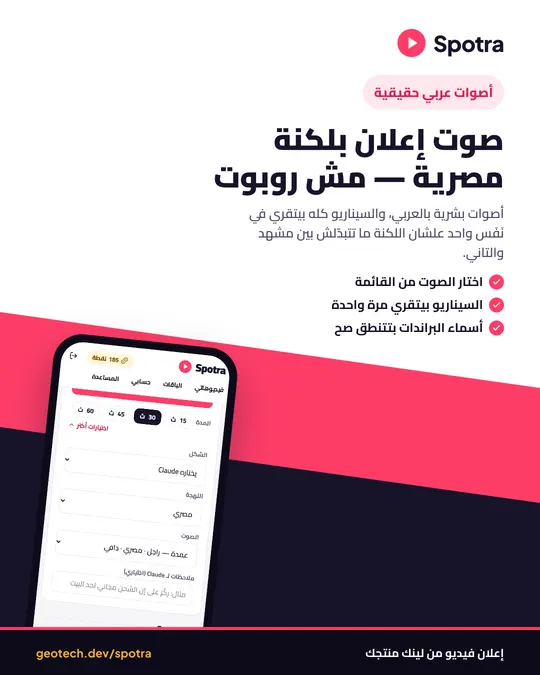
Natural Arabic voices with feeling
Human-sounding Arabic voices, with a feeling for every scene — excited at the start, happy with the product, warm in the details. The whole script is read in one take so the accent never changes.
Learn moreThe video
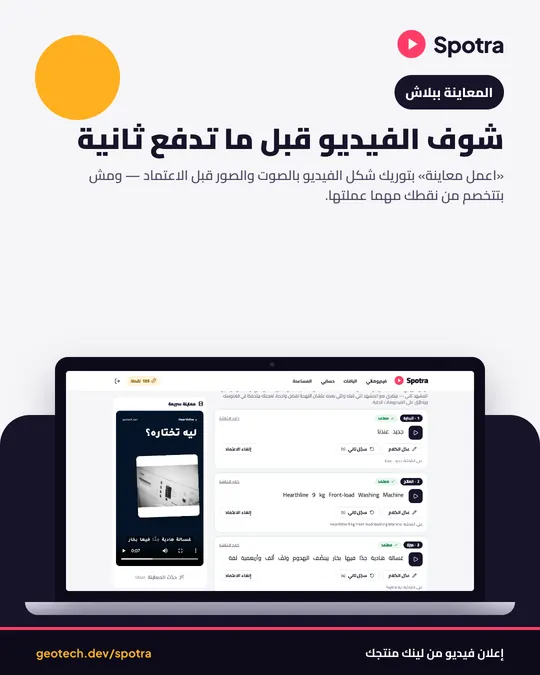
Free preview
"Make a preview" shows the video with its voice and photos before you approve — and never costs points, however often you make it.
Learn more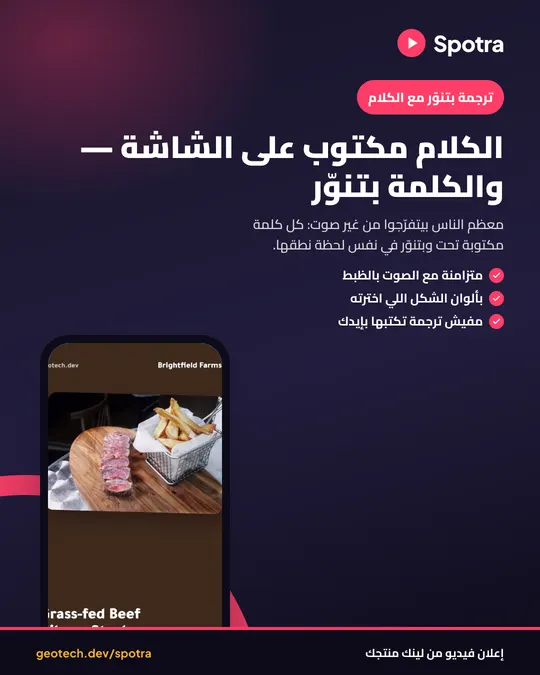
Live captions
Most people watch with the sound off: every word is written on screen and lights up the moment it is spoken.
Learn more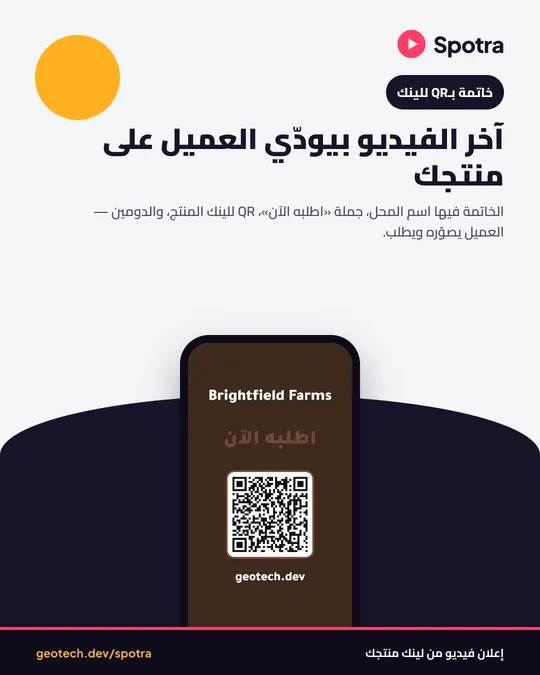
QR end card
The end card shows your shop name, a call to action, a QR code to the product or order link and your domain — viewers scan it and order.
Learn more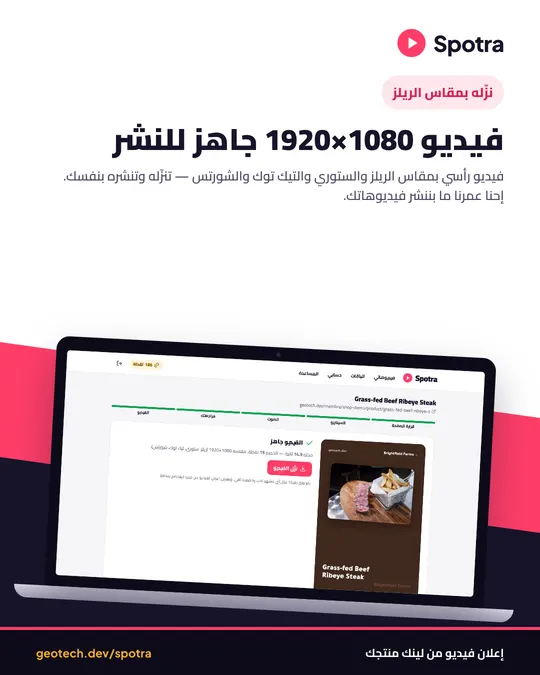
Download for Reels & TikTok
A vertical video for Reels, Stories, TikTok and Shorts — download it and post it yourself. We never post your videos. It stays on our servers for 10 days after the last change, so keep your copy.
Learn morePoints, plugin & apps
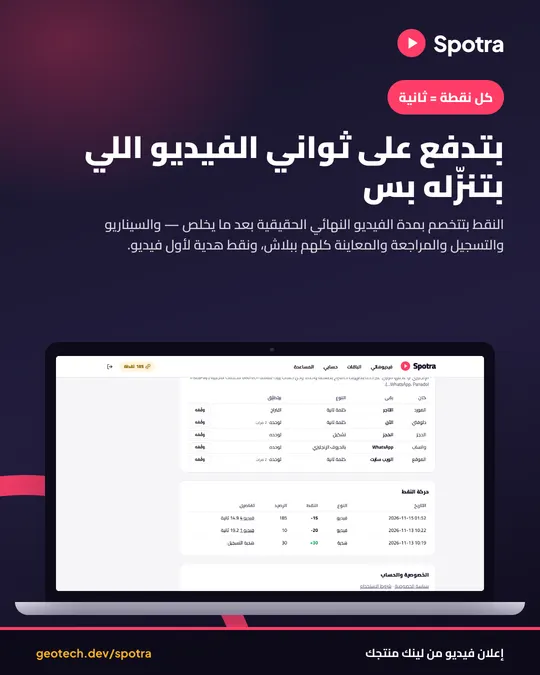
One point = one second
Points are spent on the real length of the final video, after it is made — script, recording, review and preview are free, with gift points for your first video.
Learn more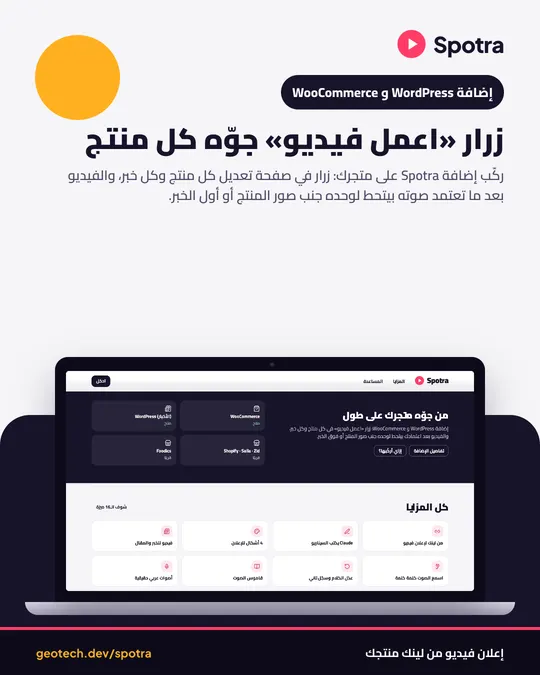
WordPress & WooCommerce plugin
Install the Spotra plugin: a button on every product and post edit screen, and once you approve the voice the video is added next to the product photos or at the top of the post.
Learn more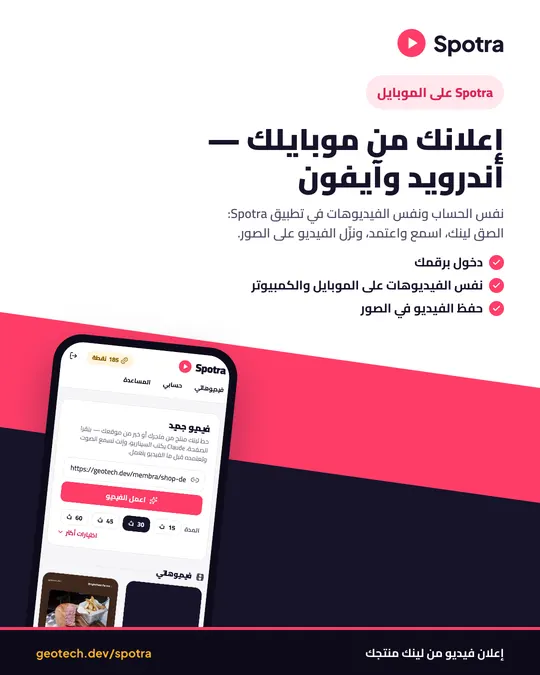
Spotra mobile app
The same account and videos in the Spotra app: paste a link or add photos from your gallery, listen and approve, and save the video to your photos.
Learn more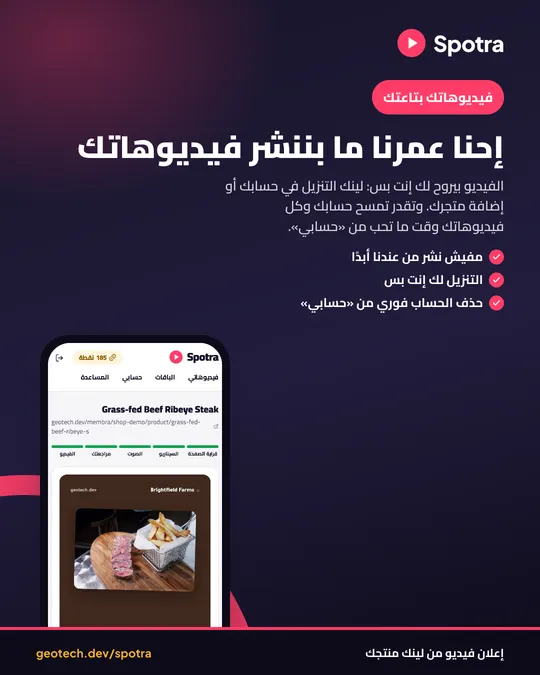
Your videos stay yours
Your video goes only to you: the download in your account or your store plugin. Its files are deleted from our servers automatically 10 days after the last change, and you can delete your account and every video any time.
Learn moreTry it on a product from your shop
A new account gets gift points for the first video — review and previews are free.