Word-by-word voice review
No video until you approve every word
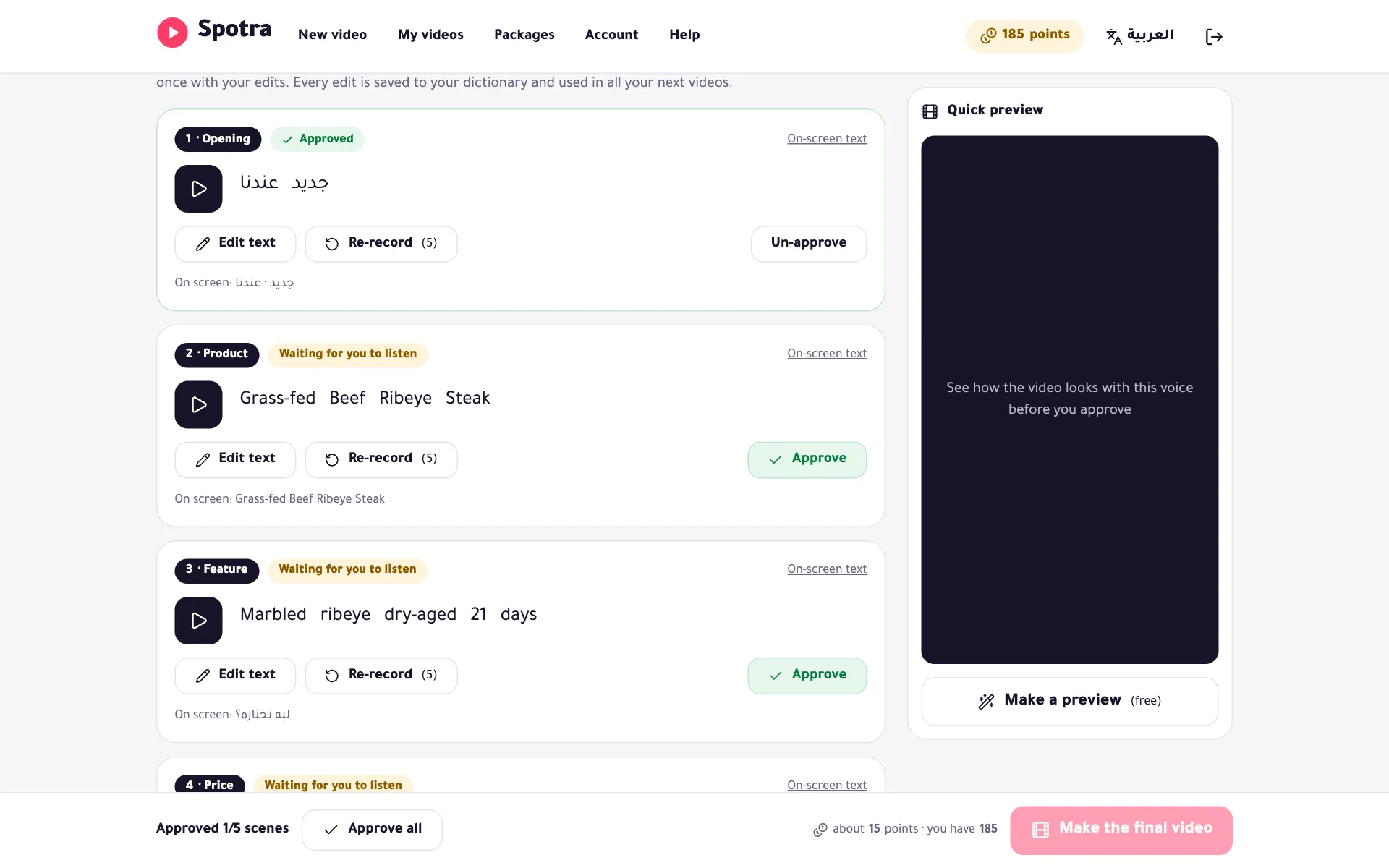
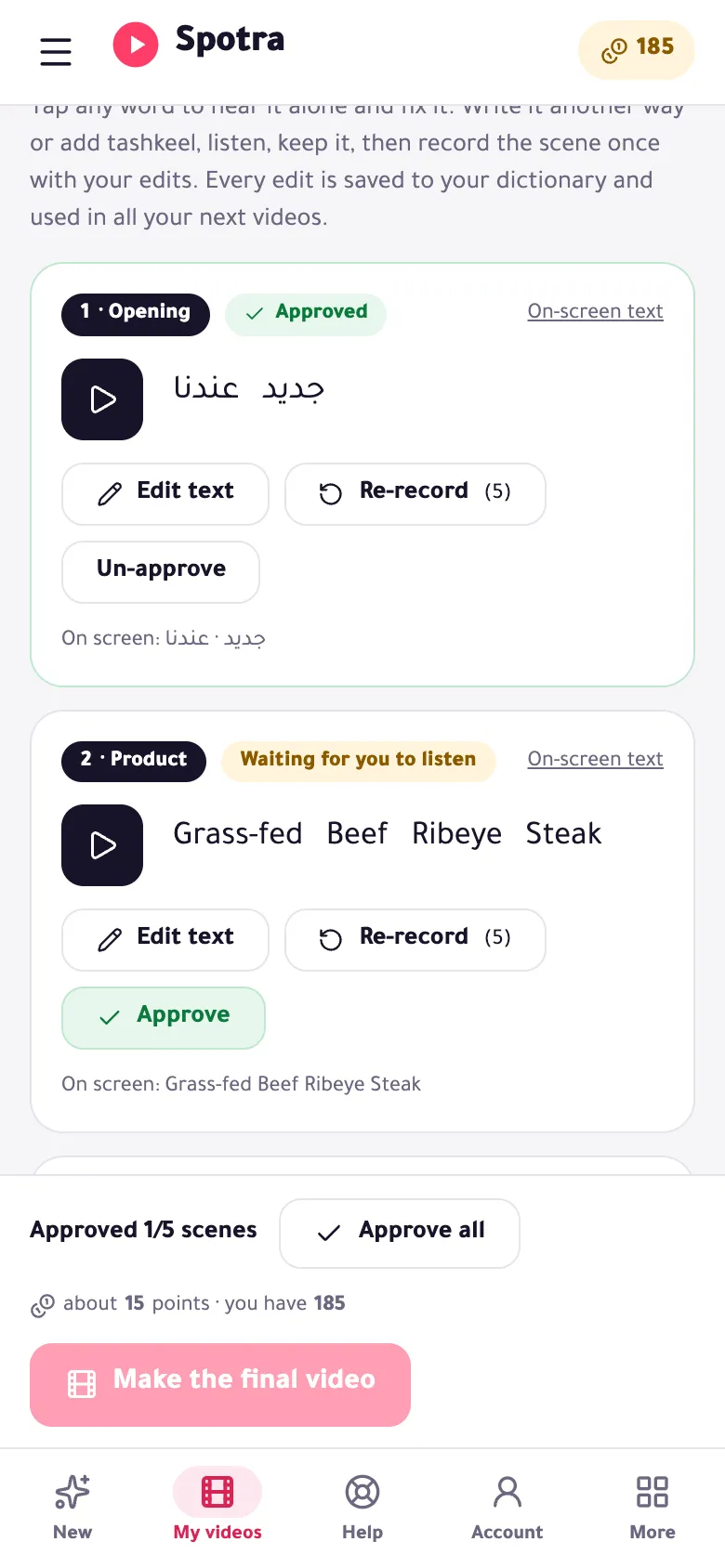
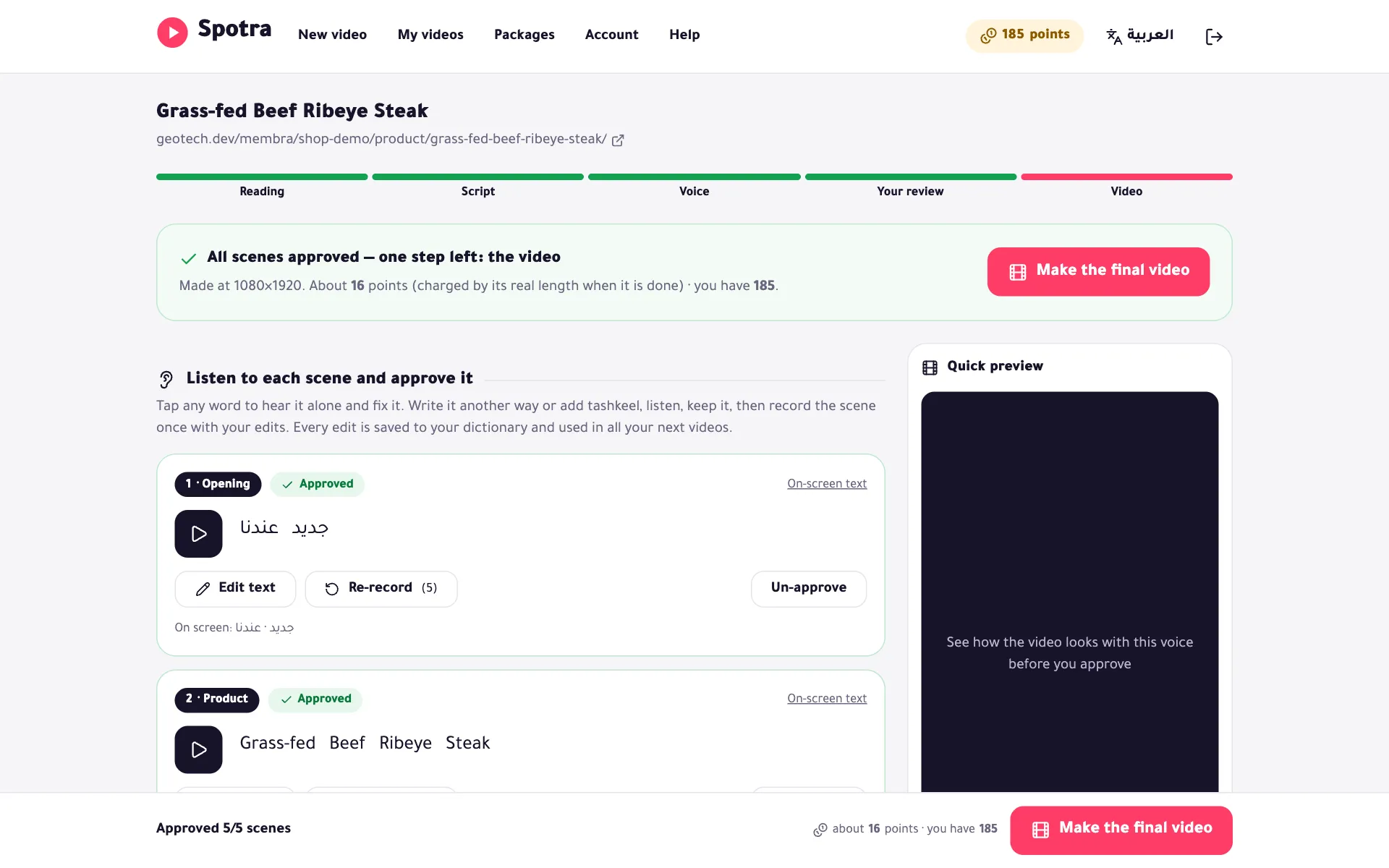
Every scene with its voice: tap any word to hear it alone, and words light up as they play. Approve scene by scene, or all at once.
- Tap a word to hear it alone
- Approve each scene, or all at once
- Recording and review are free
How does it work?
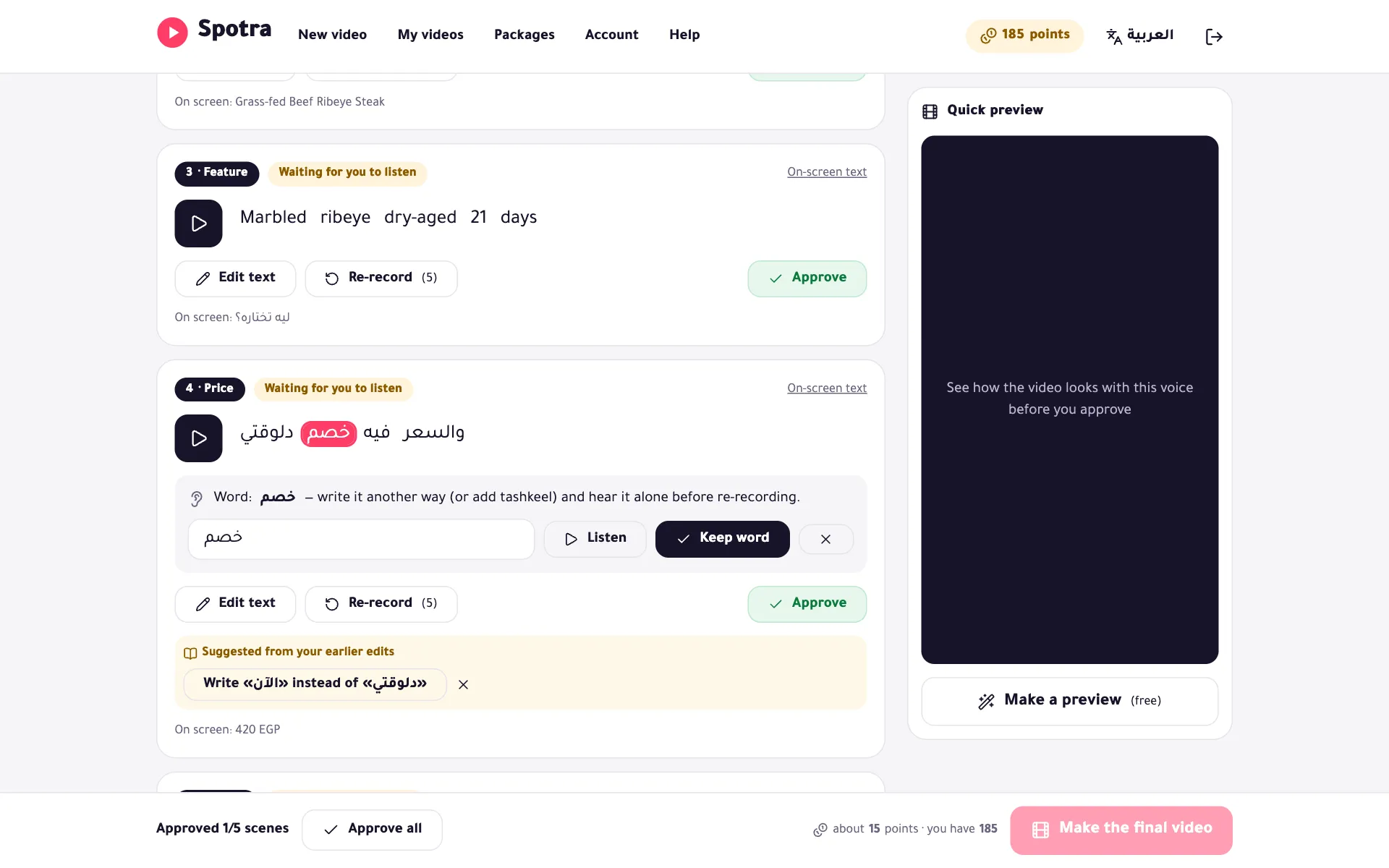
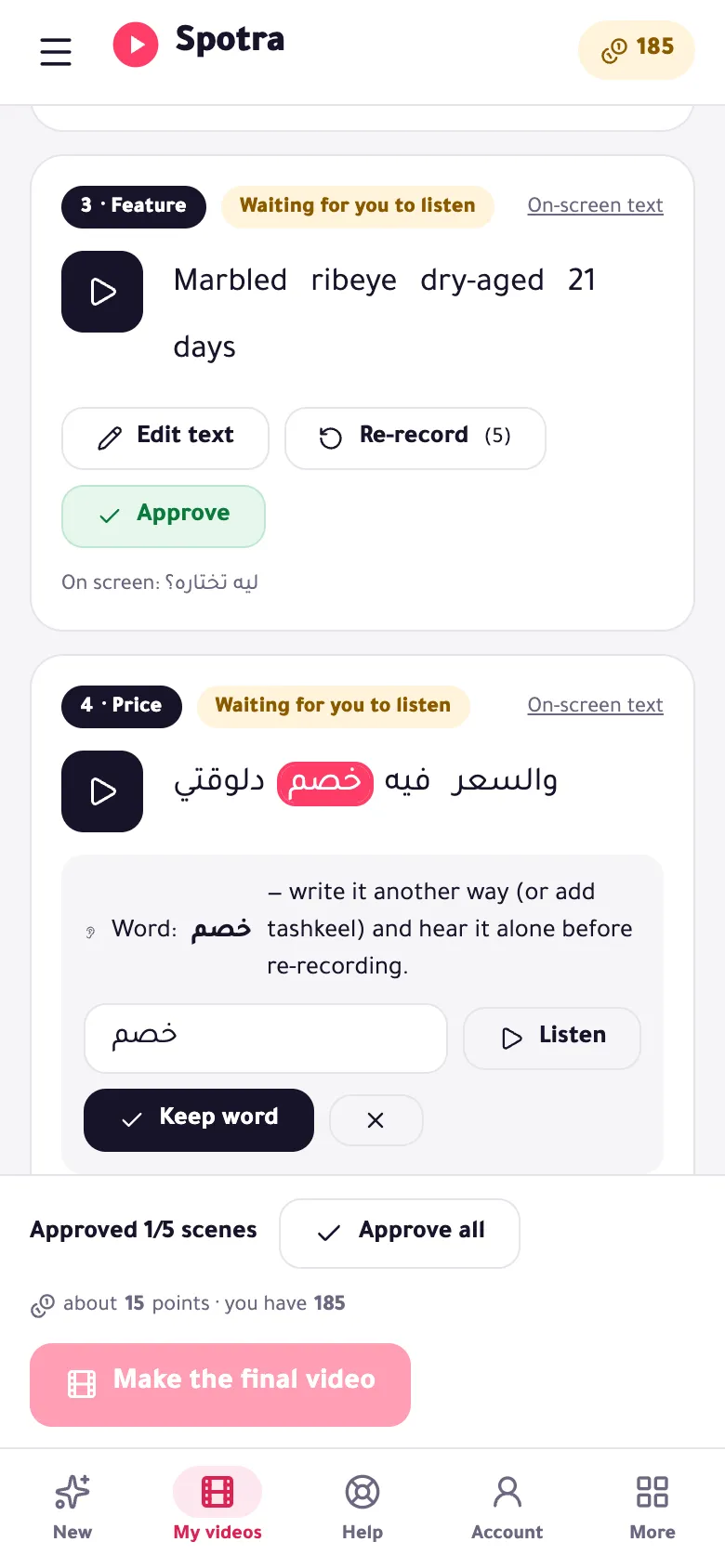
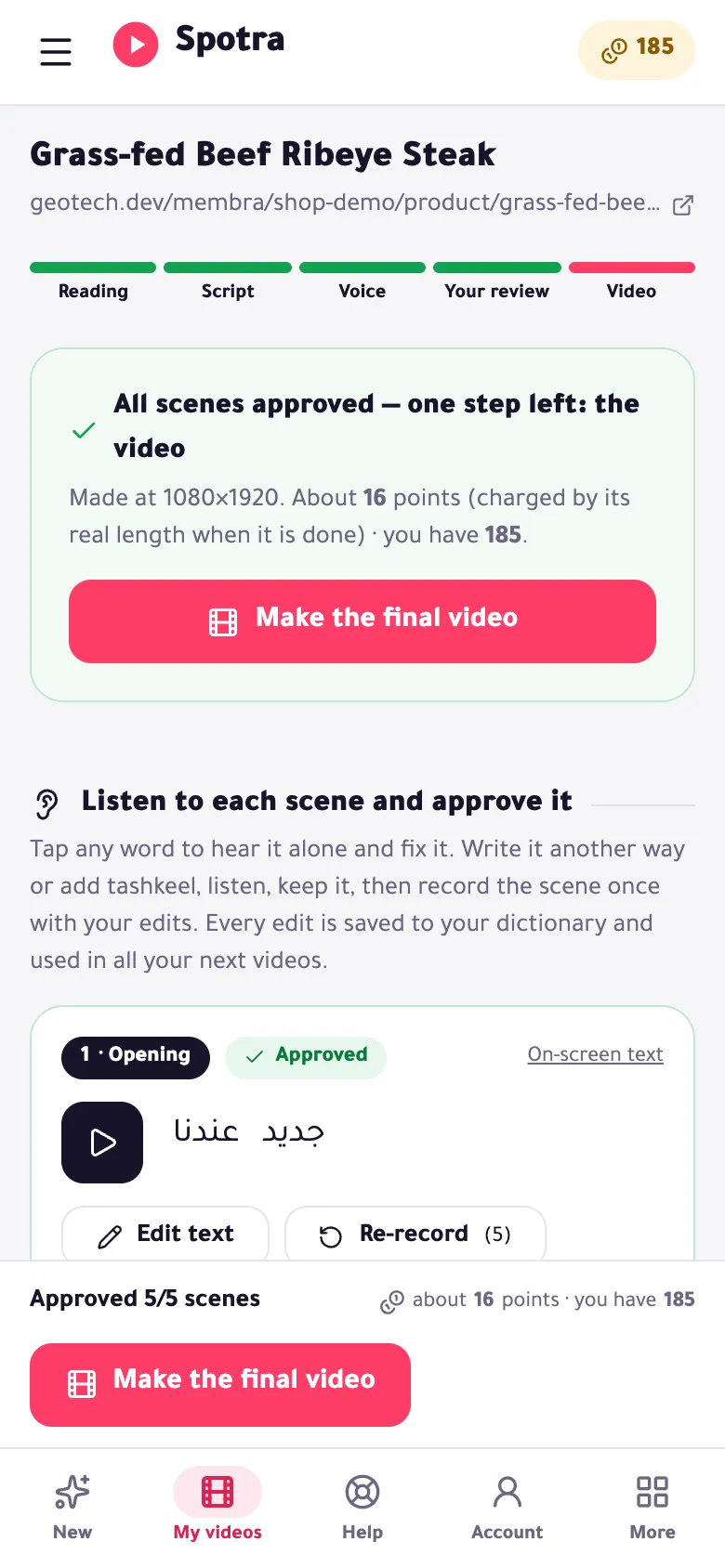
Real screenshots from Spotra — on desktop and mobile.
- 1
Listen to the scene
The play button sits next to every scene — the words light up with the voice.
- 2
One word at a time
Tap any word to hear only that word — to check the product name or a number — and its fix box opens.
- 3
Approve
«Approve» on the scene, or «Approve all» from the bottom bar when you've finished listening.
Who is it for?
Online stores
A video for every product — no camera crew, no editing
Marketers & agencies
Many ads for many clients, fast, with a reviewed voice
News sites & blogs
Every story becomes a short newscast-style video
Step by step in the help center
Try «Word-by-word voice review» on a product from your shop
A new account gets gift points for the first video — review and previews are free.