Listen to the voice word by word
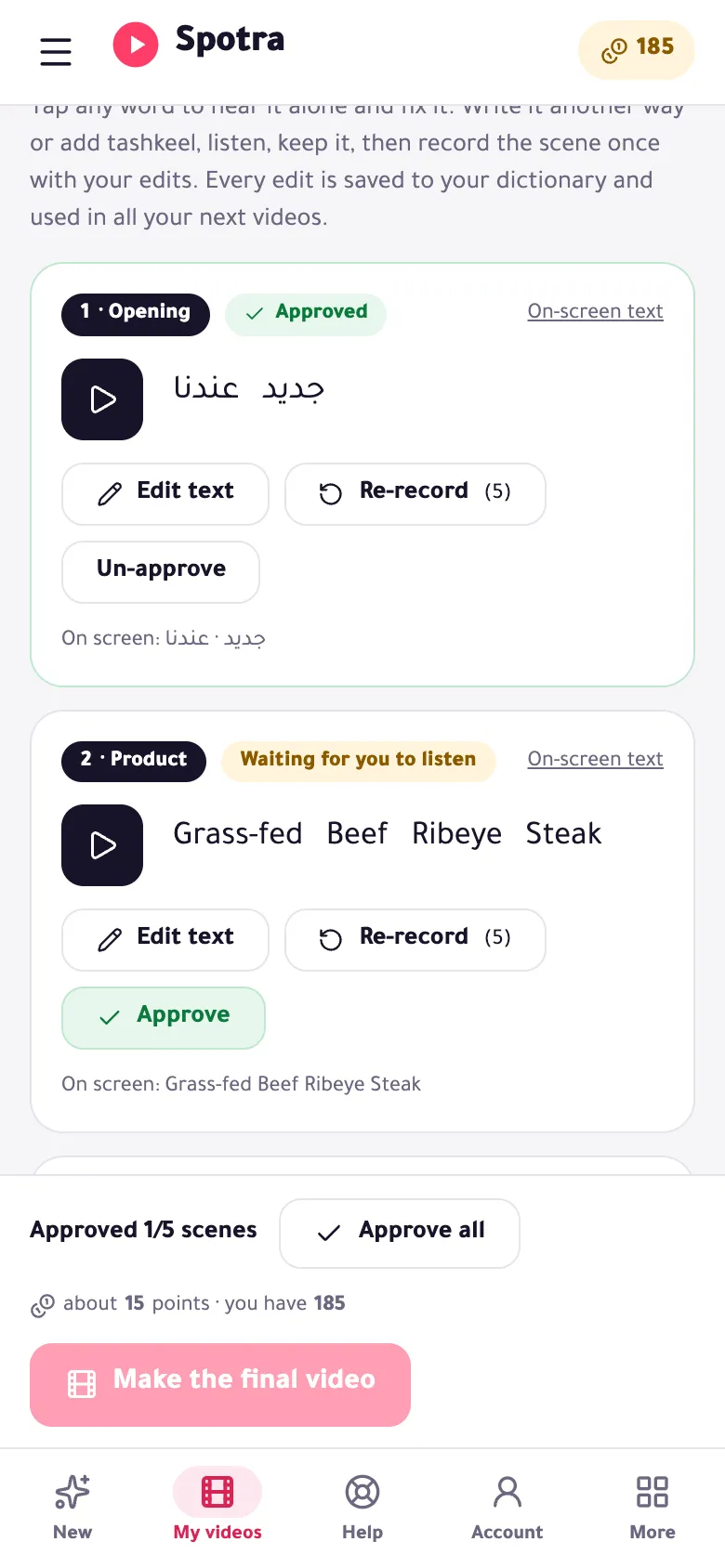
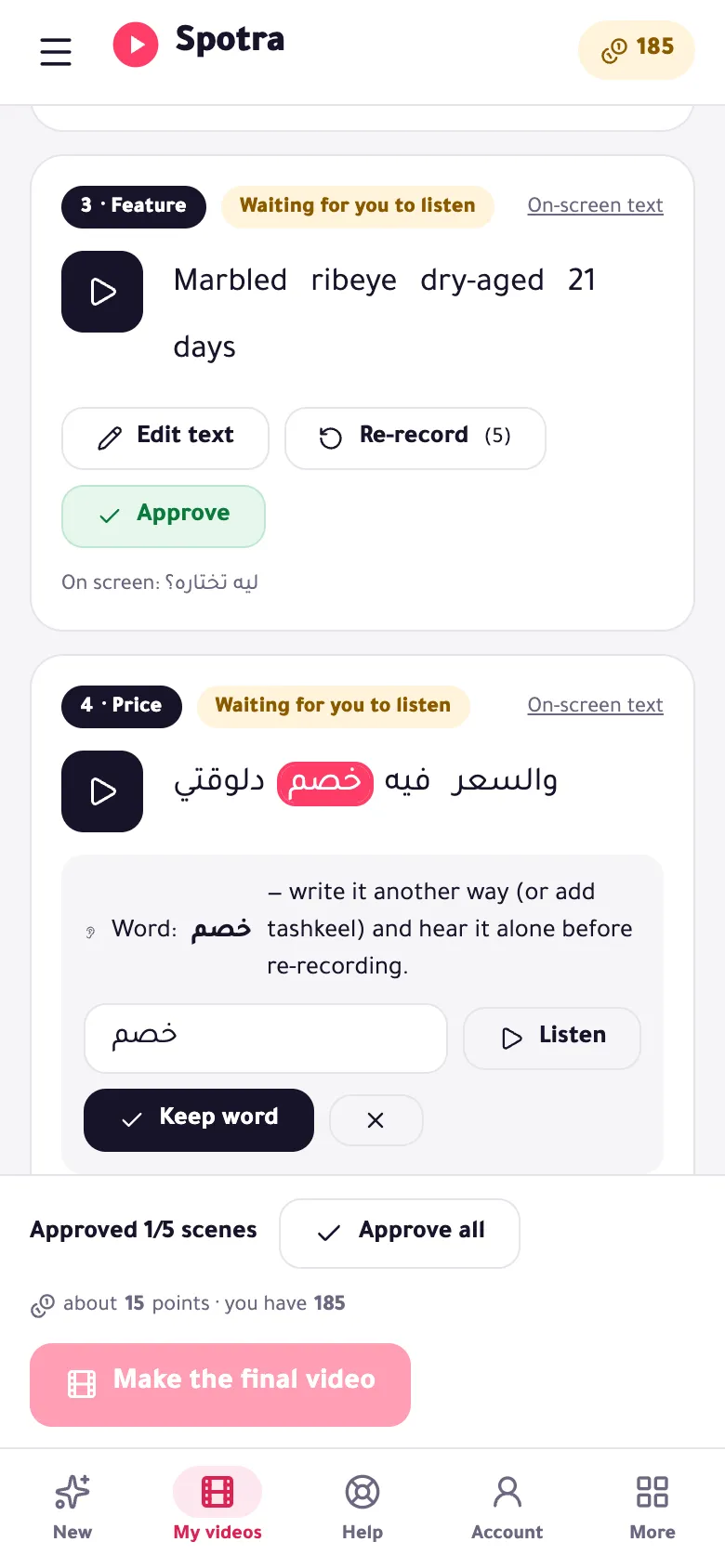
The play button plays the whole scene and the words light up with it — tap any word to hear it alone and open its fix box.
Account ownerWordPress siteNews site
- 1
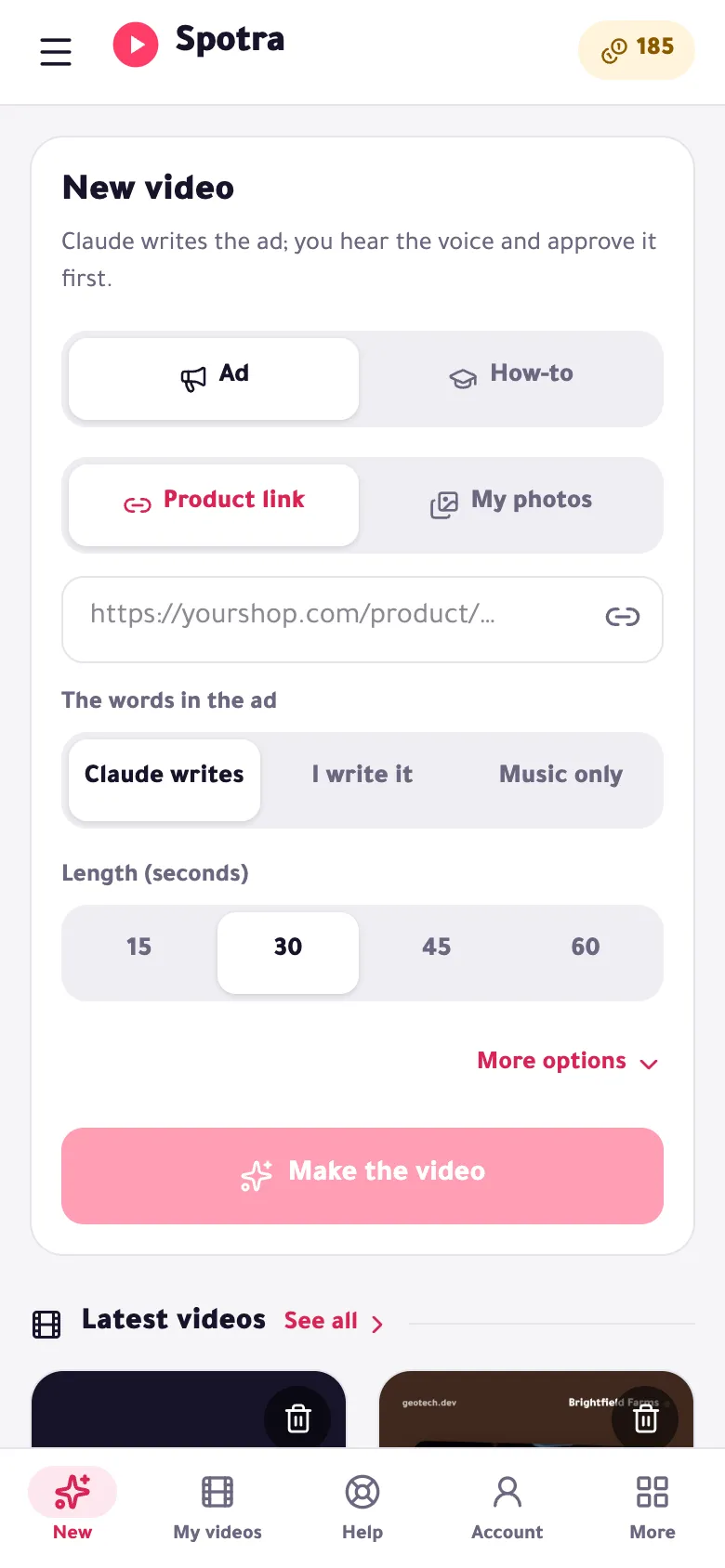
Open the video from «My videos» — its status is «Waiting for your voice review».
- 2
Tap ▶ next to the scene: the voice plays and the spoken word lights up.
- 3
Tap any word to hear only that word — useful for the product name and numbers. A box opens under it if you want to fix it.
- 4
Tap ▶ again to stop.
Real screenshots from Spotra — the number is the step, and the coloured frame shows where to tap. Tap a picture to enlarge it.
Was this article helpful?