Edit a scene's text and re-record it
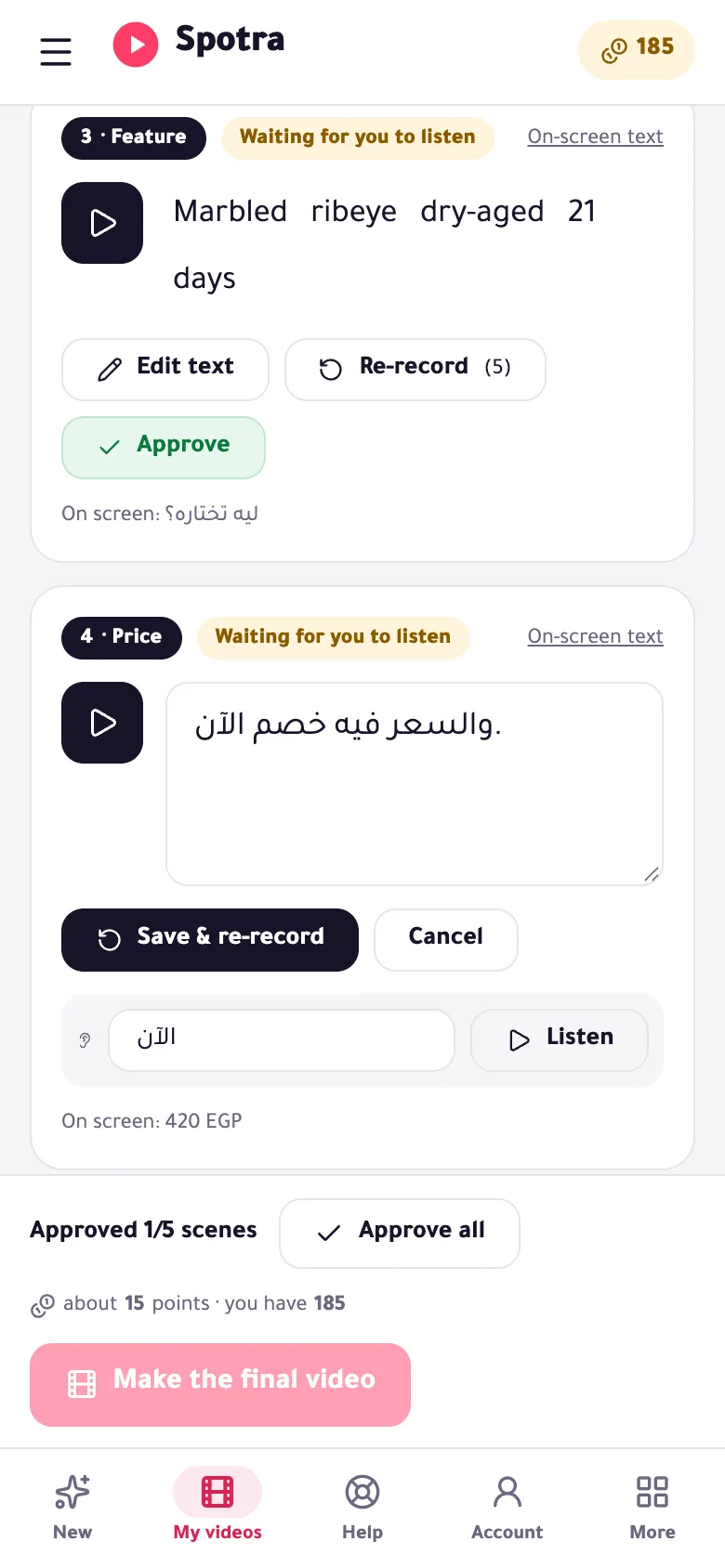
«Edit text» → change or add diacritics to words → «Save and re-record». The scene is read together with the scenes before and after it, so the accent stays the same.
- 1
On the scene, tap «Edit text».
- 2
Change the word, write it so it's pronounced right, or add diacritics to a letter (e.g. «الحَجز»).
- 3
Tap «Save and re-record» — it's recorded in seconds.
- 4
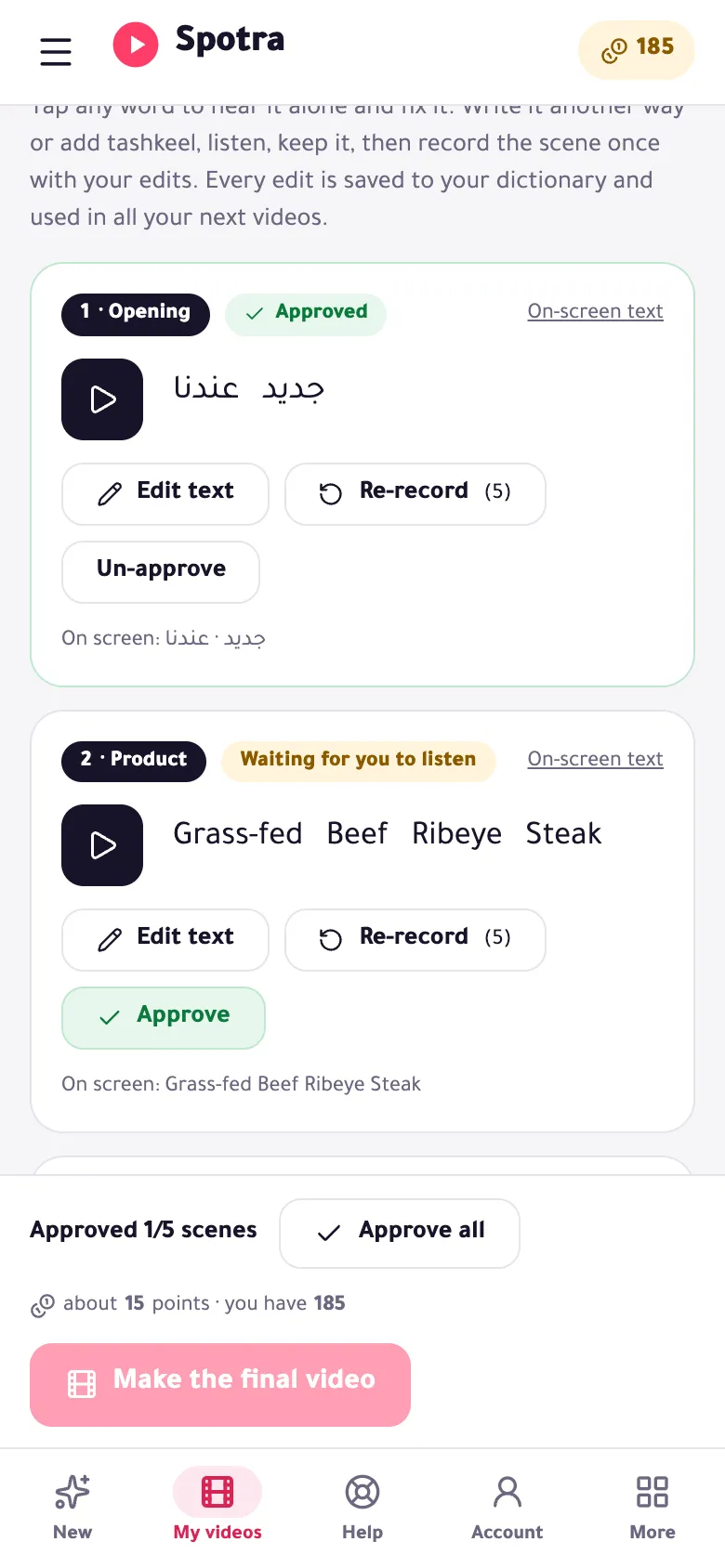
Listen again and tap «Approve».
- 5
Want the same words read differently? Tap «Re-record» without editing.
Real screenshots from Spotra — the number is the step, and the coloured frame shows where to tap. Tap a picture to enlarge it.
To fix just a word or two, the quickest way is to tap the word itself (see «Fix words one by one»).
Each scene has 6 recordings — the number next to «Re-record» shows how many are left.
Your edit is saved to your «Voice dictionary» and applied automatically to future videos.