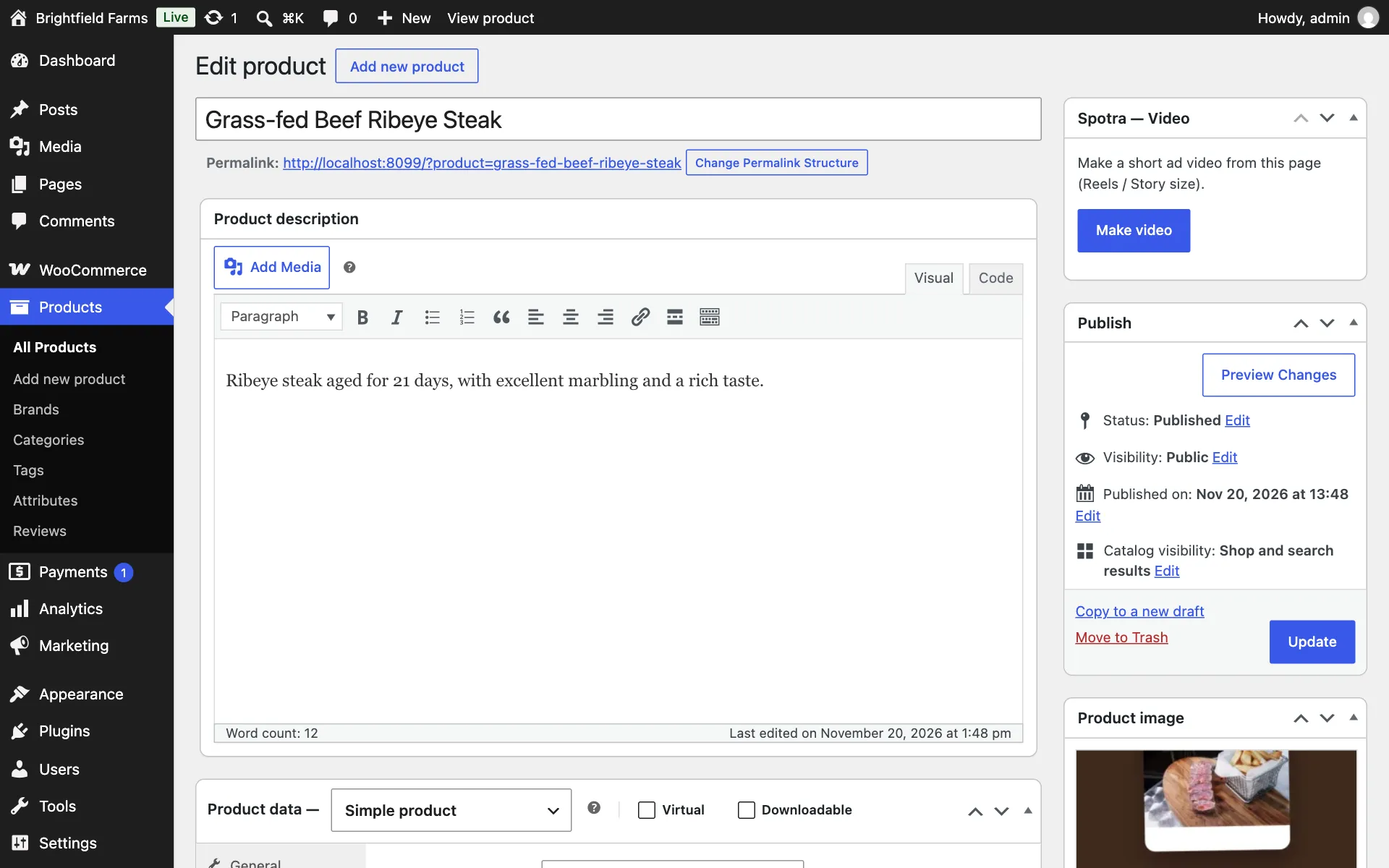
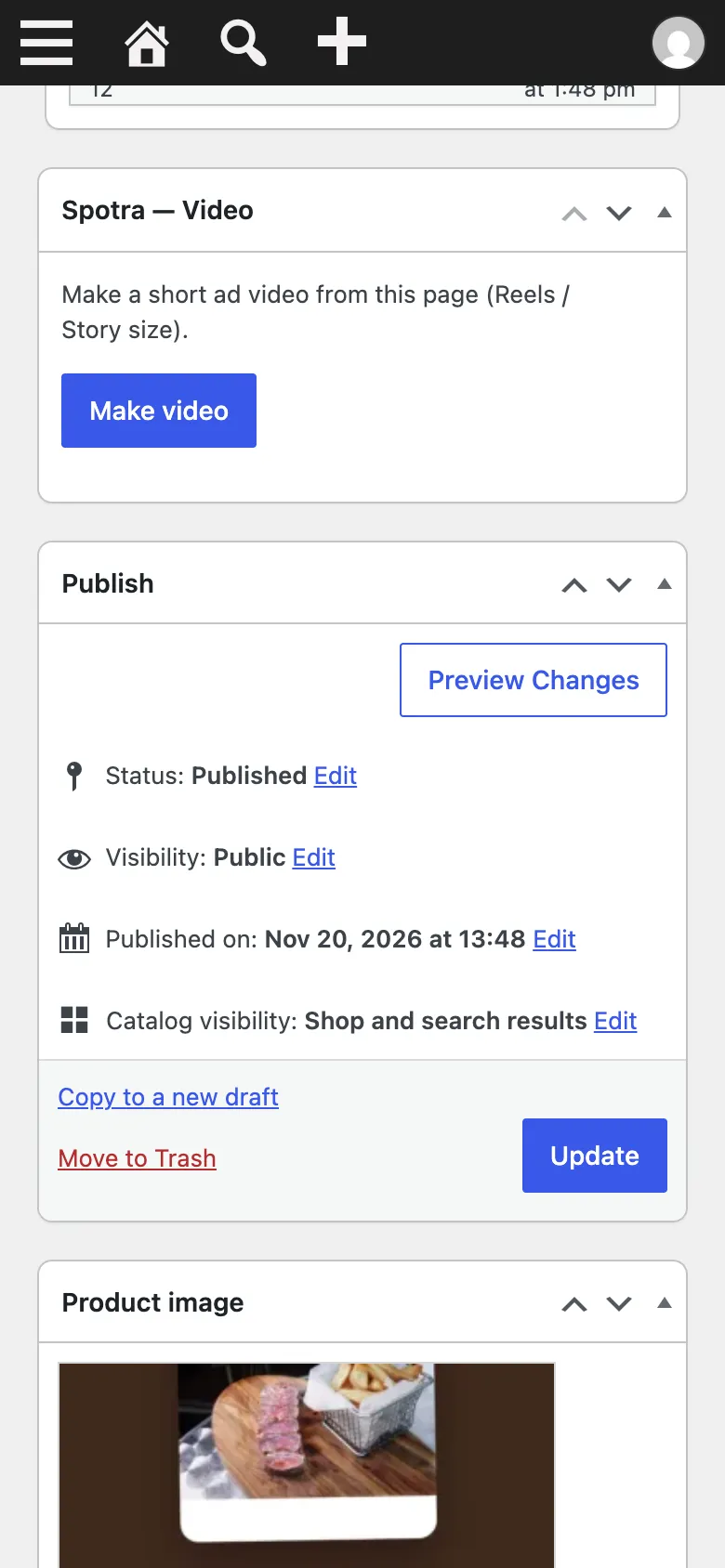
A "Make video" button inside every product
Install the Spotra plugin: a button on every product and post edit screen, and once you approve the voice the video is added next to the product photos or at the top of the post.
- Sends product data straight from your store
- The video is placed on the page by itself
- Or anywhere with [spotra_video]
How does it work?
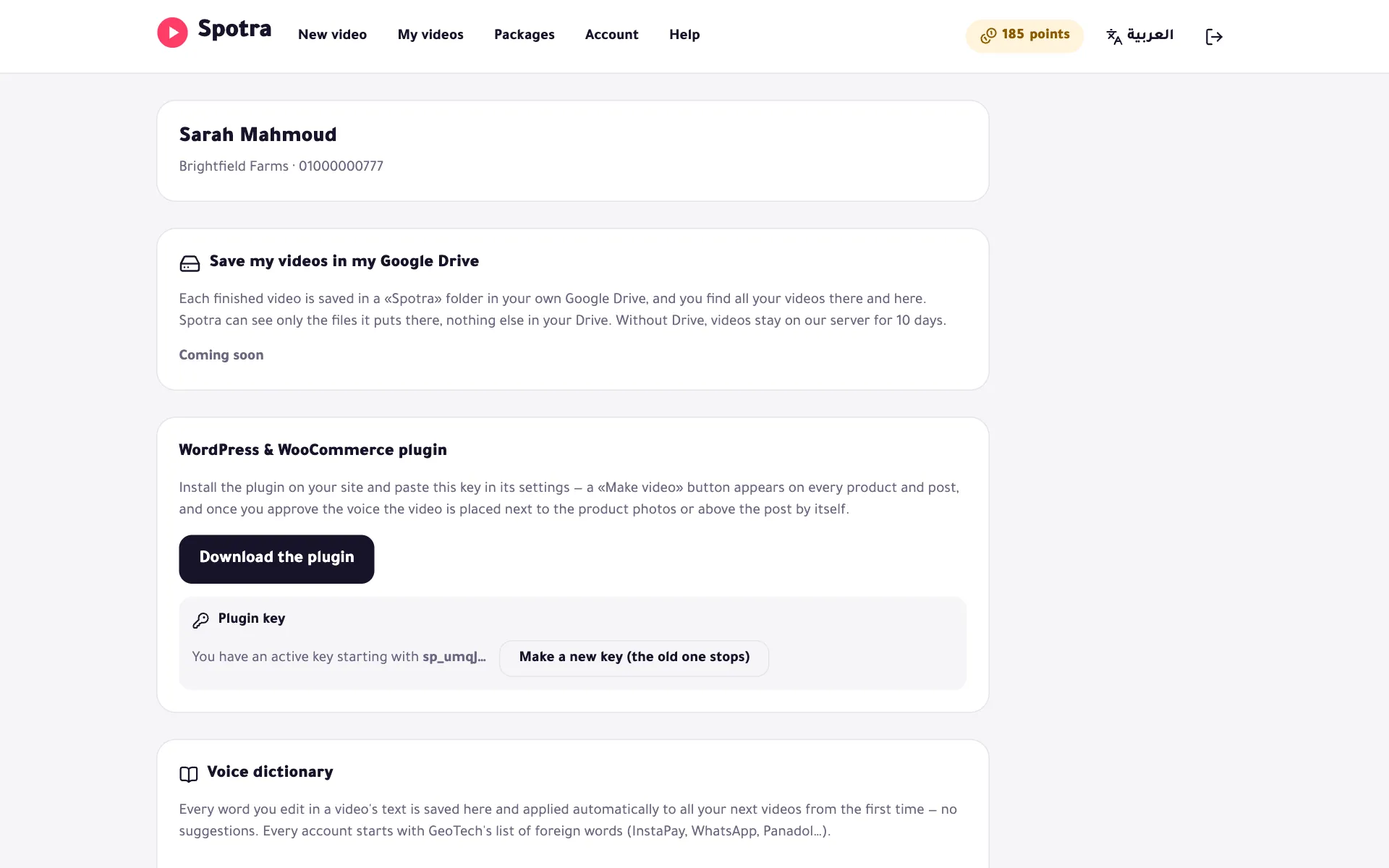
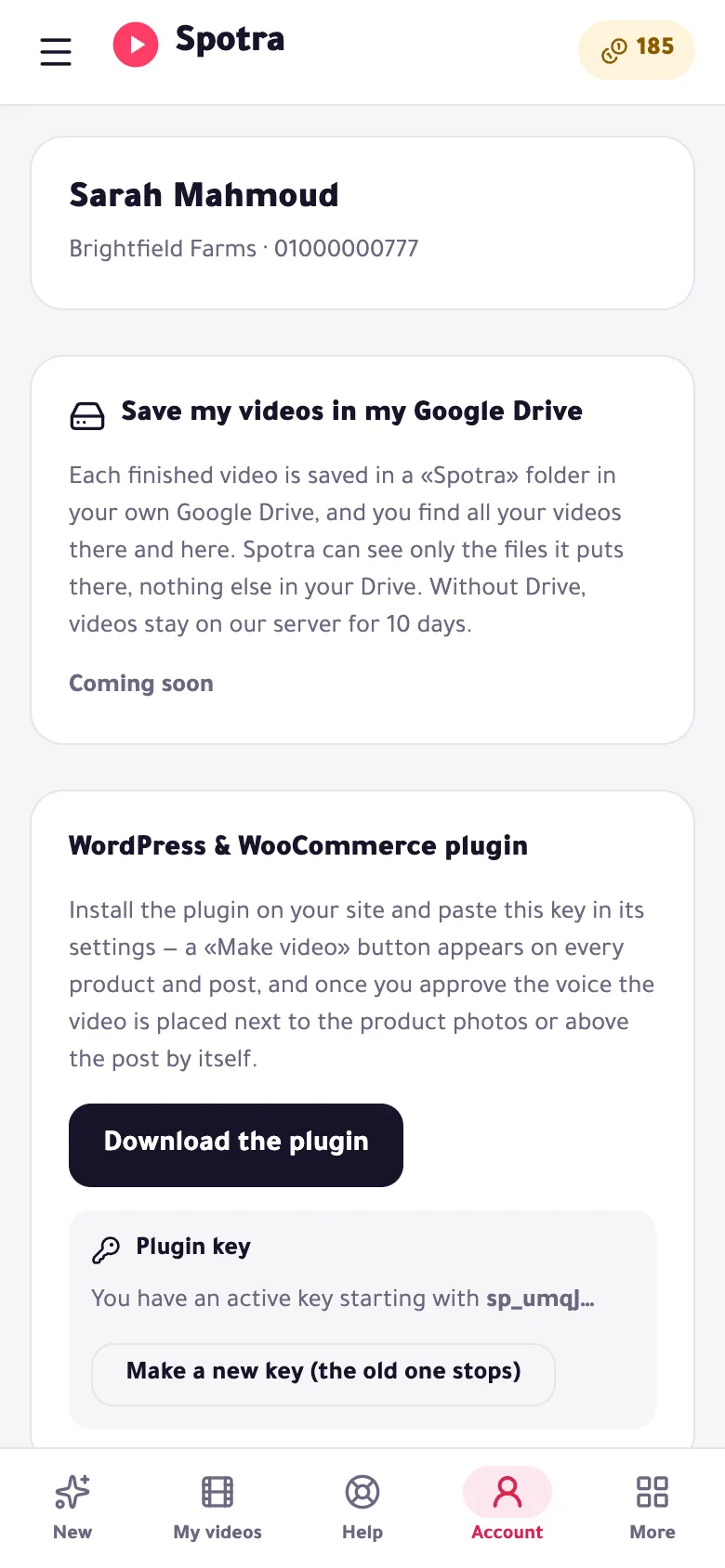
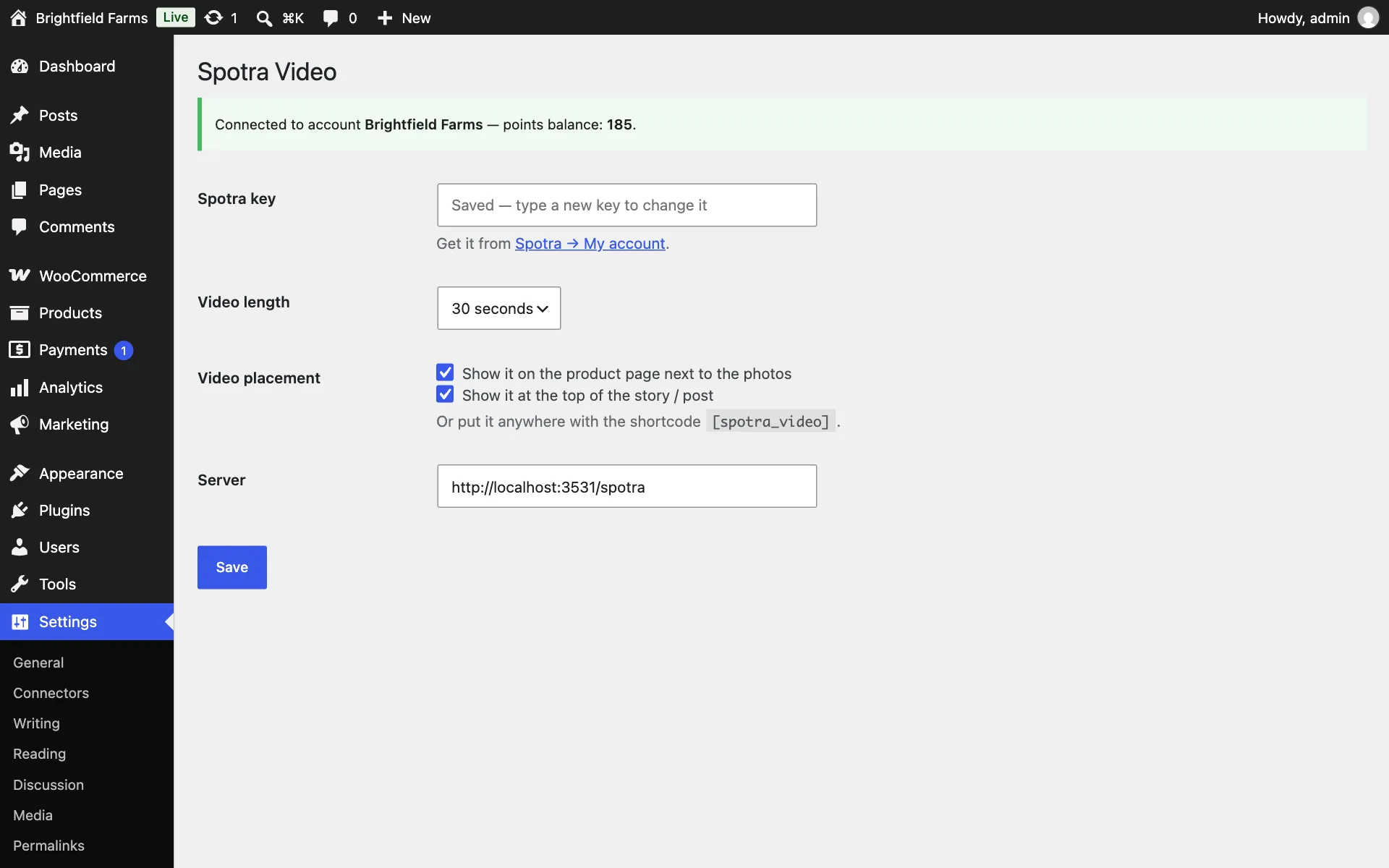
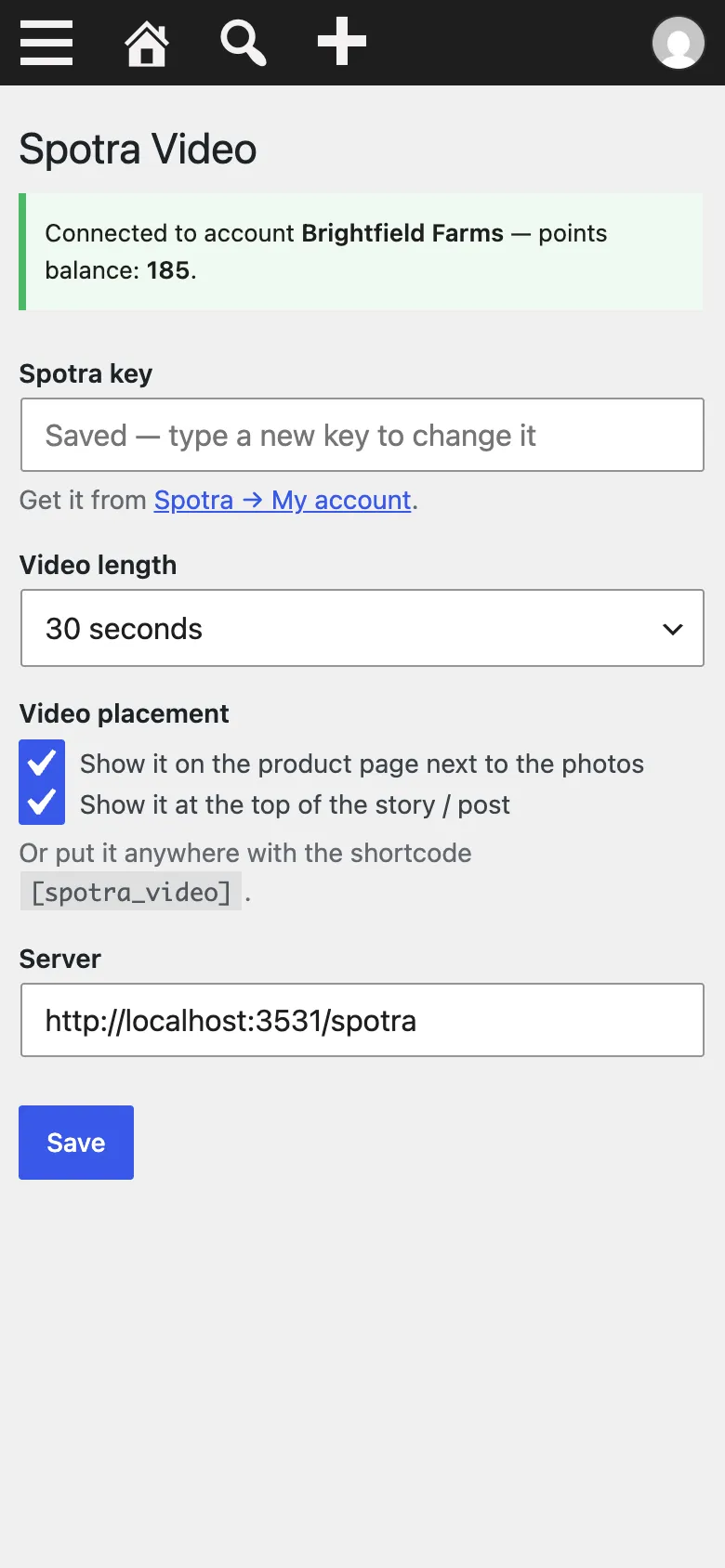
Real screenshots from Spotra — on desktop and mobile.
- 1
Download the plugin and get your key
«My account» → «Download the plugin», then «Create key» and copy it.
- 2
Install it on your site
WordPress → Plugins → Upload Plugin → activate it, then paste the key in «Settings → Spotra Video».
- 3
Make a video from the product
On the product edit screen: the «Spotra — Video» box → «Make video» → «Review the voice on Spotra».
Who is it for?
The button sits inside the product page, and the video is placed by itself
Every story becomes a short newscast-style video
A video for every product — no camera crew, no editing
Step by step in the help center
Try «WordPress & WooCommerce plugin» on a product from your shop
A new account gets gift points for the first video — review and previews are free.