Where does the video show on my site?
On the product page next to the photos, at the top of the story or post — or anywhere with the shortcode [spotra_video].
WordPress siteNews site
- 1
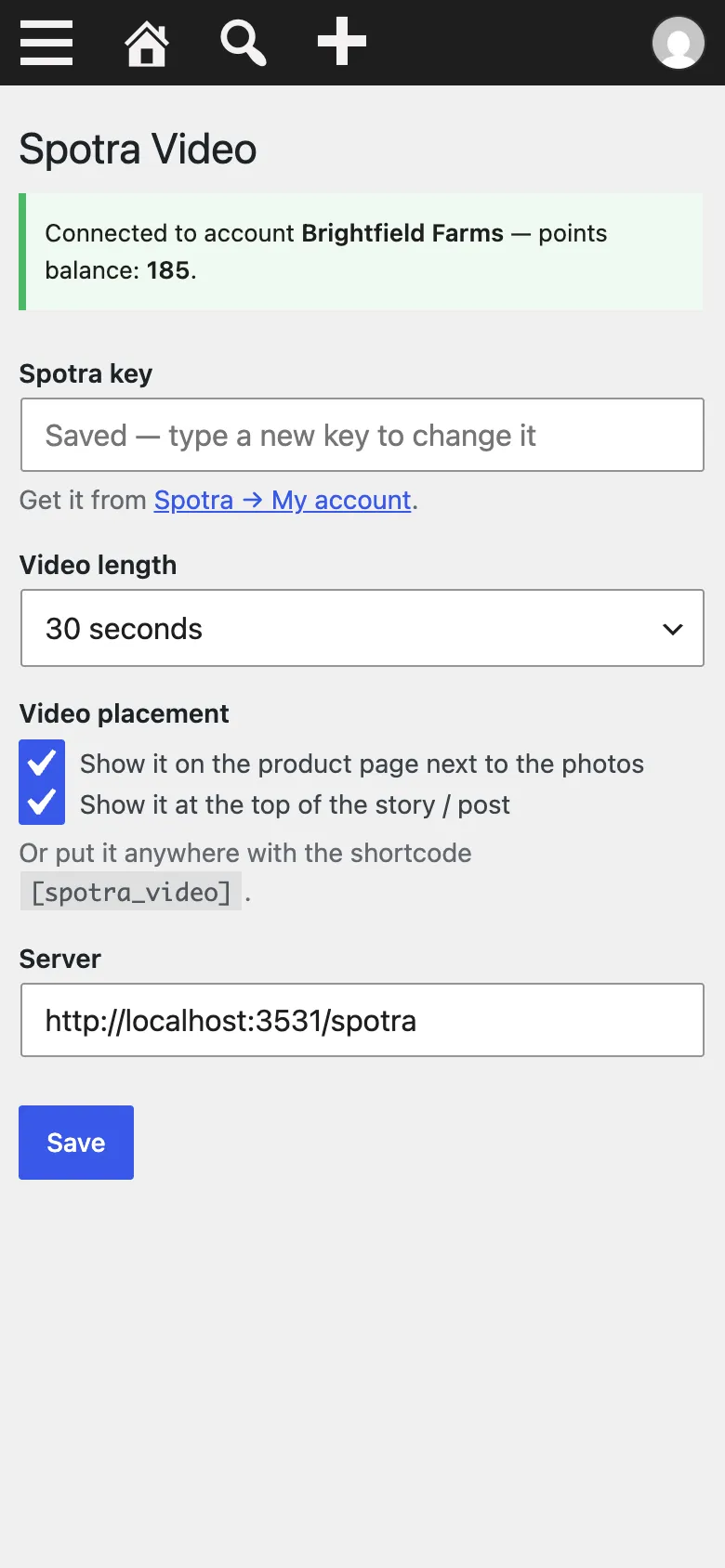
Settings → Spotra Video → «Video placement».
- 2
Tick «Show it on the product page next to the photos» and/or «Show it at the top of the story / post».
- 3
Or put [spotra_video] anywhere on the page.
- 4
The video file itself is saved in your site's Media Library.
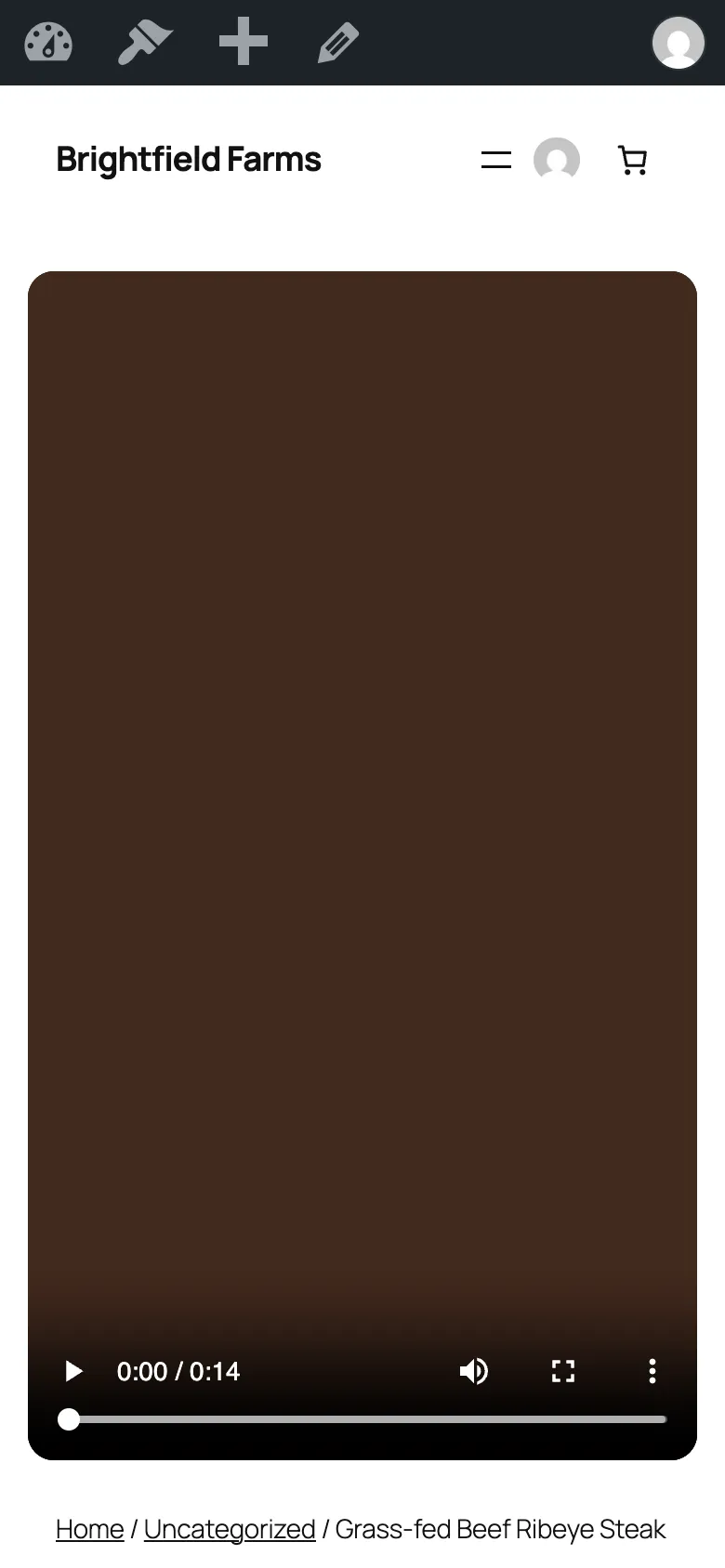
Real screenshots from Spotra — the number is the step, and the coloured frame shows where to tap. Tap a picture to enlarge it.
The copy on your site is not affected when the video is deleted from Spotra's servers after 10 days.
Was this article helpful?