Remove the video from the page or make a new one
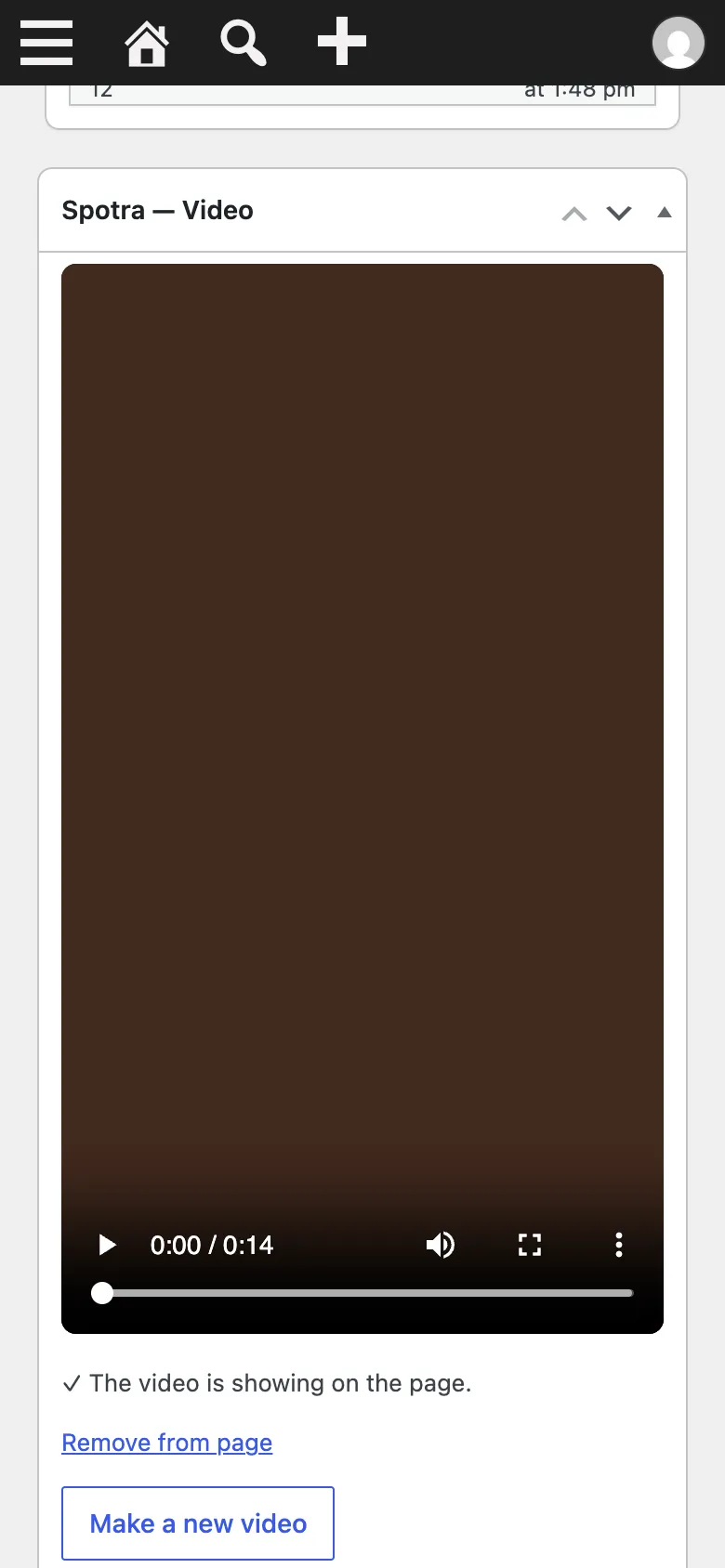
From the «Spotra — Video» box on the edit screen: «Remove from page» or «Make a new video».
WordPress siteNews site
- 1
Open the product or post for editing.
- 2
In the «Spotra — Video» box, tap «Remove from page» — the video is no longer shown.
- 3
Want another one? Tap «Make a new video» and follow the same steps.
Real screenshots from Spotra — the number is the step, and the coloured frame shows where to tap. Tap a picture to enlarge it.
Was this article helpful?