The plugin key
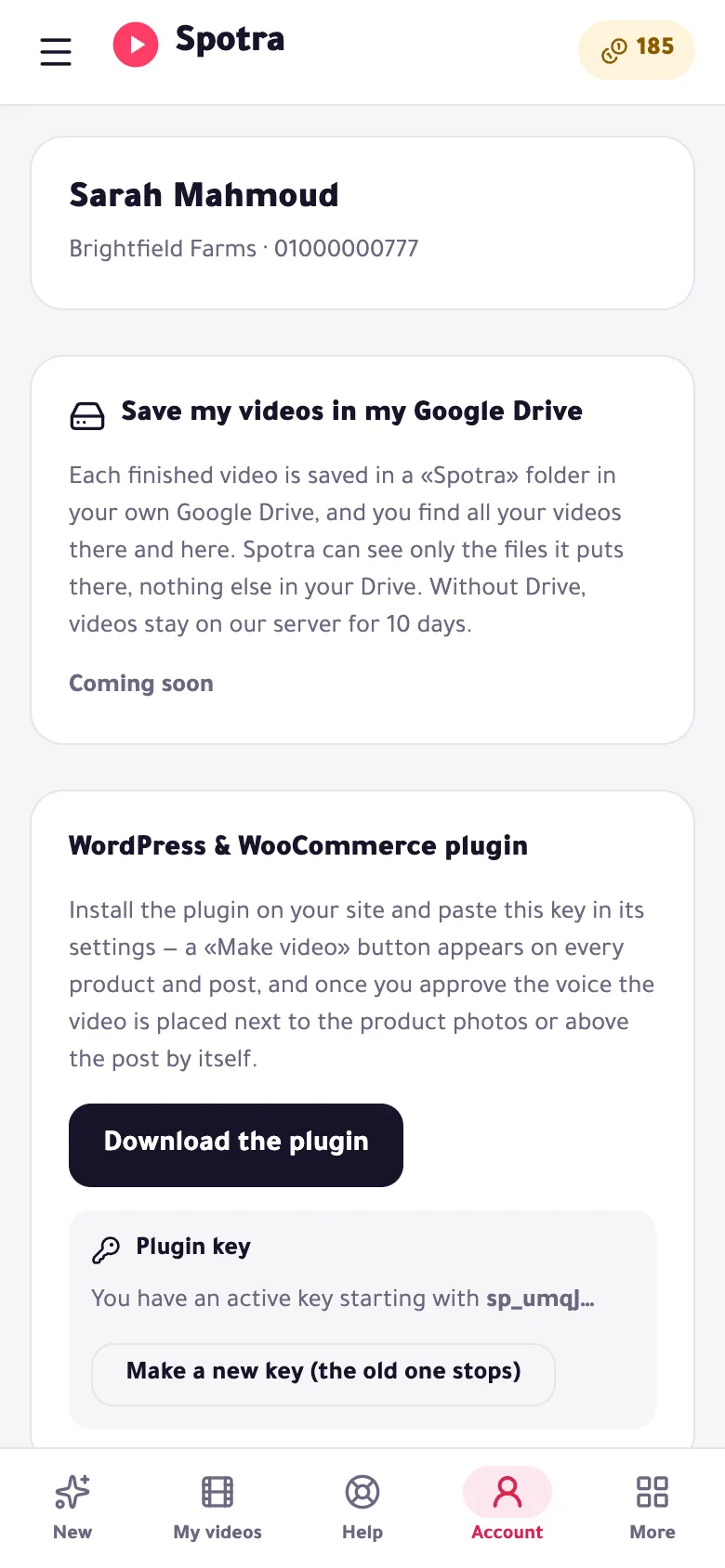
The key links your store to your Spotra account. It's shown once when you create it, and a new key stops the old one.
WordPress siteNews siteScreen «Account»
- 1
«My account» → «Plugin key» → «Create key».
- 2
Tap «Copy» — the key won't be shown again.
- 3
Paste it in WordPress → Settings → Spotra Video.
- 4
Lost it? Tap «Create a new key (the old one stops)» and put the new one in the plugin.
Real screenshots from Spotra — the number is the step, and the coloured frame shows where to tap. Tap a picture to enlarge it.
Was this article helpful?