Install the Spotra plugin on WordPress
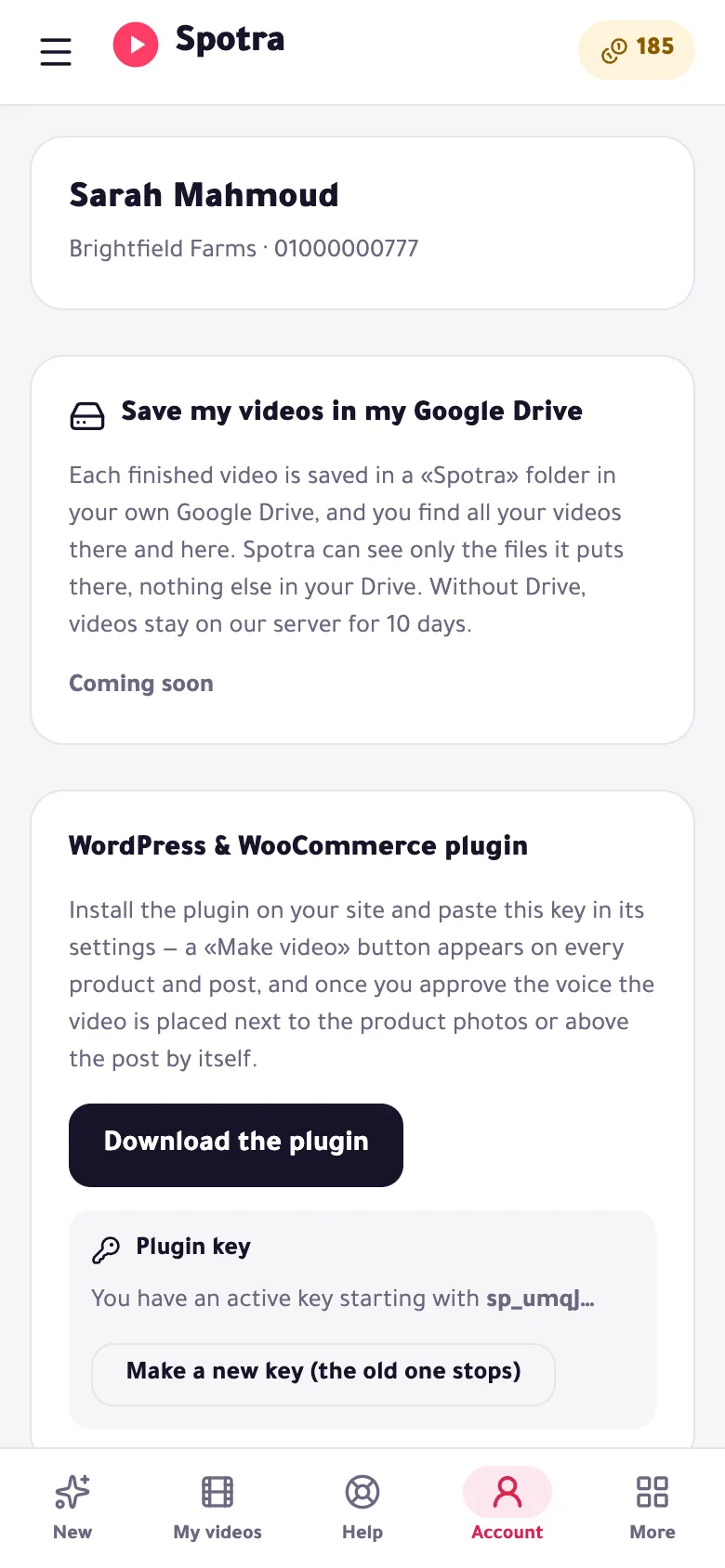
Download the plugin from «My account», upload it in your WordPress dashboard, activate it, and paste your key in its settings.
- 1
In Spotra: «My account» → «Download the plugin» (the file spotra-video.zip).
- 2
In WordPress: Plugins → Add New → Upload Plugin → choose the file → «Install Now» → «Activate Plugin».

- 3
In Spotra: tap «Create key» and copy it — it is shown only once.
- 4
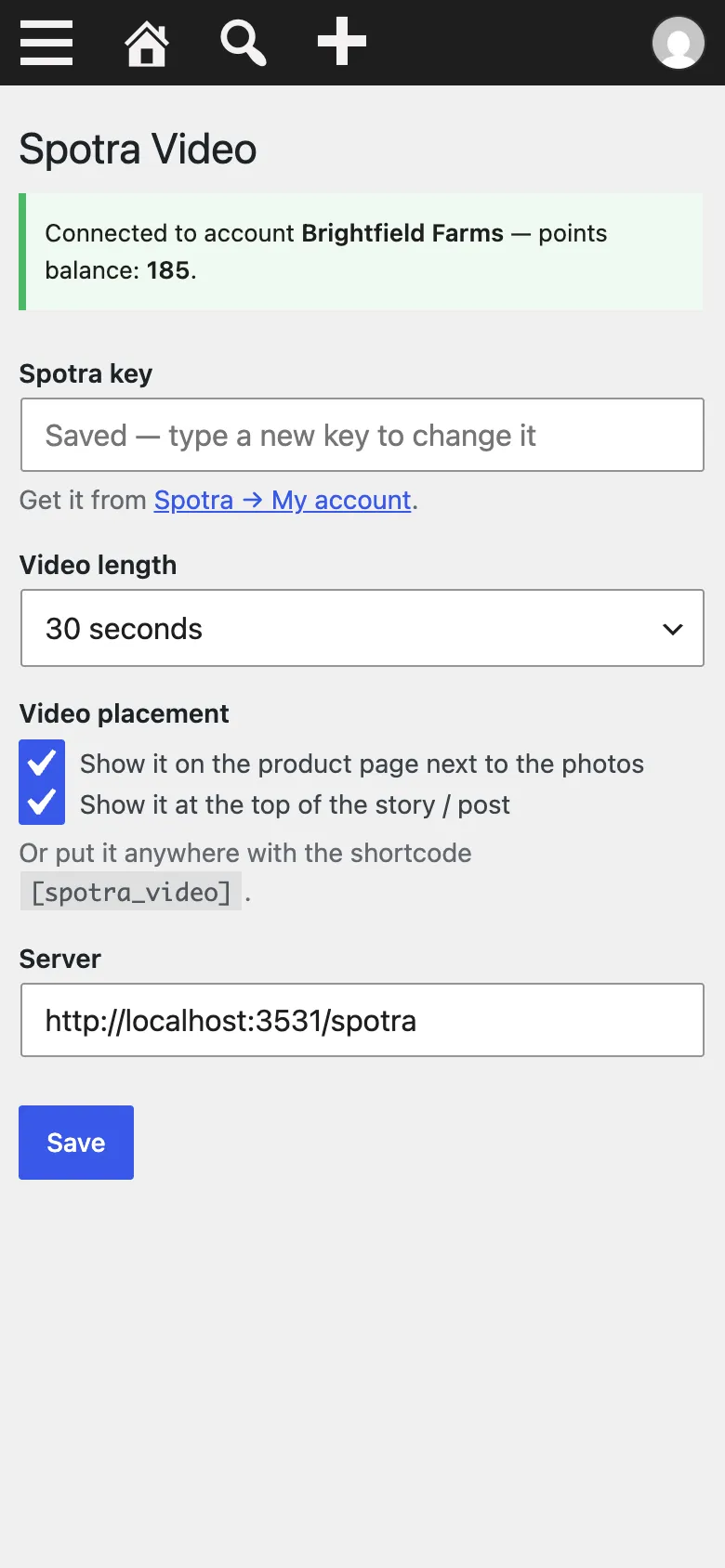
In WordPress: Settings → Spotra Video → paste the key in «Spotra key» → «Save».
- 5
A green «Connected to account …» message appears with your points balance.
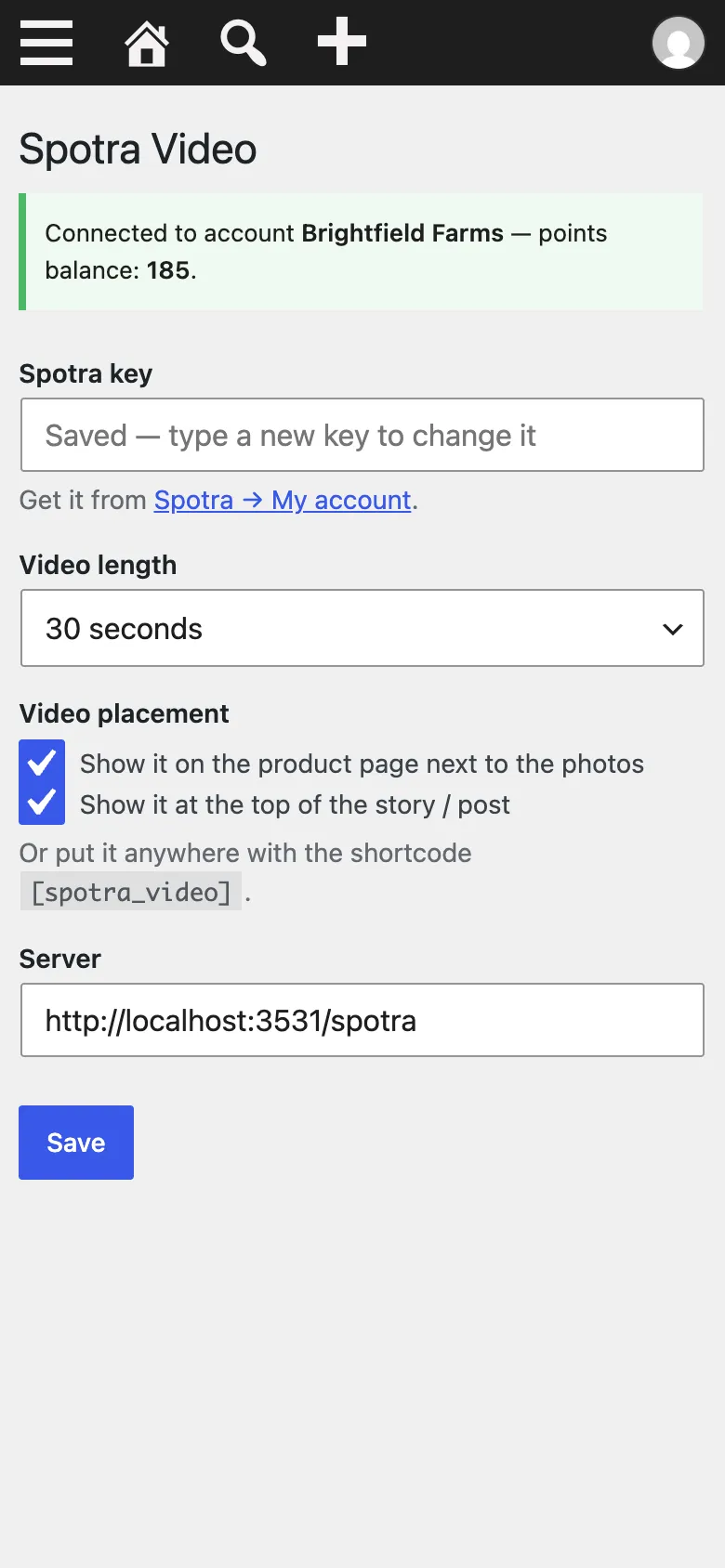
Real screenshots from Spotra — the number is the step, and the coloured frame shows where to tap. Tap a picture to enlarge it.
The plugin works with WooCommerce (products) and with regular posts (news).
It needs WordPress 6.0 or newer and PHP 7.4 or newer.