I want to change something after the video is done
Edit any scene below the finished video and approve it again, then tap «Make the final video» once more — it's charged by its length.
Account ownerWordPress siteNews site
- 1
Open the finished video — the scenes are below it.
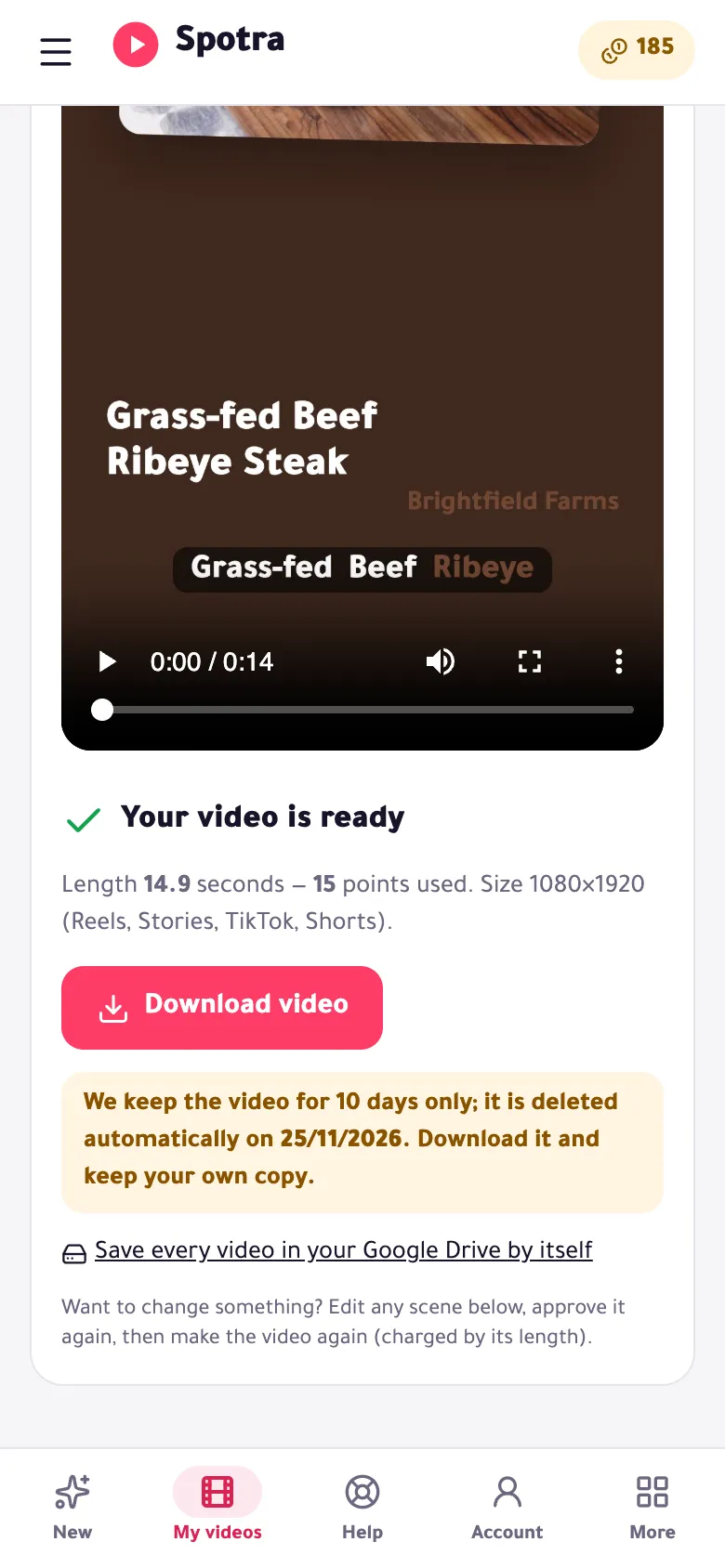
- 2
Tap a word to fix it, or use «Edit text», «Re-record» or «Screen text» on the scene.
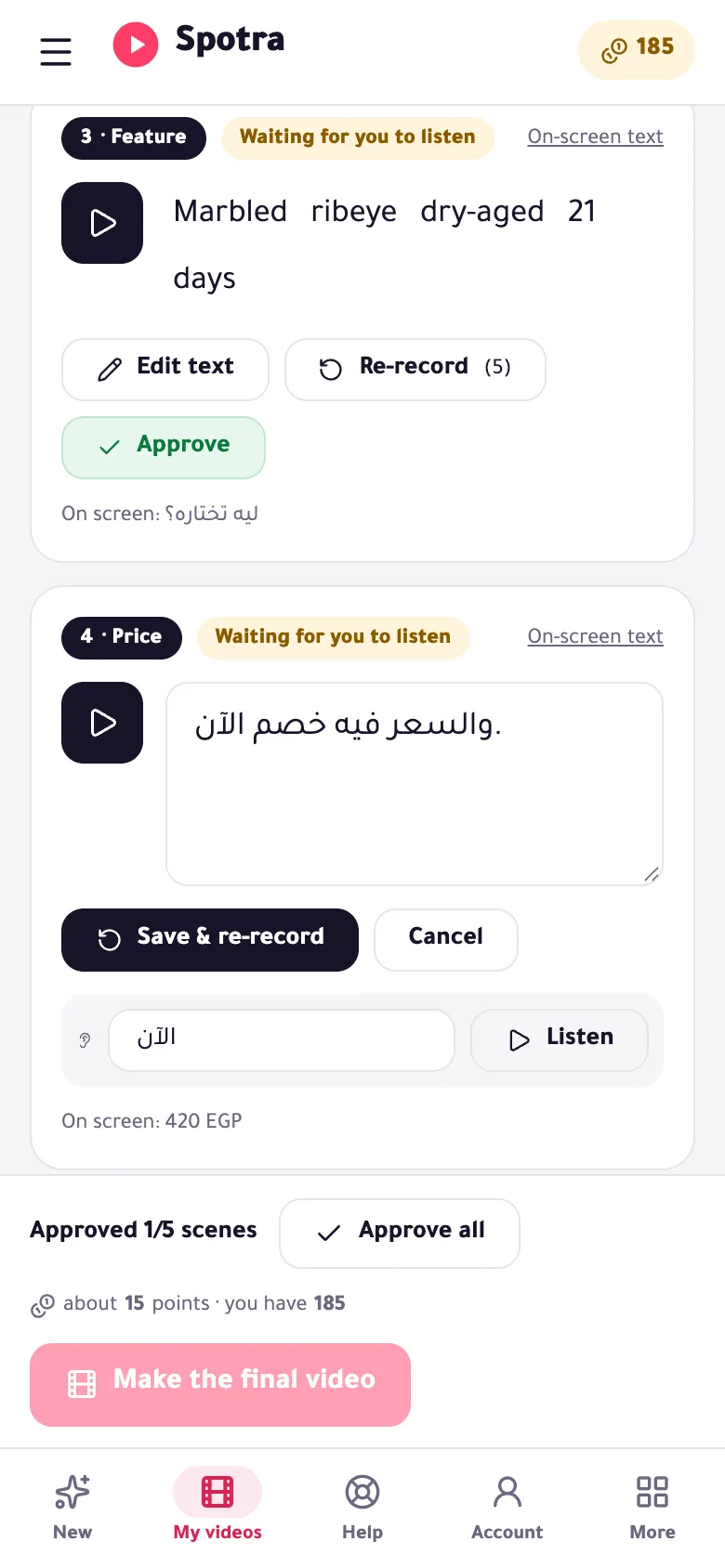
- 3
The video goes back to «Waiting for your review» — approve the scene.
- 4
Tap «Make the final video» again.
Real screenshots from Spotra — the number is the step, and the coloured frame shows where to tap. Tap a picture to enlarge it.
This works only within 10 days of the last change — after that the video files are deleted.
Was this article helpful?