Make the final video
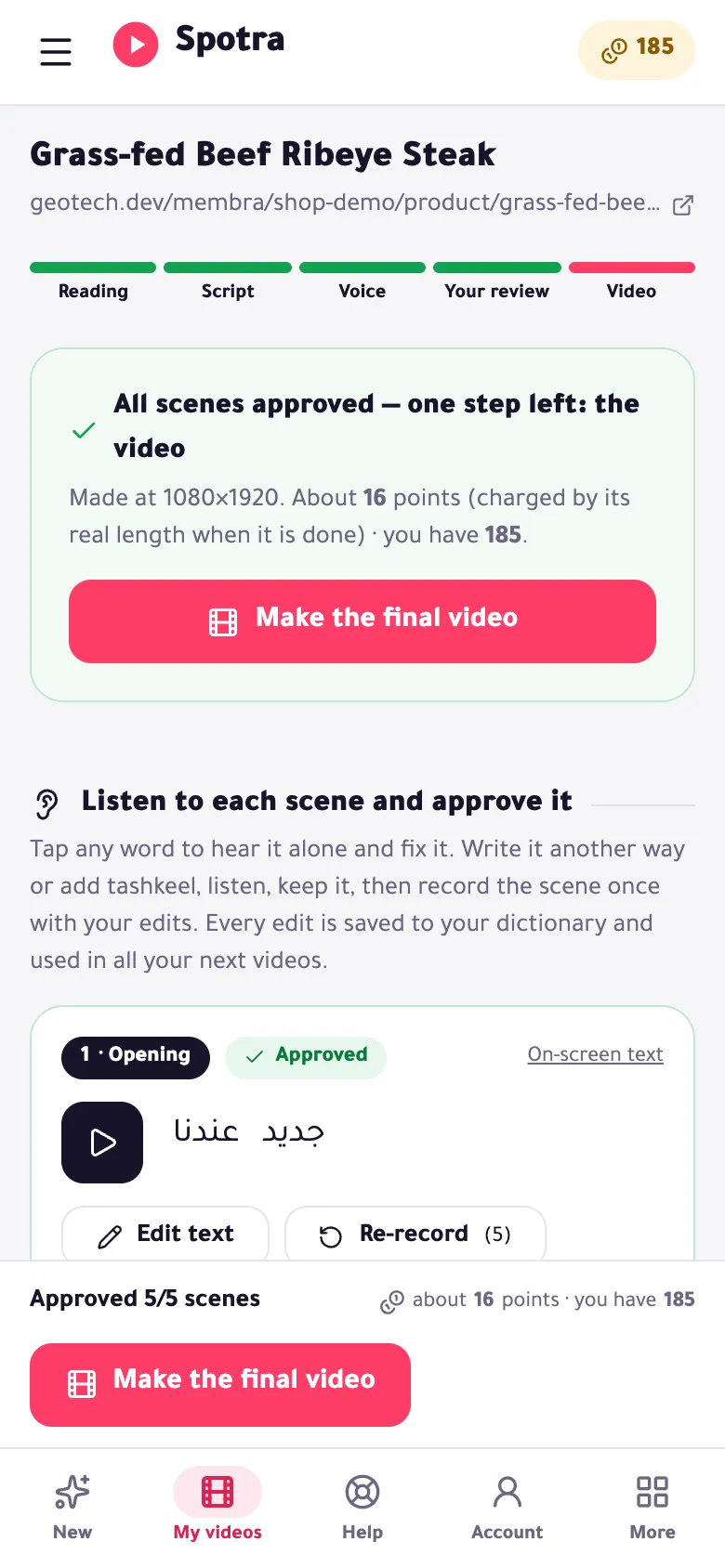
Once every scene is approved, tap «Make the final video» — it's rendered at 1080×1920 in about two minutes, and points are spent on its real length.
Account ownerWordPress siteNews site
- 1
Approve every scene.
- 2
The green «All scenes approved» card shows roughly how many points it needs and how many you have.
- 3
Tap «Make the final video».
- 4
The status shows «Rendering» for about two minutes — you can close the page.
- 5
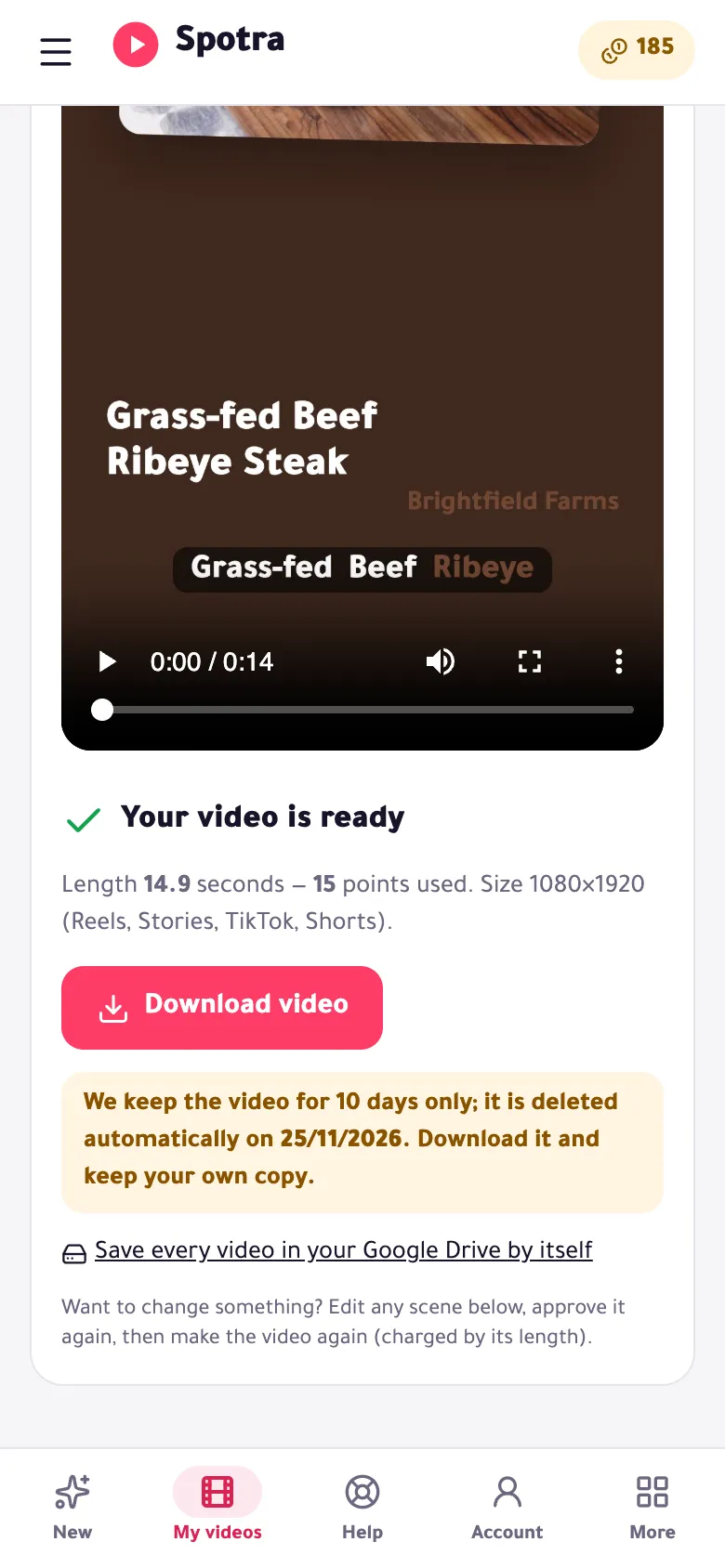
When it's done, the video is in front of you with «Download video».
Real screenshots from Spotra — the number is the step, and the coloured frame shows where to tap. Tap a picture to enlarge it.
Was this article helpful?