Download and post your video
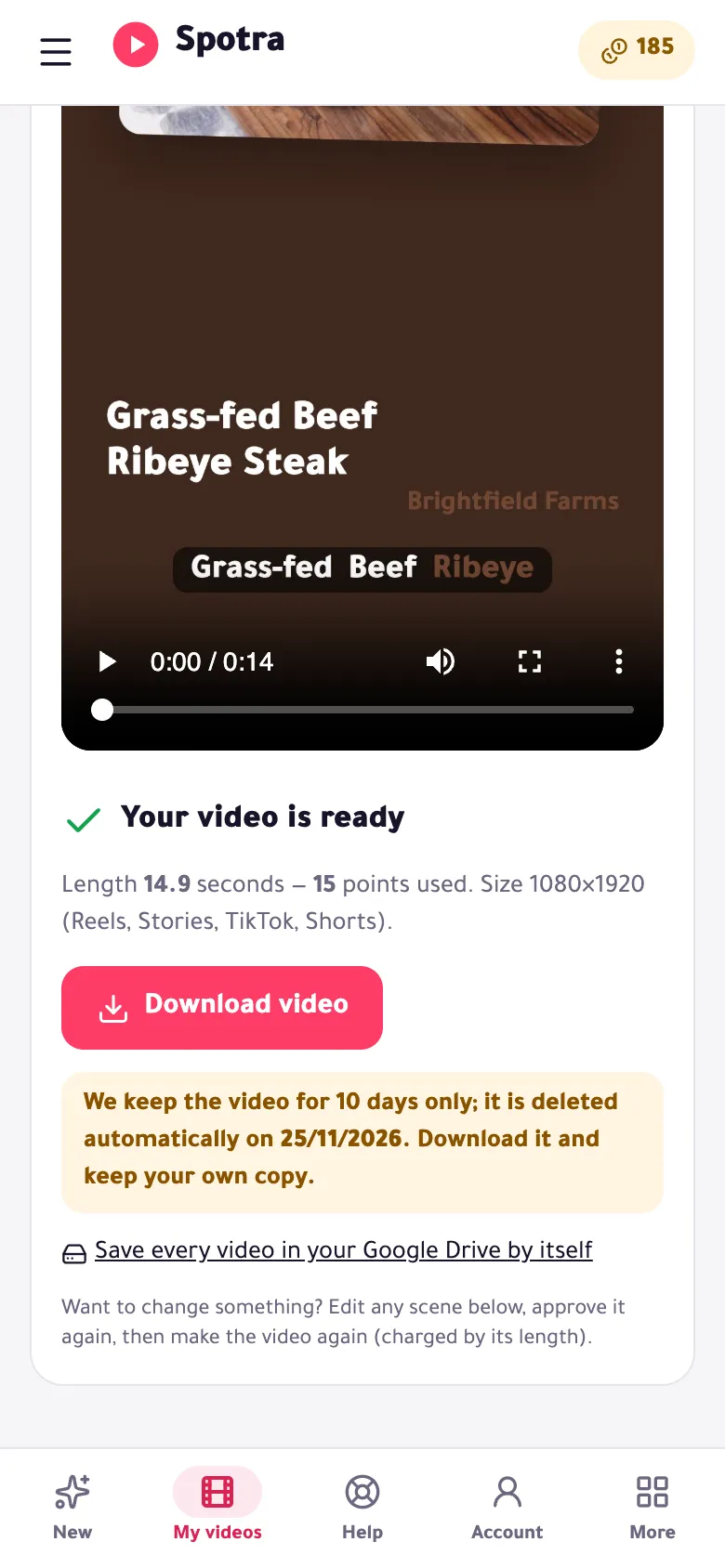
Tap «Download video» on its page — a vertical 1080×1920 video for Reels, Stories, TikTok and Shorts. Posting is up to you.
Account ownerWordPress siteNews site
- 1
Open the video from «My videos» — its status is «Ready».
- 2
Tap «Download video».
- 3
On iPhone (in the app) the share sheet opens → «Save Video». On Android and computers it goes to your downloads.
- 4
Post it from your own Facebook, Instagram or TikTok account.
Real screenshots from Spotra — the number is the step, and the coloured frame shows where to tap. Tap a picture to enlarge it.
Spotra never posts your videos anywhere.
Download early — the video is deleted from our servers 10 days after its last change.
Was this article helpful?