Which links work?
Any public product or article page that opens without signing in. Spotra takes the name, description, price and photos from it. No link? Make the ad from your photos.
- 1
Open the product page itself (not the home page or a category page) and copy the link from the browser.
- 2
The link must start with https:// and the page must open for anyone without signing in.
- 3
The page must have the product's name and description, or the article text — photos help too.
- 4
Paste the link in «New video» → «From a product link» → «Make the video».
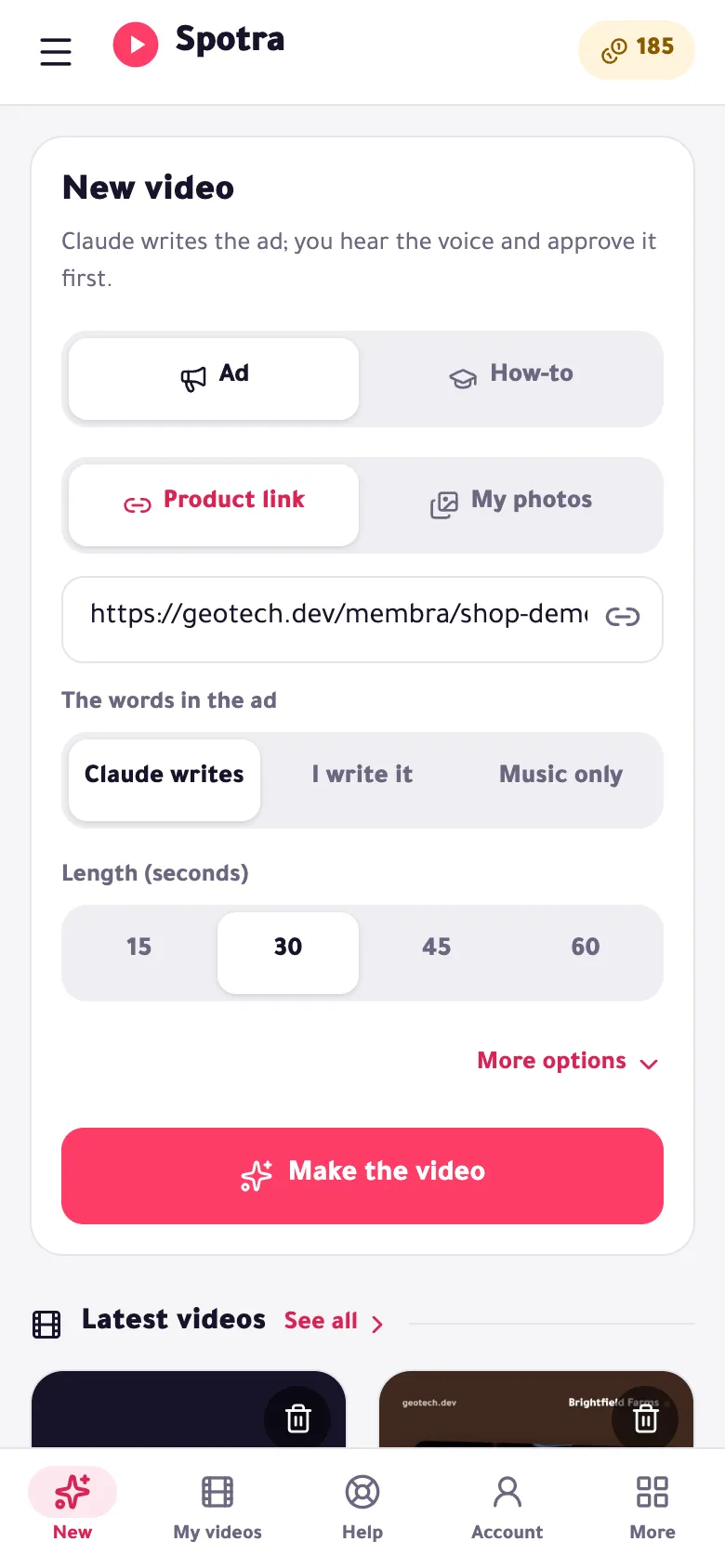
Real screenshots from Spotra — the number is the step, and the coloured frame shows where to tap. Tap a picture to enlarge it.
Have a WooCommerce store? The plugin sends the product details straight from your store — Spotra doesn't need to open the page.
Facebook, Instagram and WhatsApp group links are not product pages. Use your store link, or choose «From my photos».