Length, look, dialect and voice
The length is always shown; the rest is under «More options»: look, dialect, voice and a note for Claude.
Account ownerWordPress siteNews siteScreen «My videos»
- 1
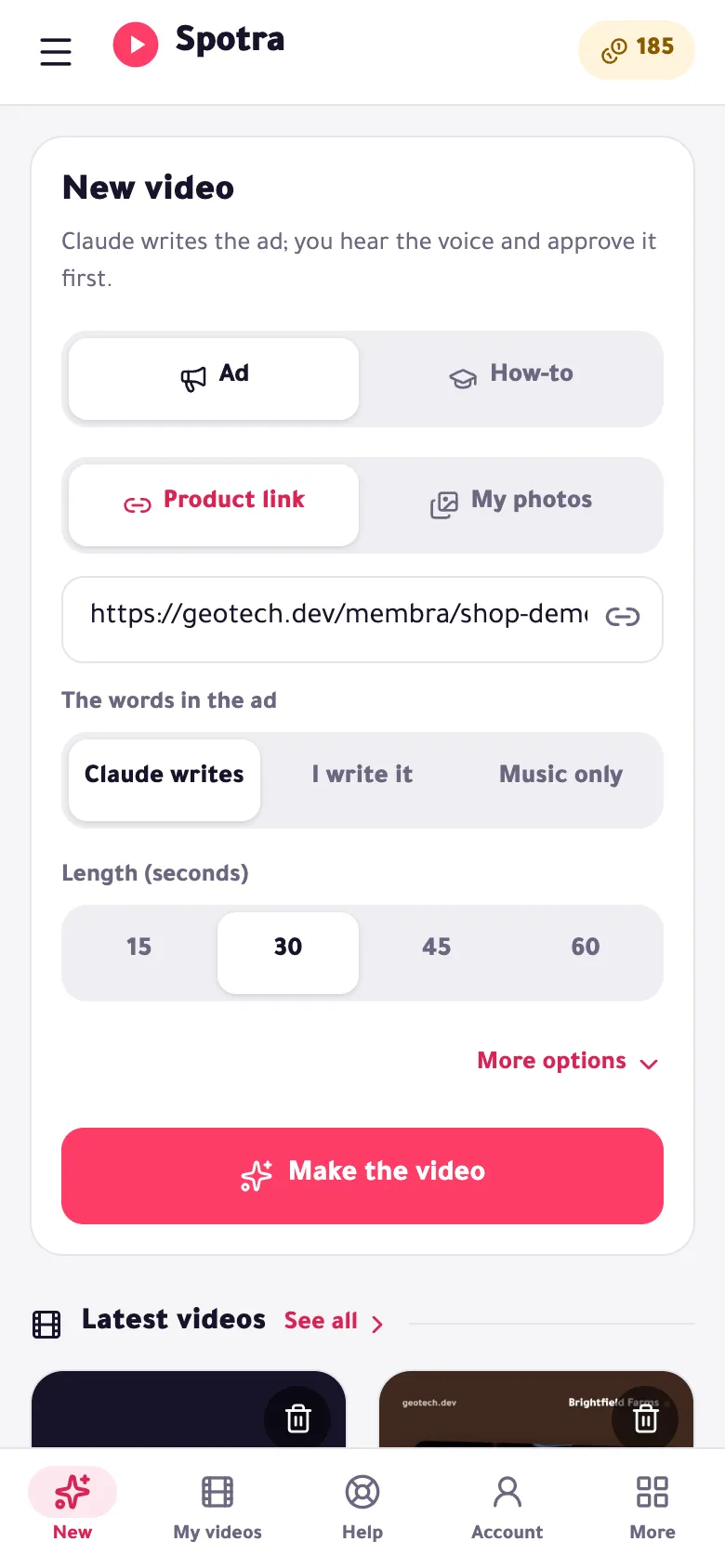
Length: 15, 30, 45 or 60 seconds (30 is the default).
- 2
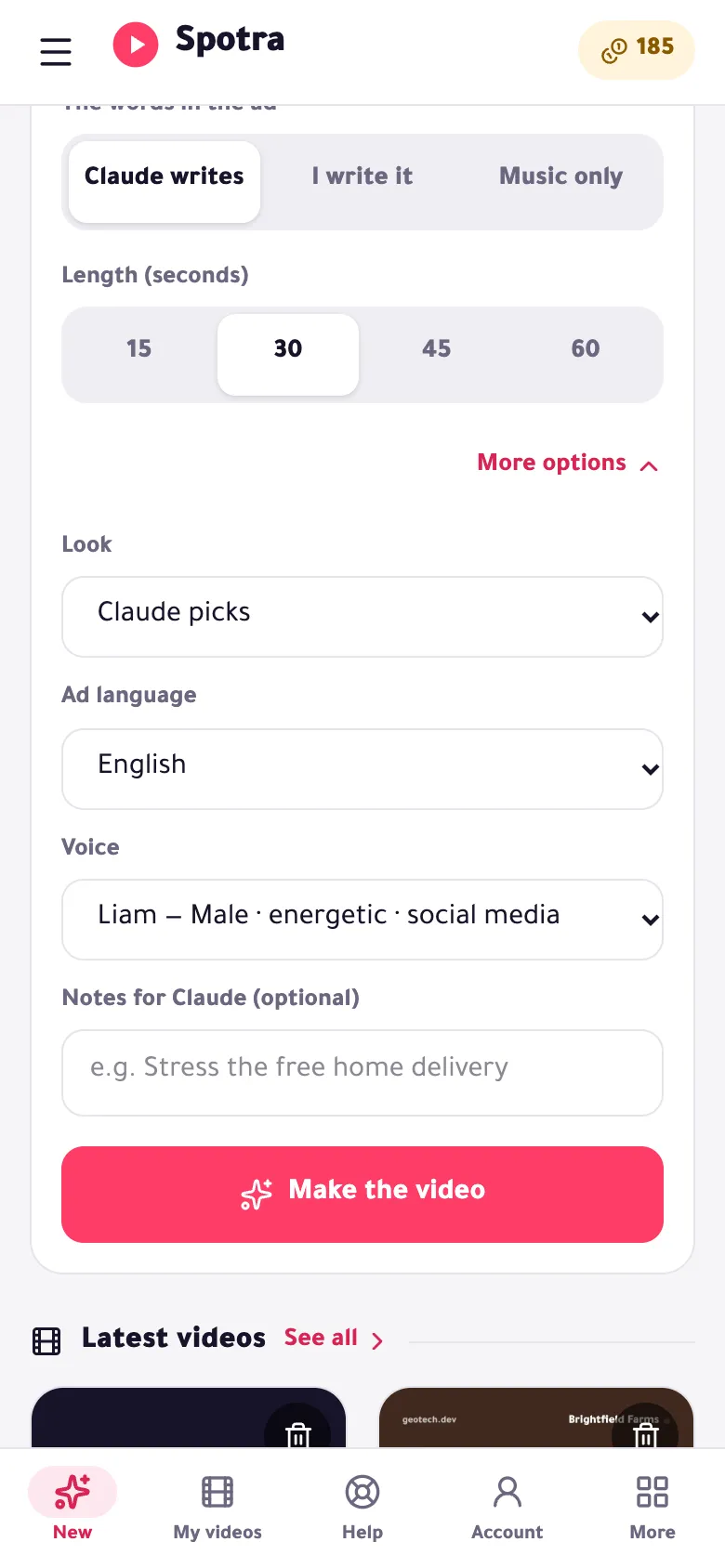
Tap «More options».
- 3
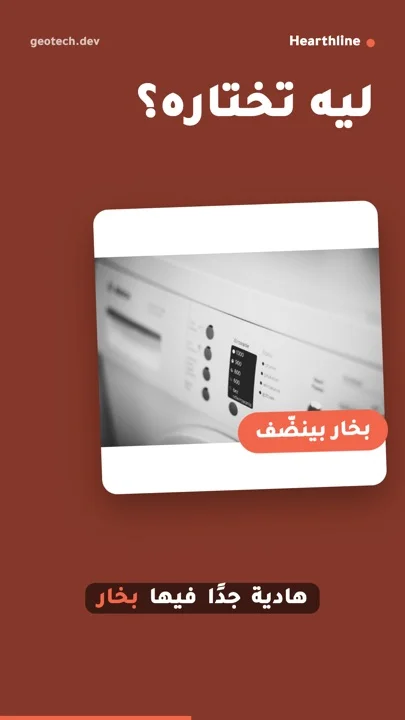
Look: «Claude picks», or Bold & colourful, Clean & light, Luxe & dark, or Newscast.
- 4
Dialect: Egyptian, Gulf / Saudi, or Modern Standard Arabic. Pick the voice from the list.
- 5
Notes for Claude (optional): e.g. «Focus on free home delivery».
Real screenshots from Spotra — the number is the step, and the coloured frame shows where to tap. Tap a picture to enlarge it.
The length is a target — the final video is counted by its real length.
Was this article helpful?