«Not enough points»
You see this if your balance is under 10 when starting a video, or under the video's rough length when making the final video.
Account ownerWordPress siteNews site
- 1
Check your balance at the top.
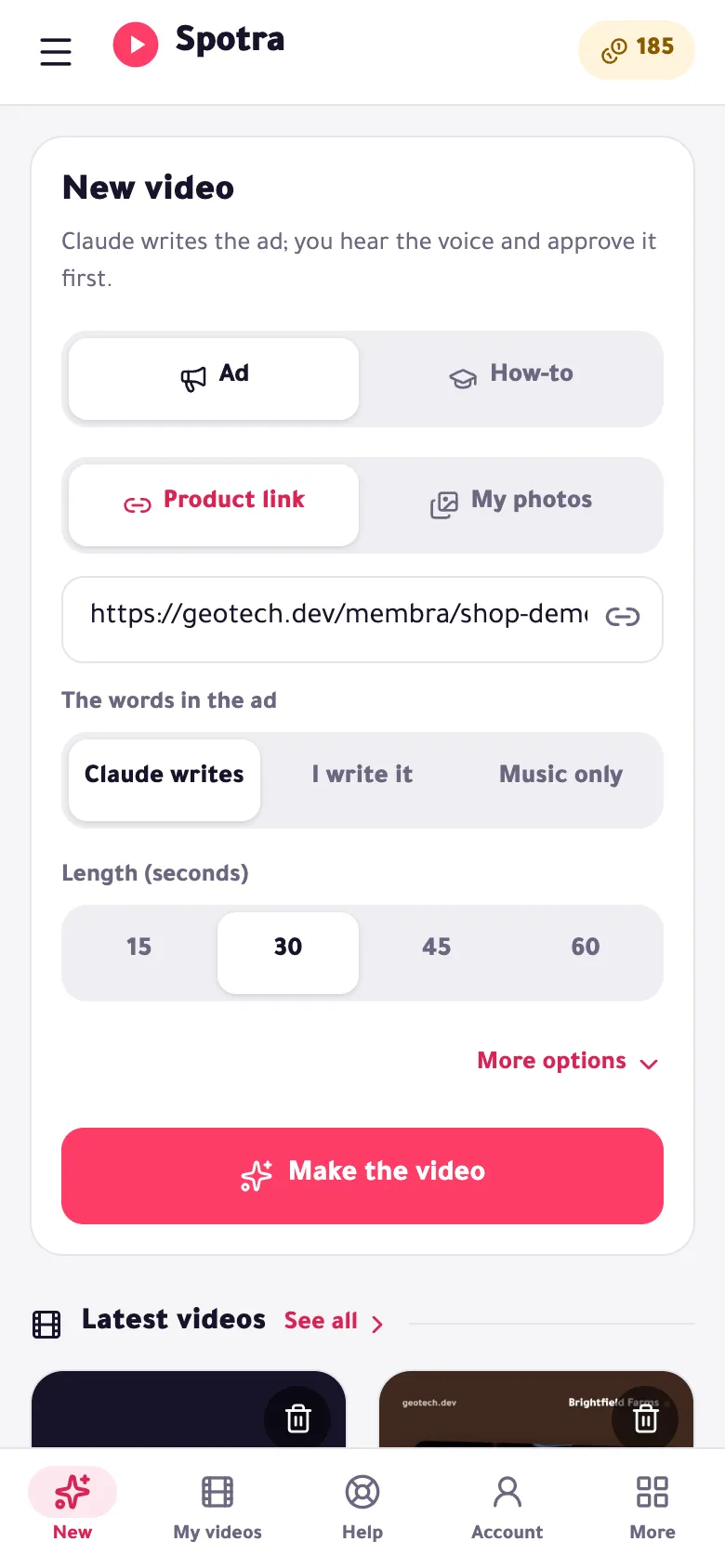
- 2
A new video needs at least 10 points to start.
- 3
The final video needs about as many points as its seconds — try a shorter length (e.g. 15 seconds).
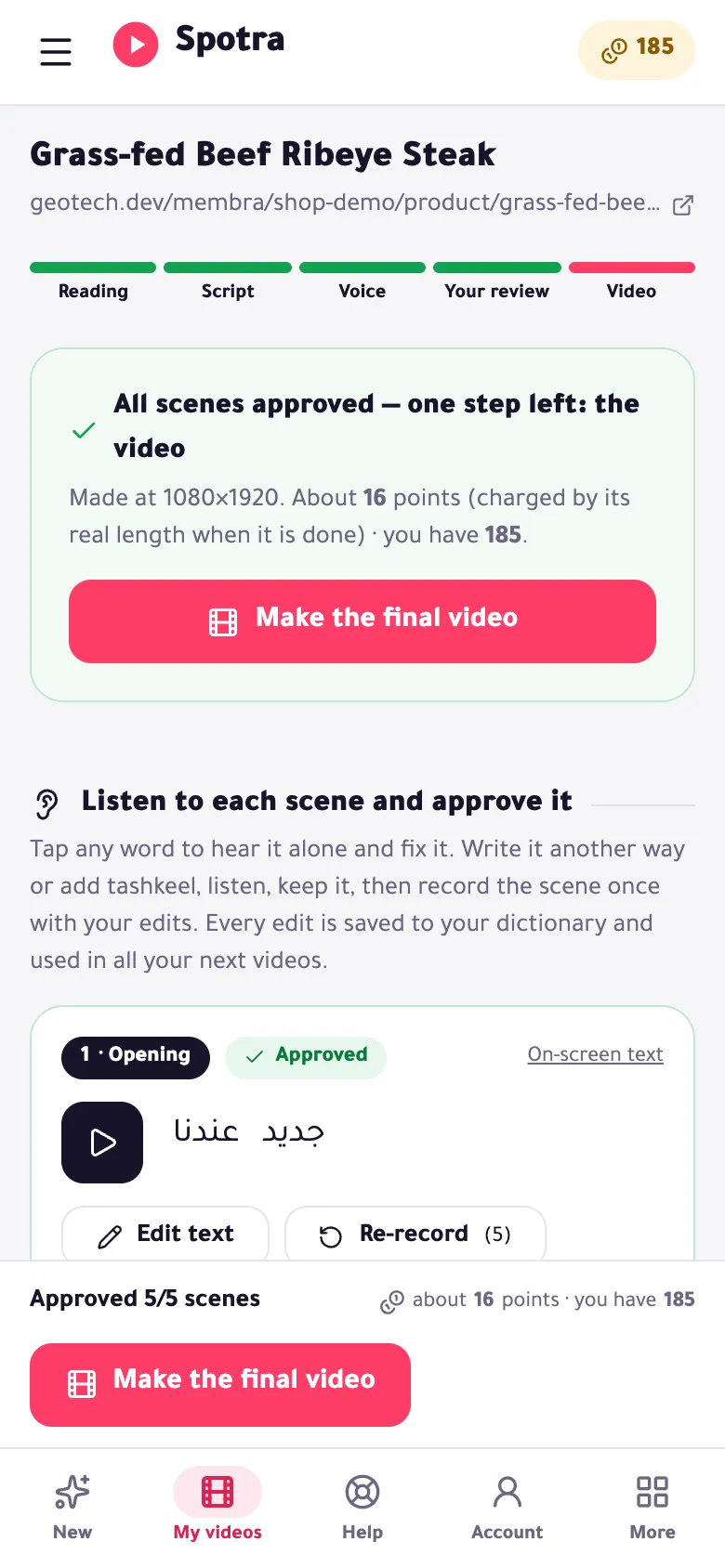
- 4
Your approved scenes and voice stay saved until you continue, within the storage period (10 days from the last change).
Real screenshots from Spotra — the number is the step, and the coloured frame shows where to tap. Tap a picture to enlarge it.
Was this article helpful?