The end card and QR code
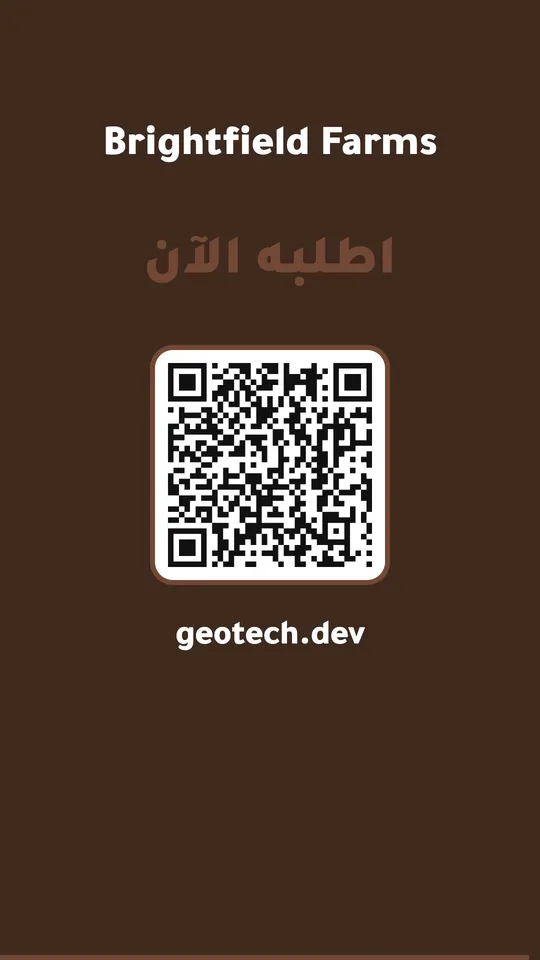
The last scene shows your shop name, a line like «Order now», a QR code that opens your link, and your domain.
Account ownerWordPress siteNews site
- 1
The QR code is made automatically from the link you started with — or from the «Order link» if you made the ad from your photos.
- 2
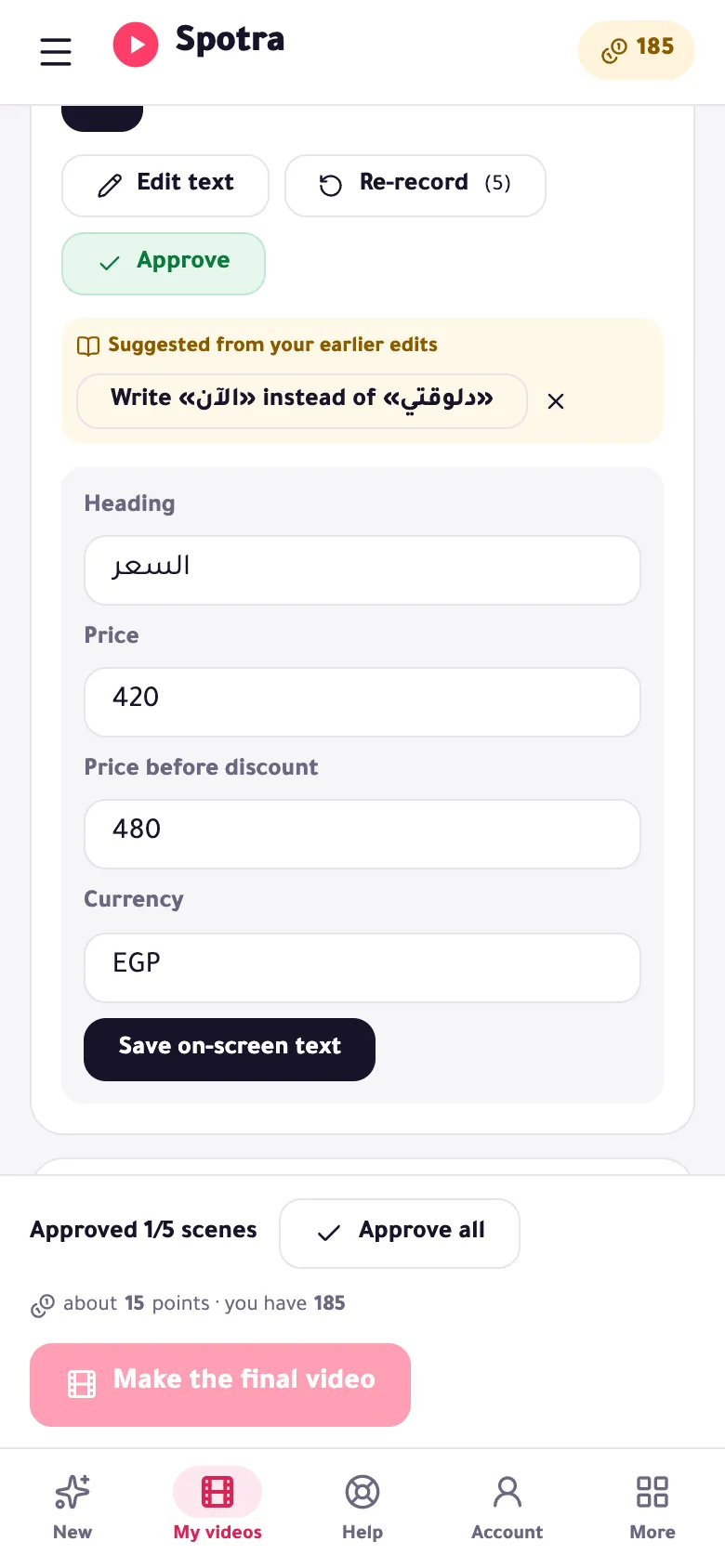
Want a different line? On the «End card» scene: «Screen text» → «Line» → «Save screen text».
- 3
Make a preview to check.
Real screenshots from Spotra — the number is the step, and the coloured frame shows where to tap. Tap a picture to enlarge it.
In an ad from your photos, if you leave «Order link» empty there is no QR code.
Was this article helpful?