I forgot my password
Tap «Forgot your password? Send me a WhatsApp code» on the sign-in screen and choose a new one.
Account ownerWordPress siteNews siteScreen «Sign in»
- 1
«Sign in» → enter your number → «Continue».
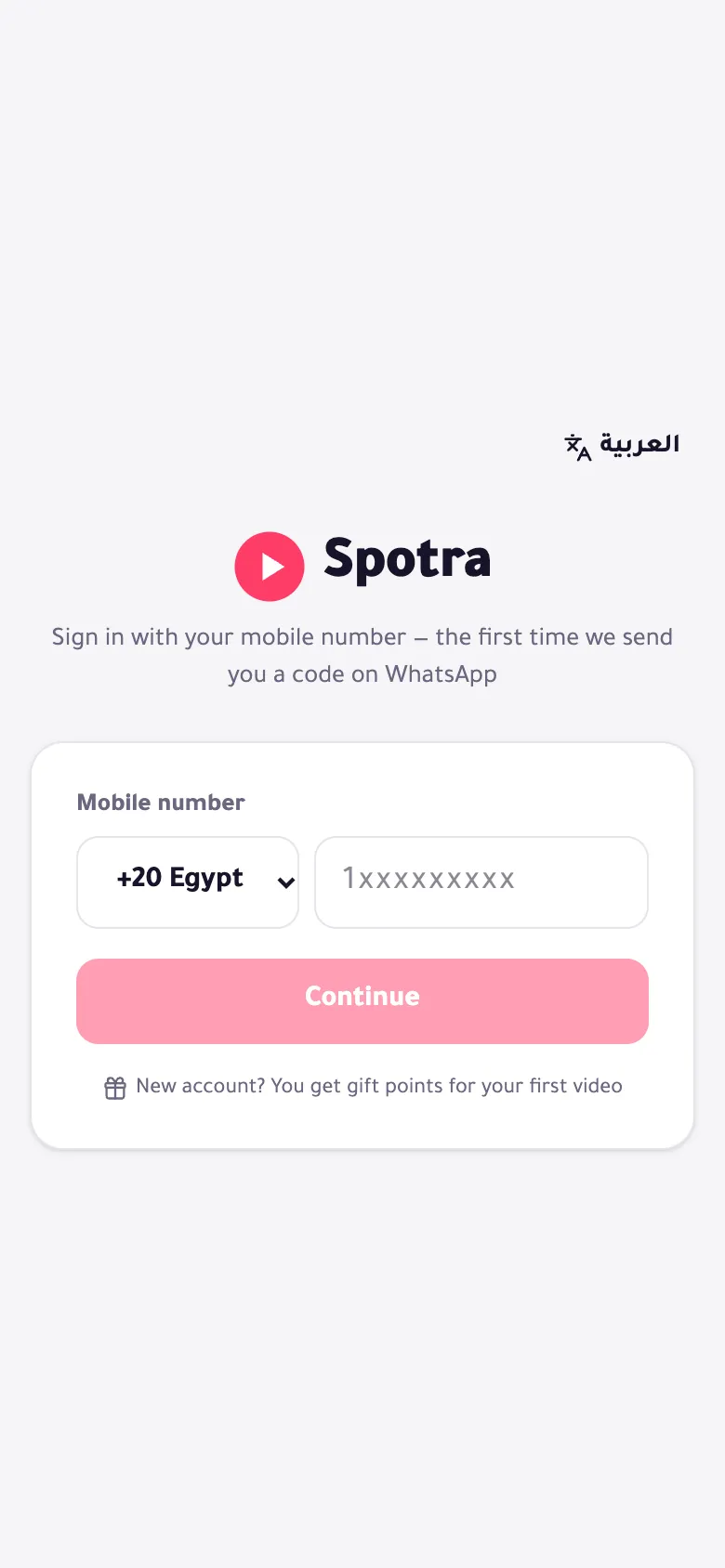
- 2
Tap «Forgot your password? Send me a WhatsApp code».
- 3
Enter the code → choose a new password → you're in.
Real screenshots from Spotra — the number is the step, and the coloured frame shows where to tap. Tap a picture to enlarge it.
Was this article helpful?