The video or recording stopped
A temporary problem while writing, recording or rendering — try again in a little while. Points are only spent once the final video is done.
Account ownerWordPress siteNews site
- 1
Read the yellow or red message at the top of the video page.
- 2
«Writing the script stopped» or «Something went wrong»: tap «Try again».
- 3
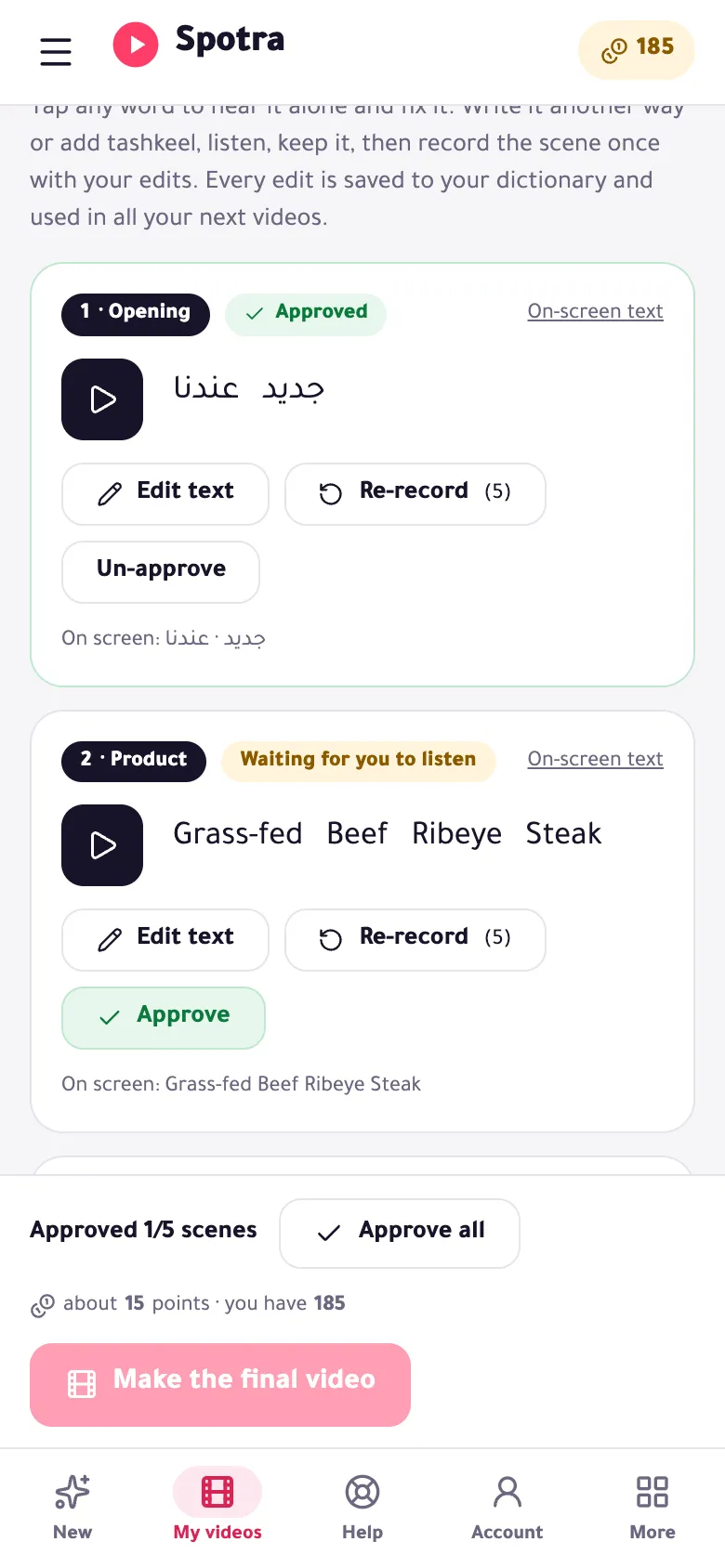
«Recording the voice stopped»: wait a minute and tap «Re-record» on the scene.
- 4
«The video didn't render»: your approved scenes are saved — tap «Make the final video» again.
- 5
Keeps happening? Contact us with the video number (in the page link).
Real screenshots from Spotra — the number is the step, and the coloured frame shows where to tap. Tap a picture to enlarge it.
Was this article helpful?