«You've reached the maximum recordings for this scene»
Each scene has 6 recordings. Editing screen text and listening to a single word don't count, and an approved scene stays as it is.
Account ownerWordPress siteNews site
- 1
Pick the best recording you heard and approve it.
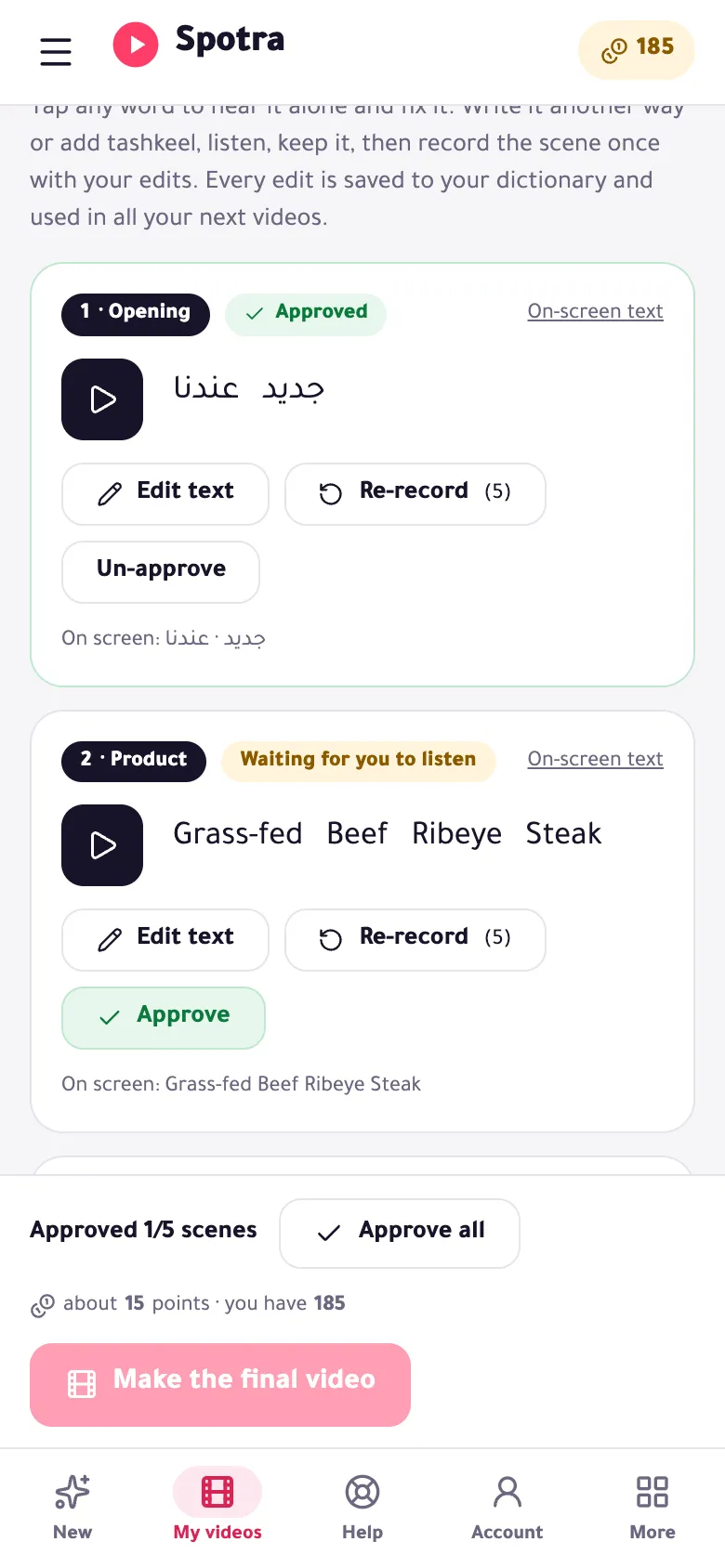
- 2
Before recording, fix all the words first by tapping them and «Keep word», then record the scene once with your edits.
- 3
Try a word with «Listen» before recording — that doesn't count.
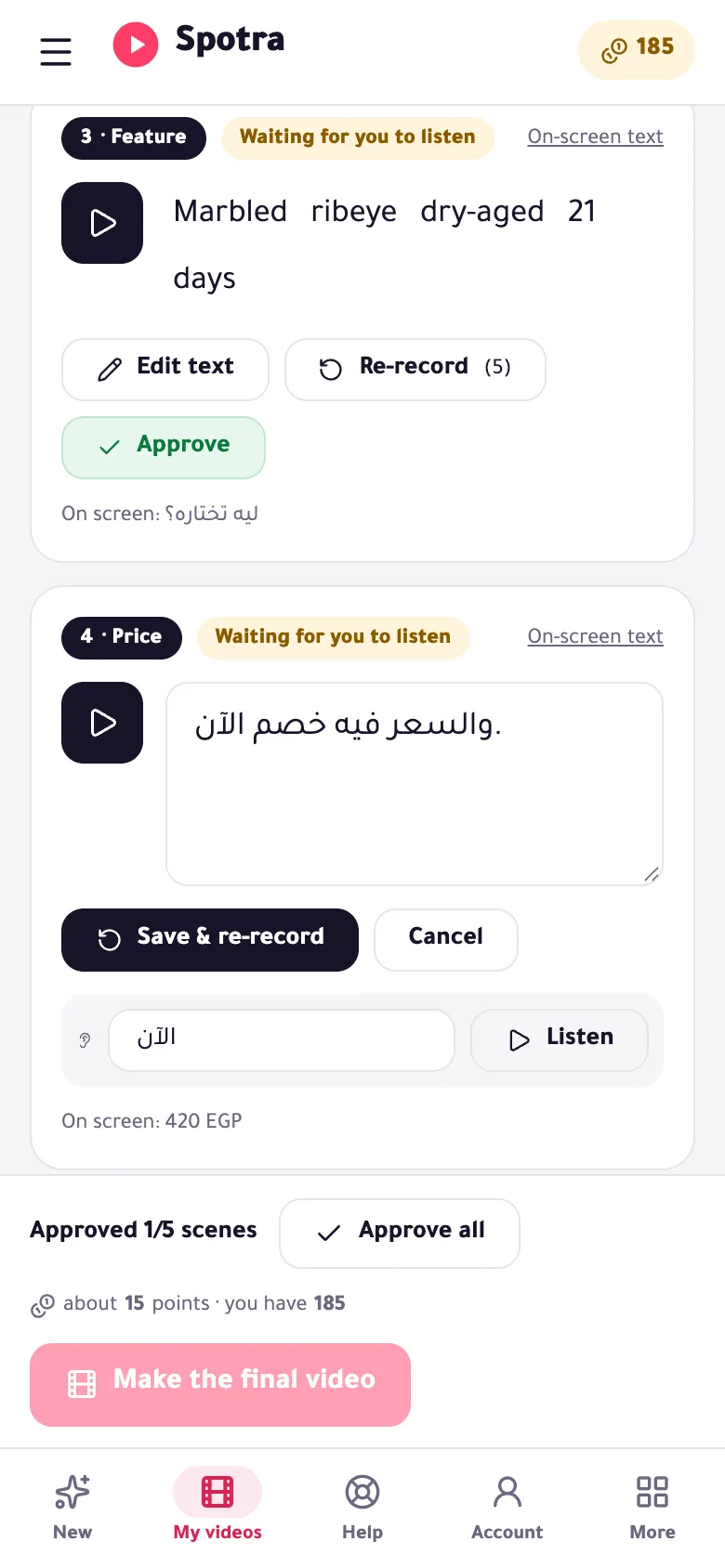
- 4
Still need a change? Make a new video for the same link — the words you fixed are applied automatically from your dictionary.
Real screenshots from Spotra — the number is the step, and the coloured frame shows where to tap. Tap a picture to enlarge it.
Was this article helpful?