«This link isn't a public page» or «We couldn't find a name or description»
The video stopped at the first stage because the page wouldn't open for us, or it has no product name and description.
- 1
Open the link on another phone or in a private browser window — it must open without signing in.
- 2
Make sure it's the product page itself, not the home page or a category.
- 3
Does the page have a name and description (not just photos)?
- 4
Tap «Try again» on the video page, or paste a different page's link.
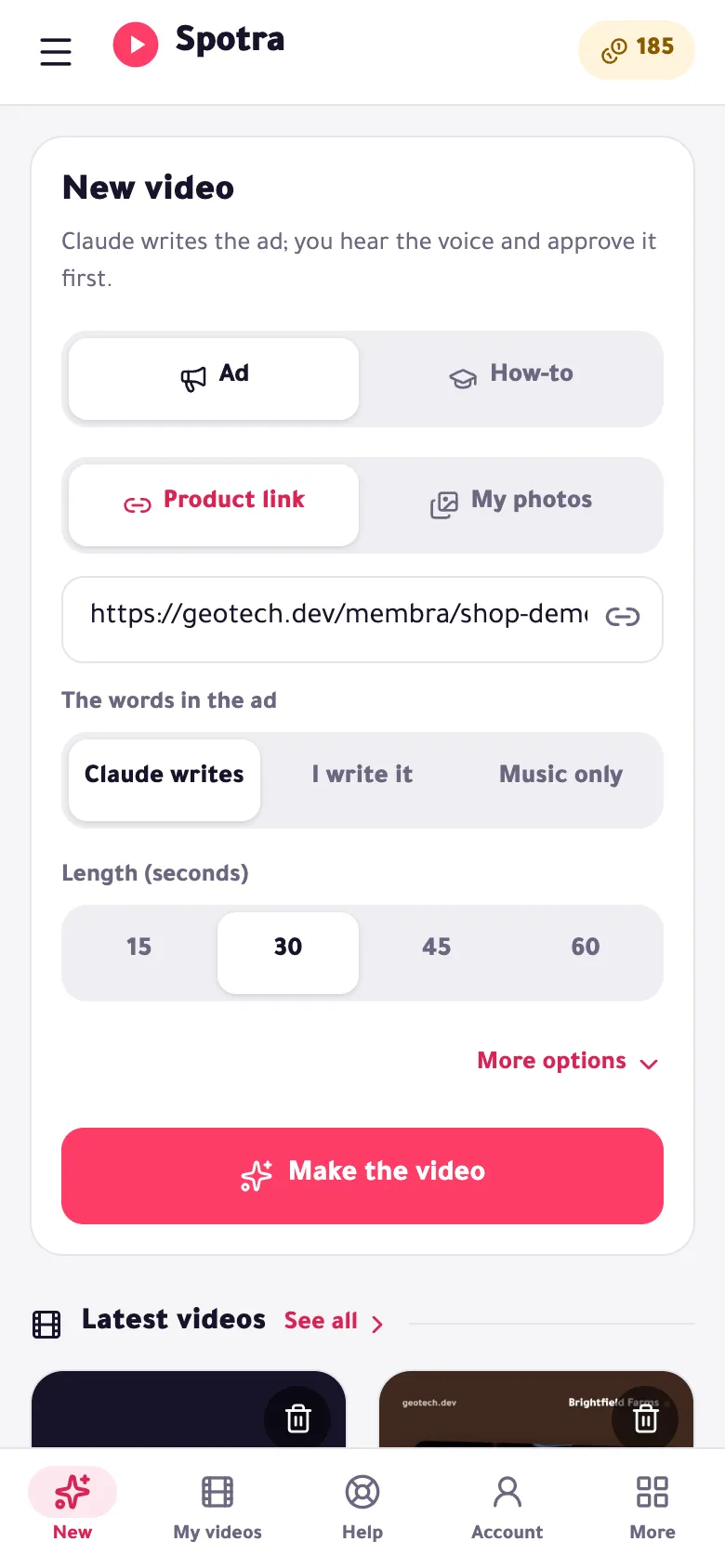
- 5
The easy fix: choose «From my photos», type the name and add the product photos yourself.
- 6
WooCommerce store? The plugin sends the details straight from your store and avoids this problem.
Real screenshots from Spotra — the number is the step, and the coloured frame shows where to tap. Tap a picture to enlarge it.
No points are spent at this stage.